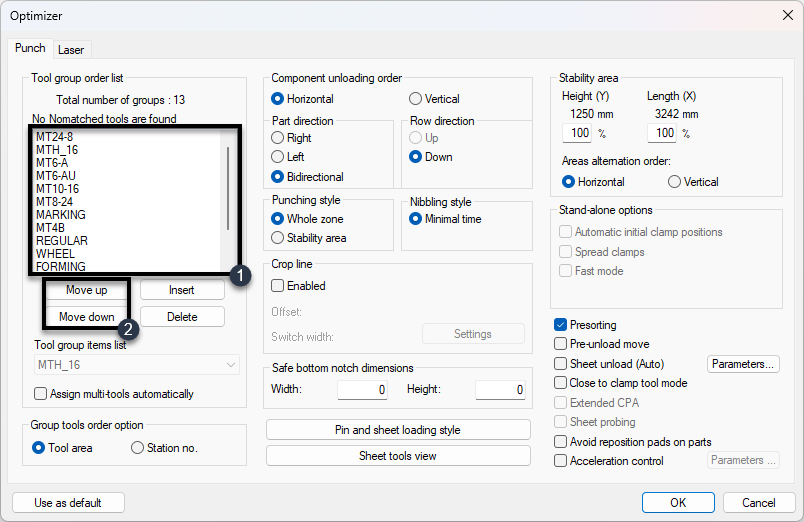
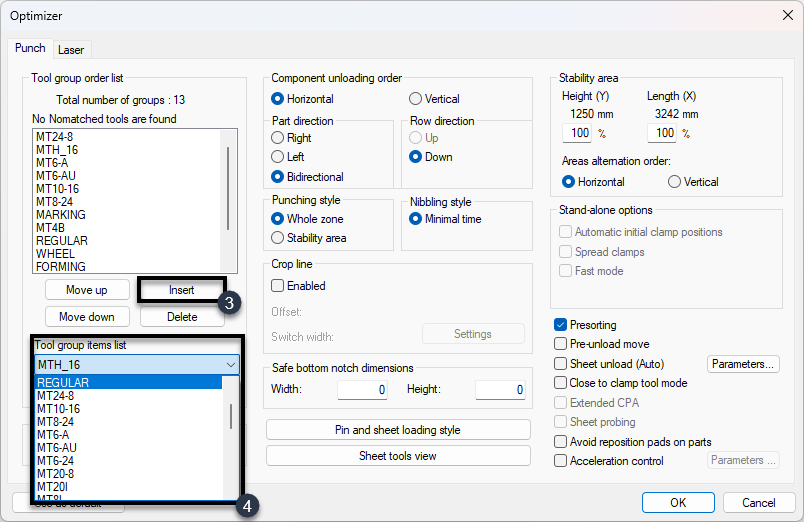
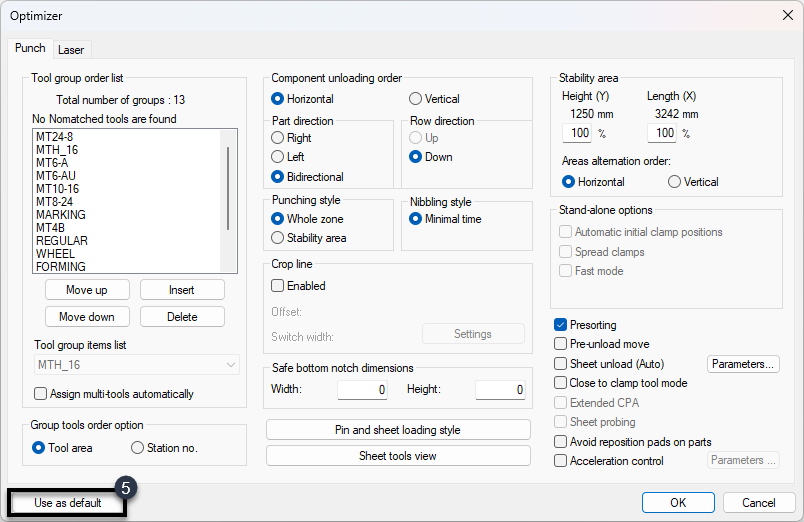
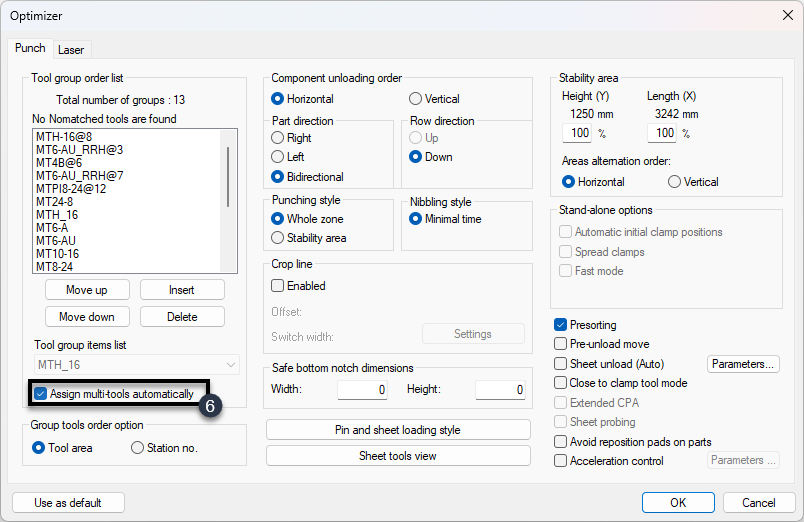
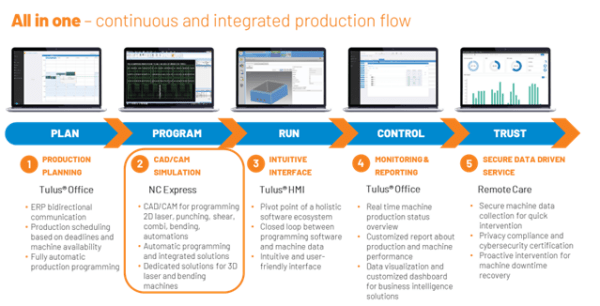
Following Prima Power software strategy ‘All in one’ which aims to create a continuous and integrated production flow for all Prima Power machines, I’m pleased to announce the release of NC Express.
NC Express 26.1 technical release notes document about new features.
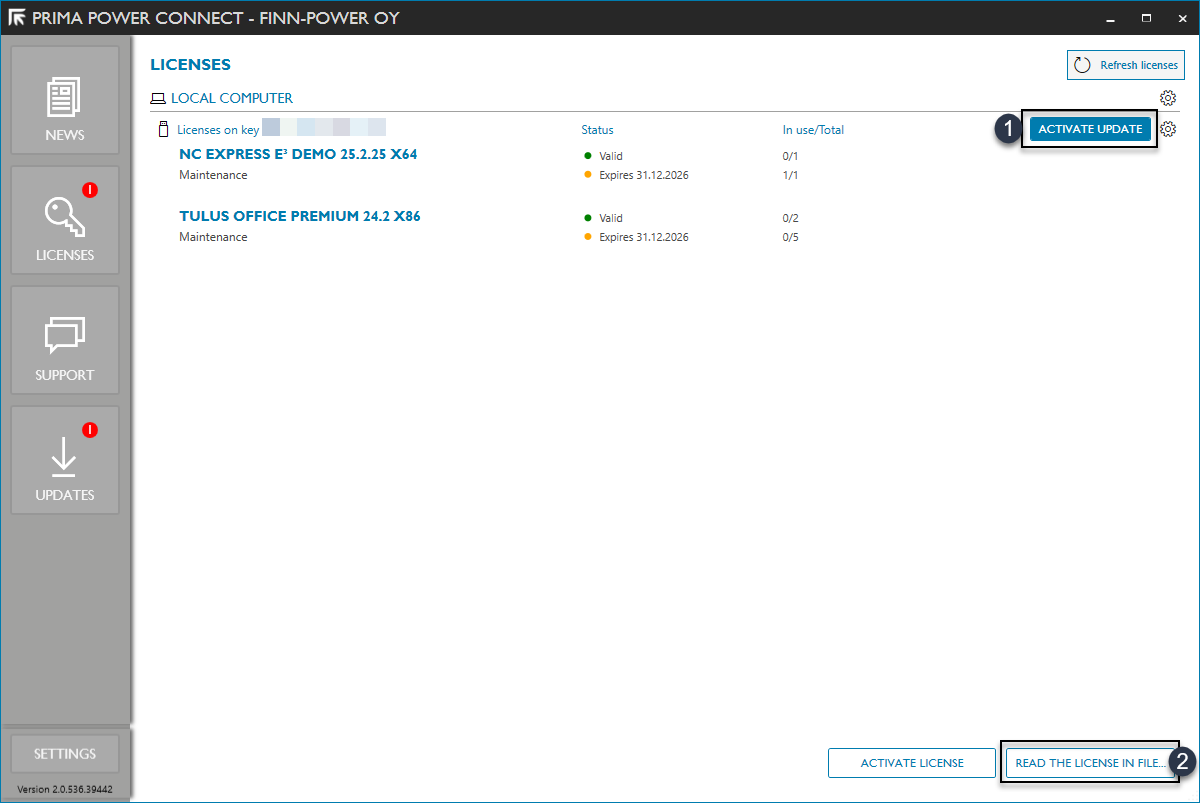
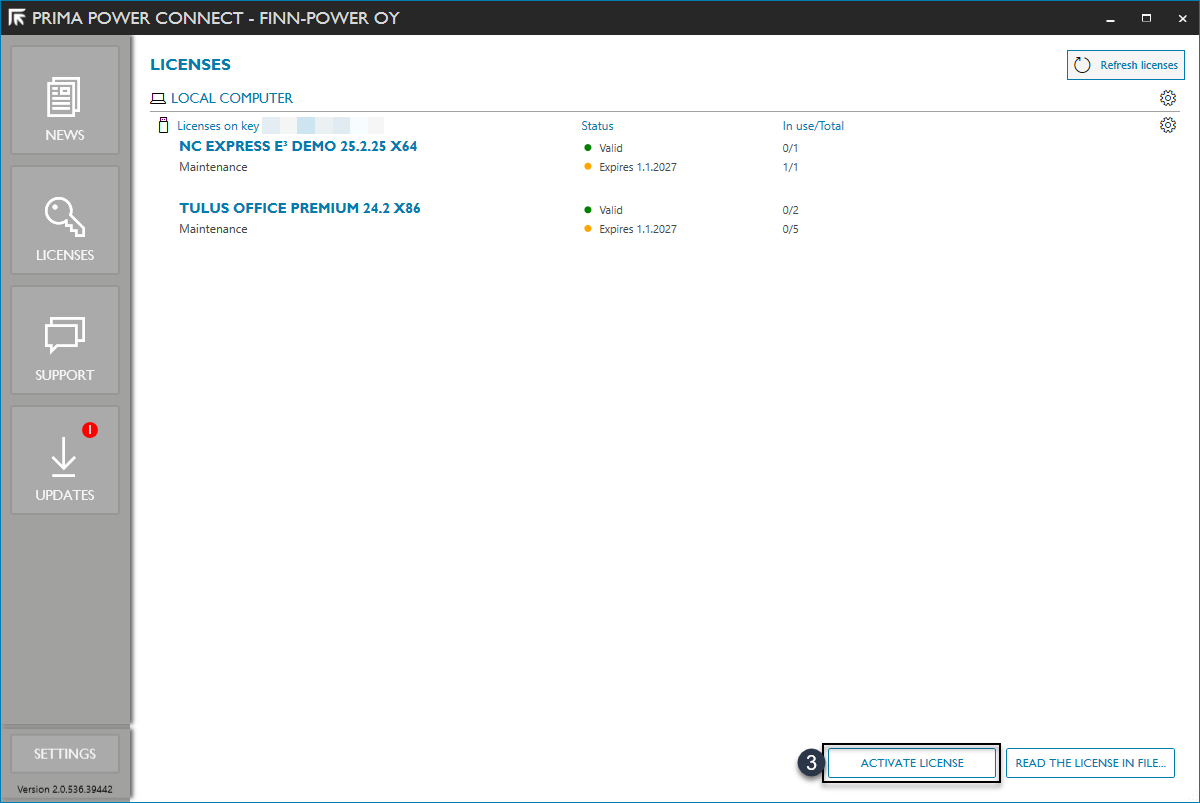
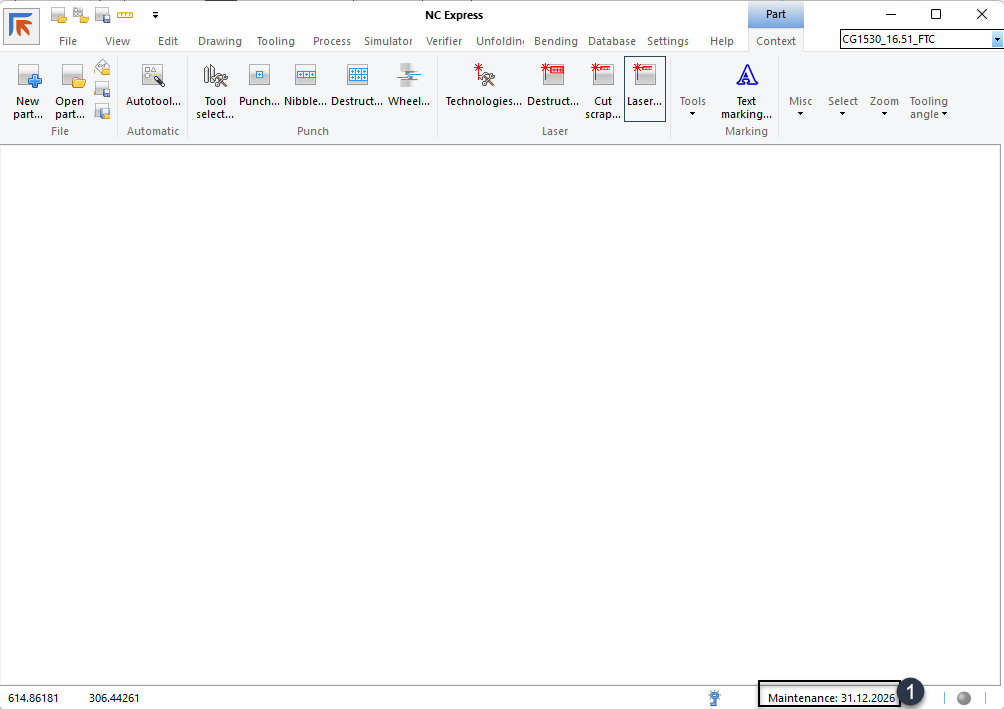
You are entitled to this update when your license maintenance is valid.
Highlights Summary
Unfolding
Expanded 3D CAD Support
Updated support for the latest versions of major CAD systems, including:
- Autodesk Inventor 2026
- SolidWorks 2026
- Solid Edge 2026
- Siemens NX 2512
- Creo 12.0
- CATIA V4/V5/3DX/V6
- Parasolid 38.0
Improved Sheet Metal Conversion
New options allow users to:
- Define a preferred reference direction during sheet-metal conversion.
- Automatically select top/bottom side using Etch features for more consistent orientation results.
Panel Bender
New Machine Support
- Support added for LoadingTable device.
Better Unloading Automation
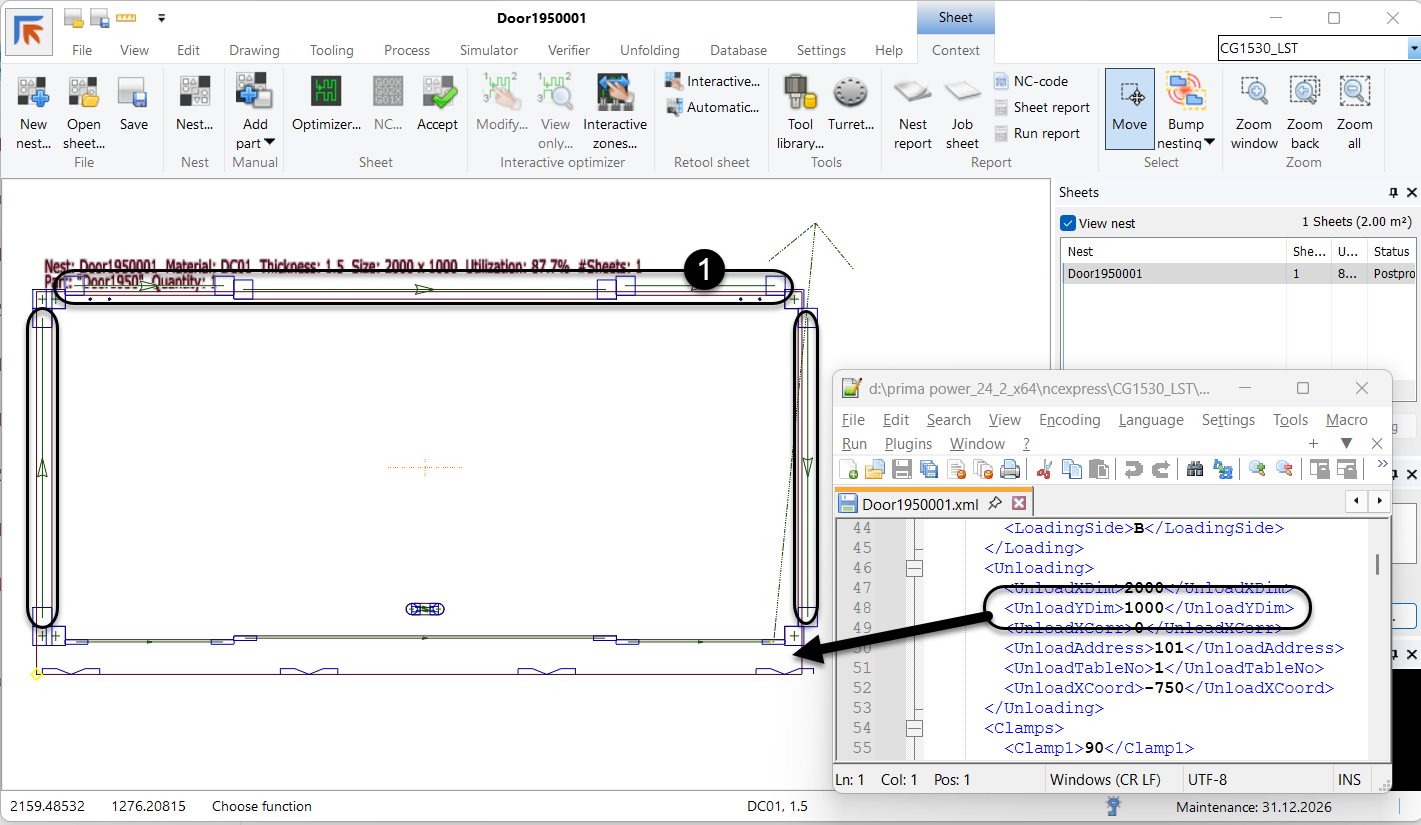
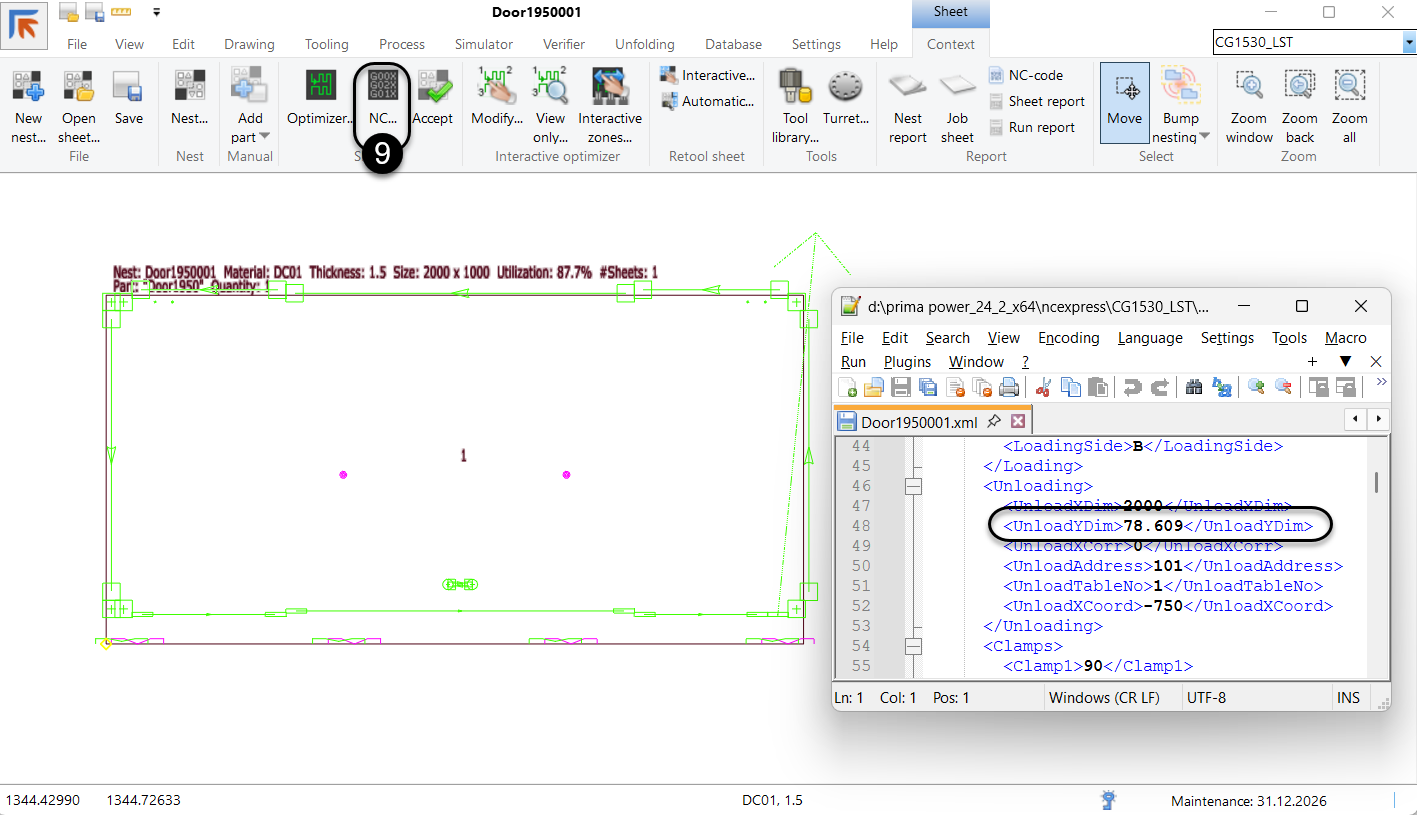
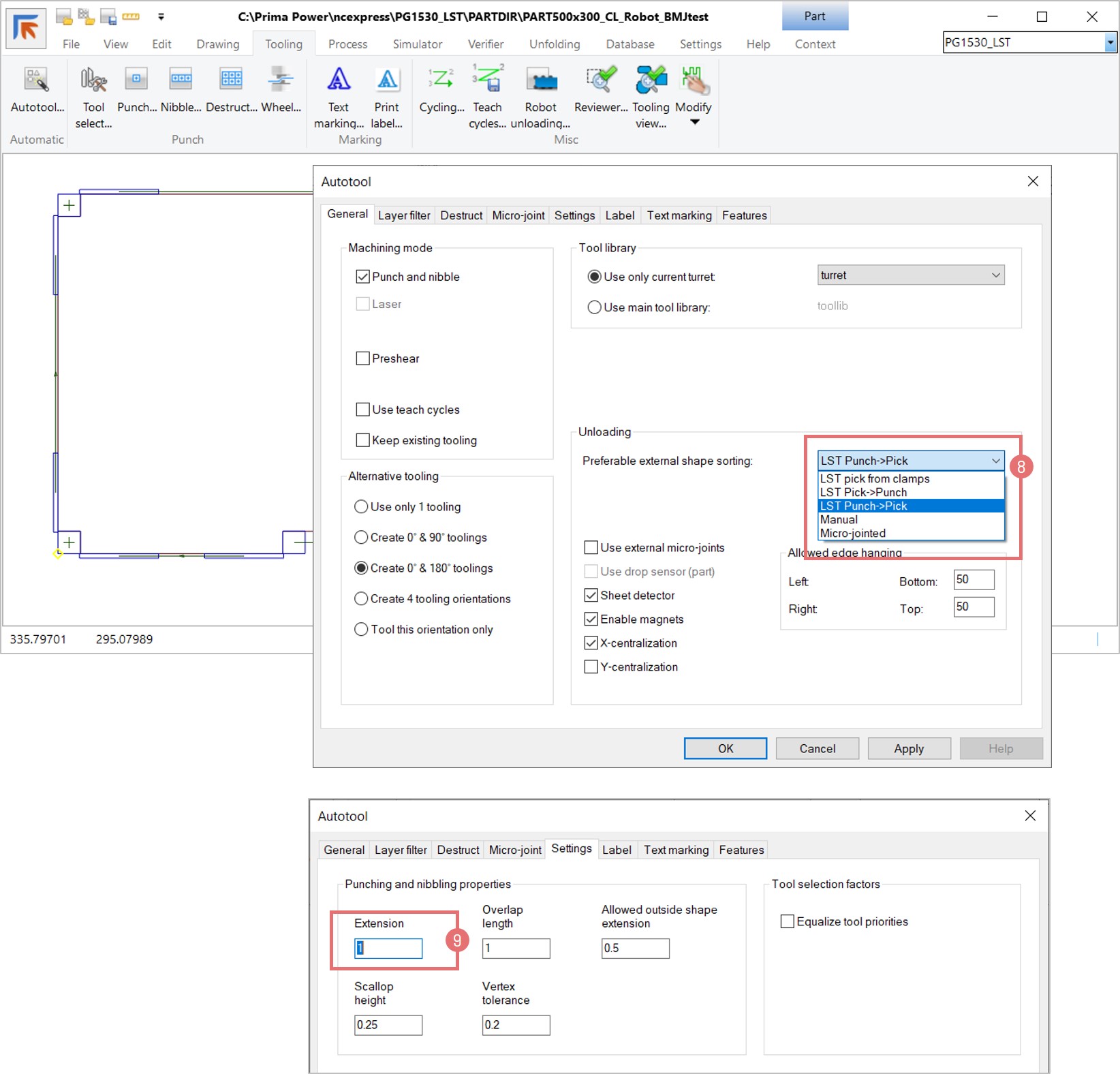
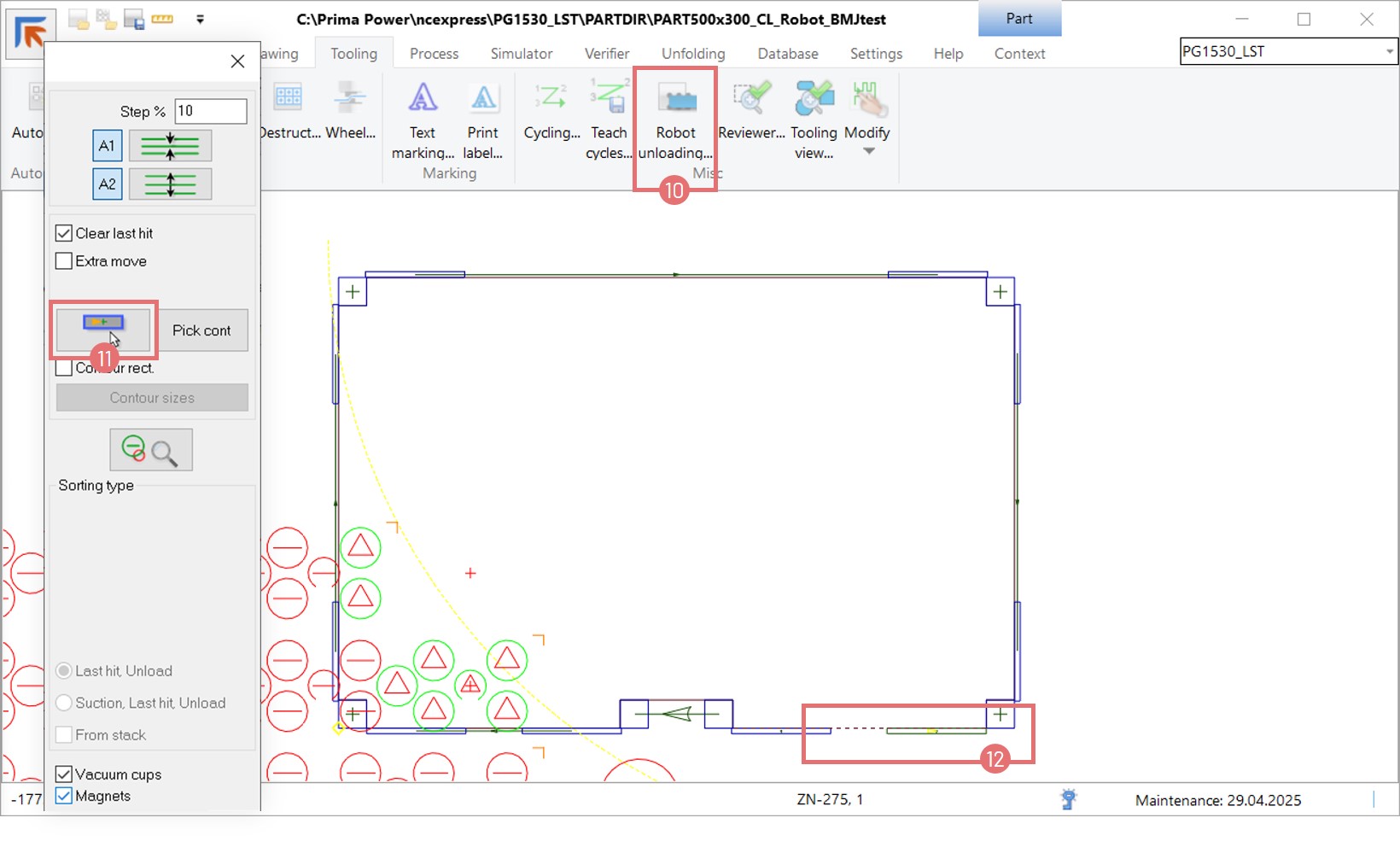
- USS unloading can now be enabled directly from NC Express and exported to the machine program.
Improved DNP Handling
New DNP parameters enable:
- Position correction adjustments from Tulus.
- Search Mode with torque-based flange detection for more reliable gripping.
Press Brake
Enhanced Autobend
Significant improvements to bend sequence generation:
- More stable finger positioning.
- Better collision avoidance.
- New preferences for:
- Short side first
- Reducing rotations and flips
Learn Profile Support
Users can teach and reuse proven bend profiles, including:
- Sequence
- Tools
- Process parameters
Profiles are automatically applied to similar parts.
Material & Thickness Porting
Create new programs from existing “mother” programs while preserving:
- Programming settings
- Sequences
- Tool selections
Only material and thickness need changing.
Additional Bending Enhancements
- Support for tools with different heights.
- New bend straightening operation.
- Change tool profiles for all stations simultaneously.
- Change flip settings for multiple processes.
- Remove all pre-bend angles with one click.
- New export format support for Obelisk (.dxf + .polp).
Laser
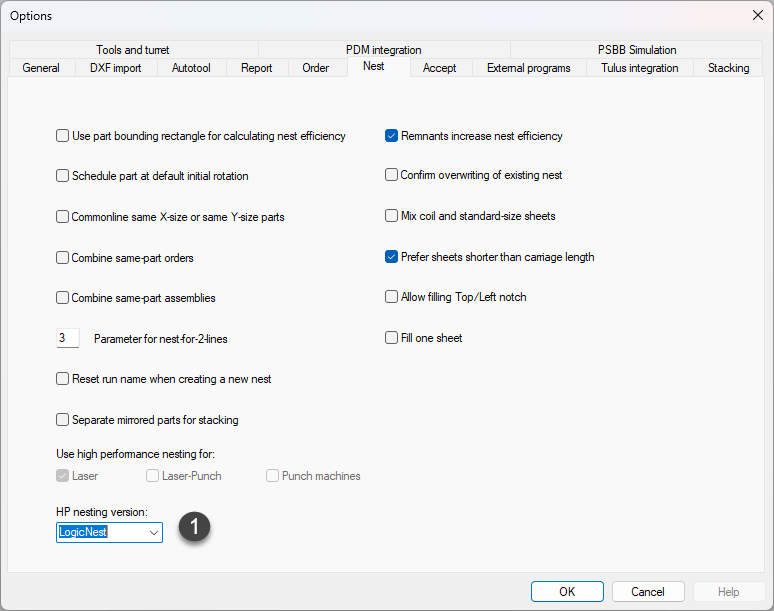
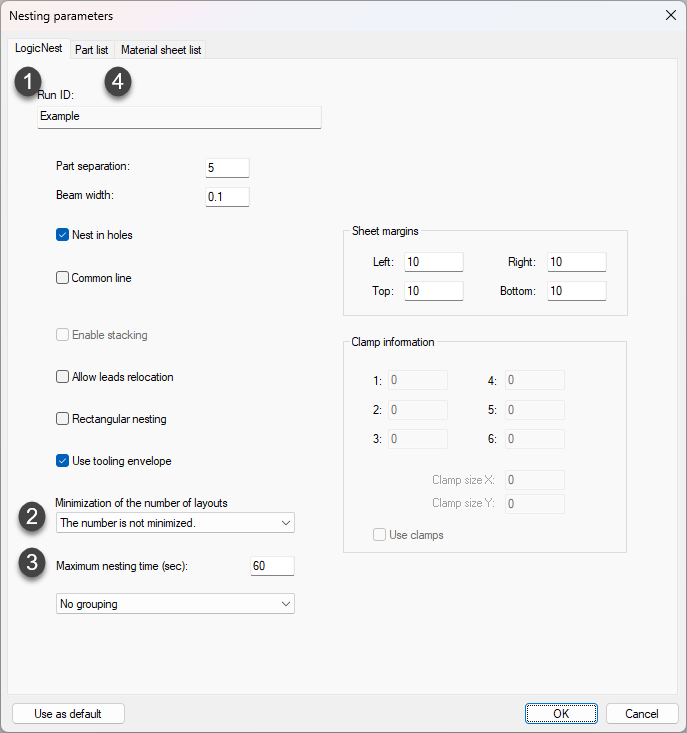
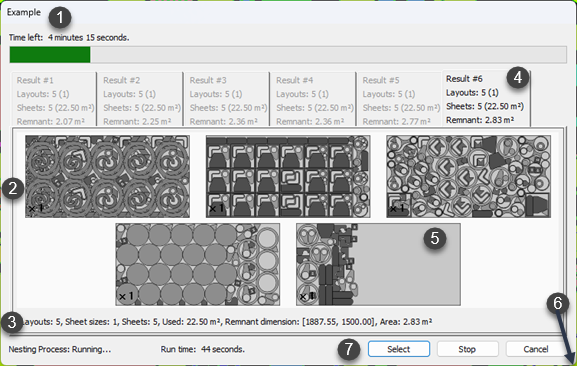
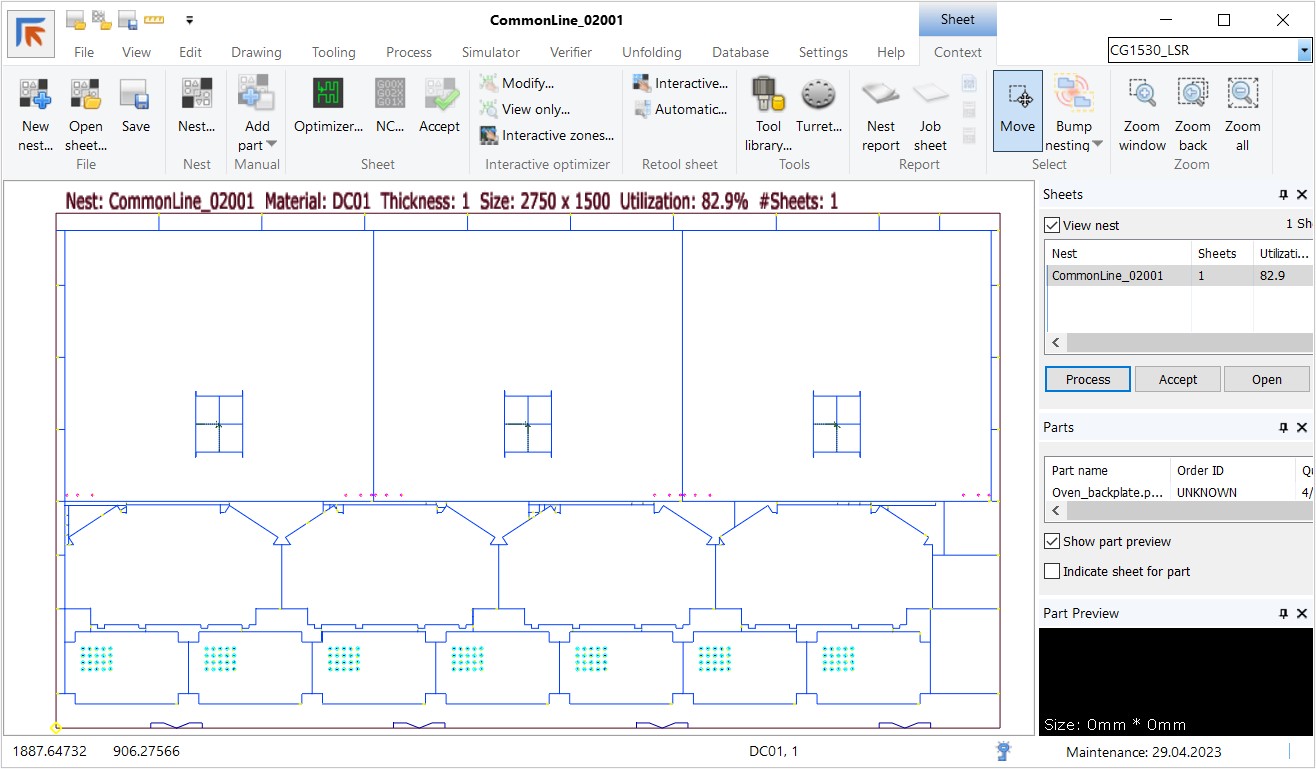
LogicNest: Major New Nesting Engine
One of the largest additions in 26.1.
Features include:
- Multi-threaded nesting computation.
- Adjustable computation time.
- Real-time viewing of intermediate nesting results.
- Optimization of both material utilization and number of different layouts.
- Improved CPU utilization.
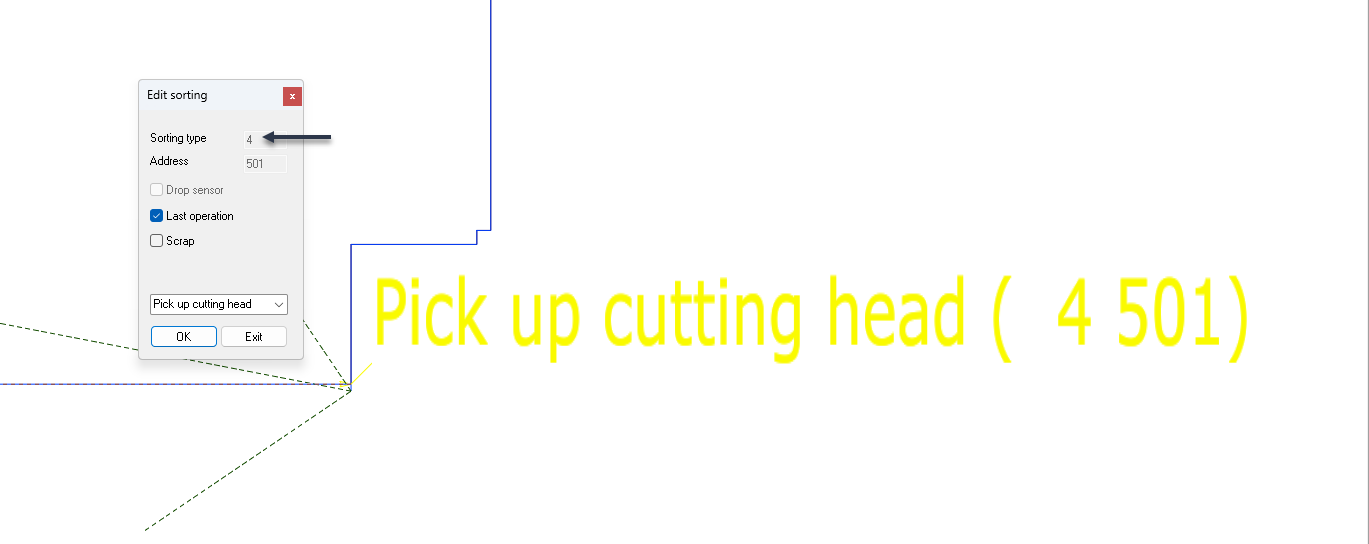
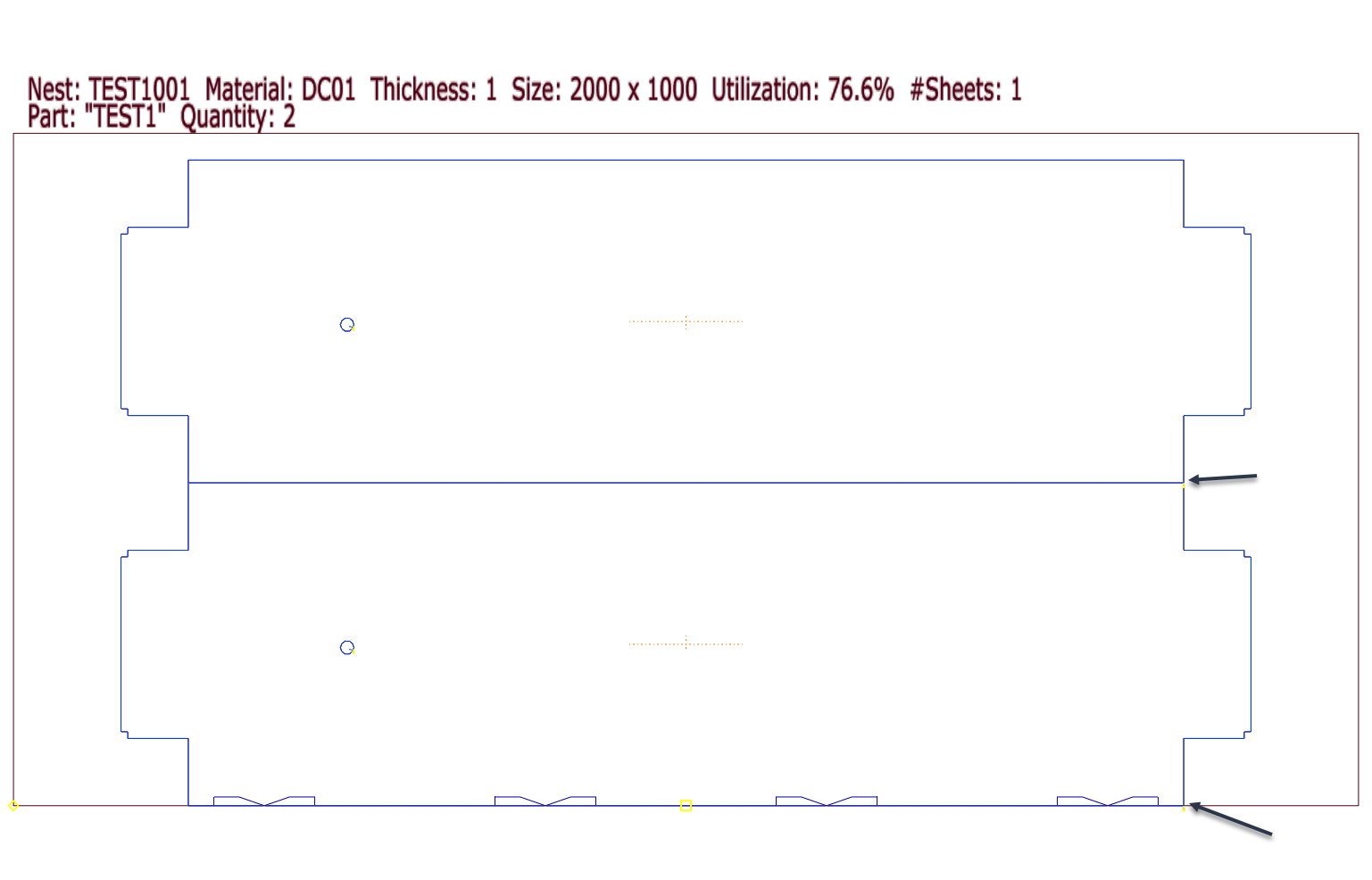
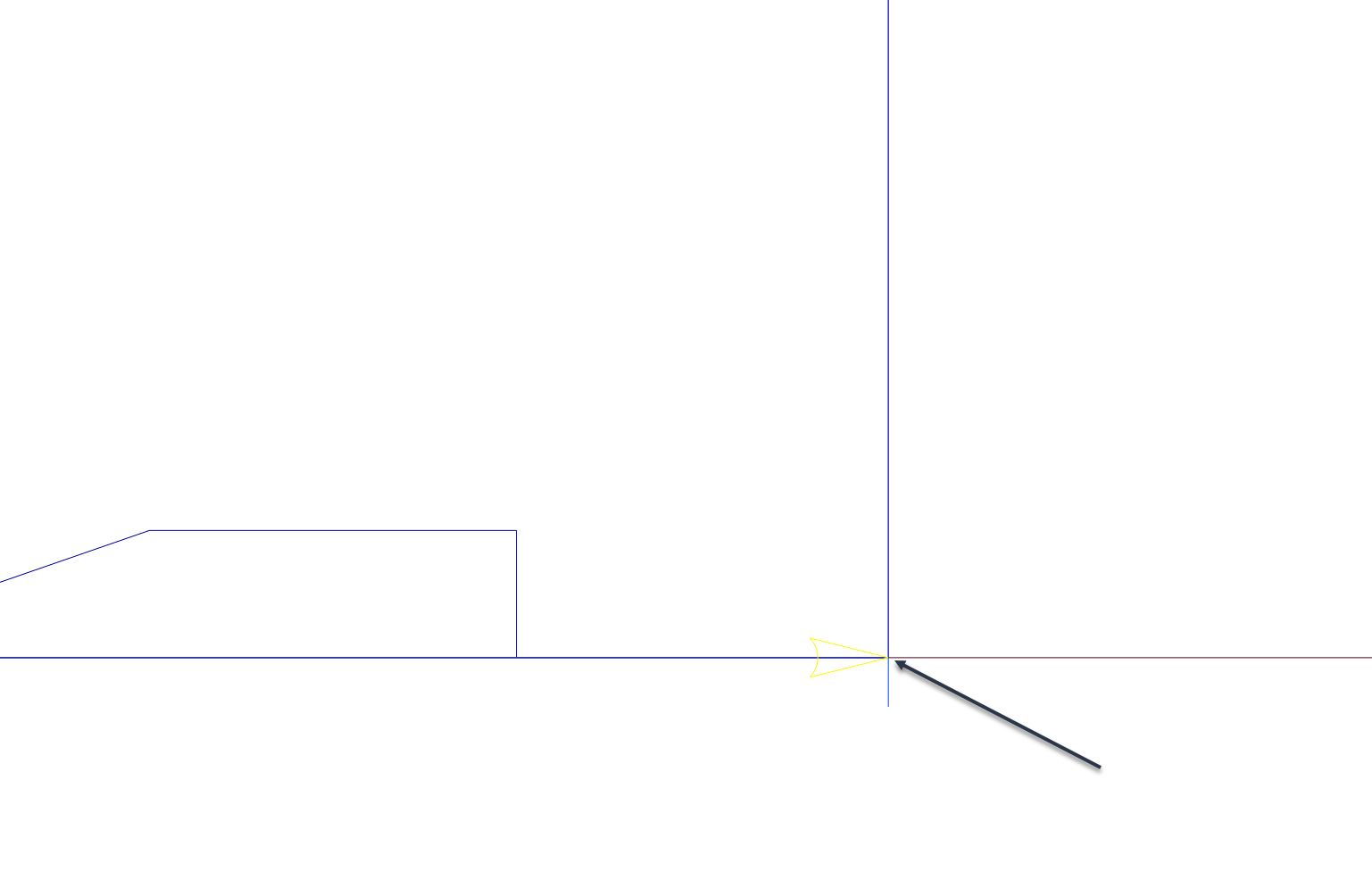
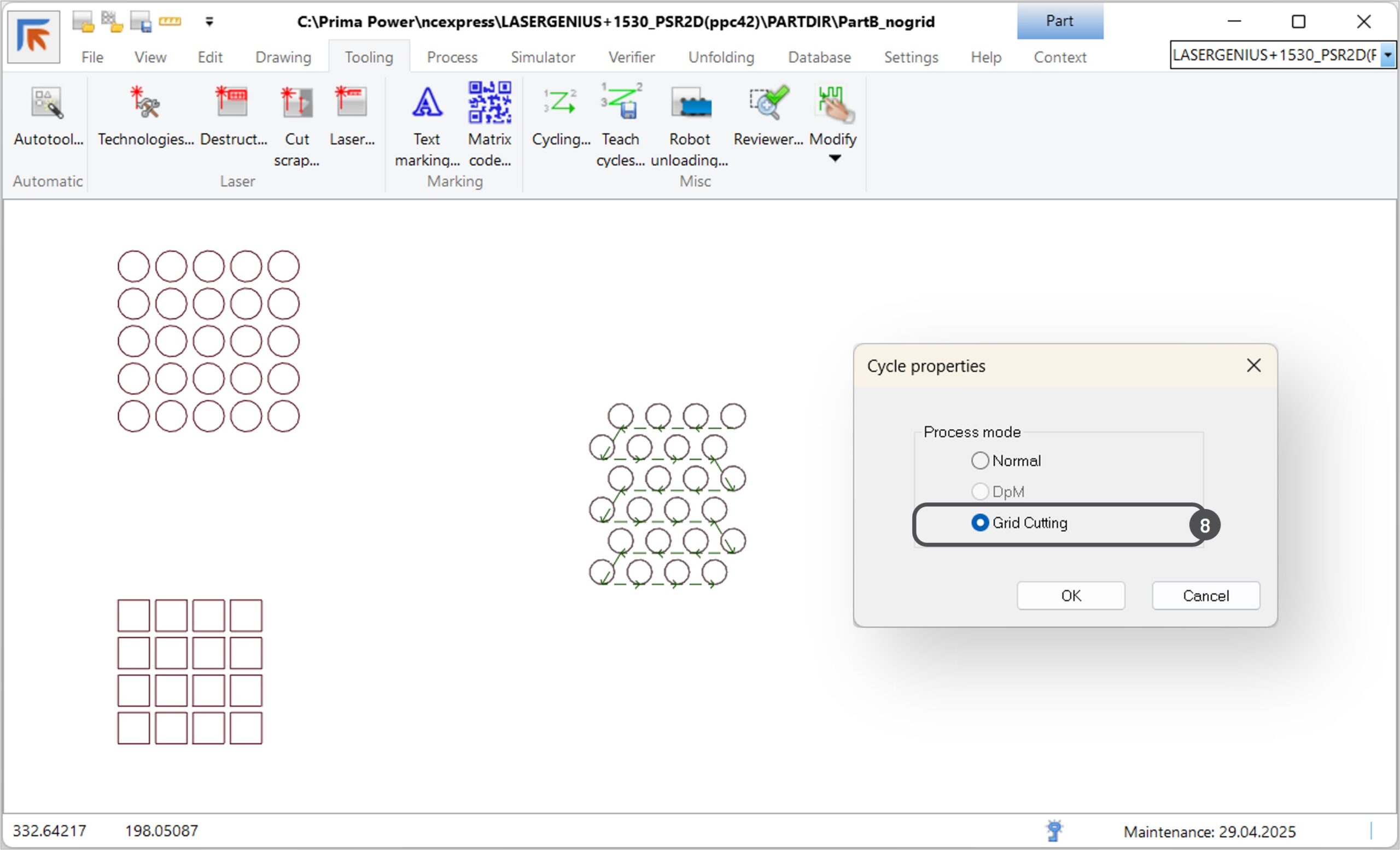
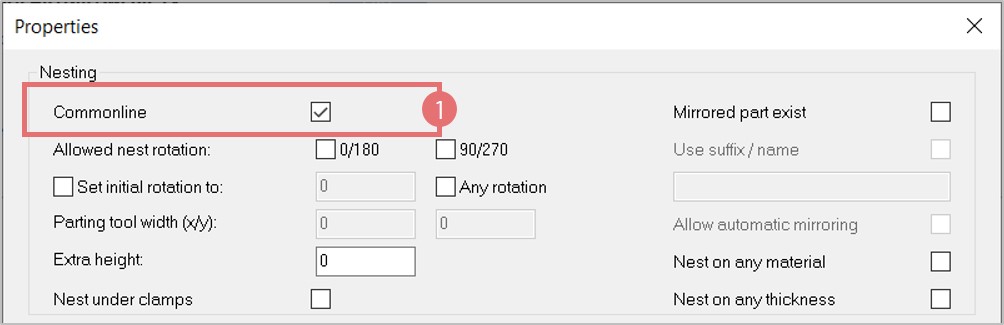
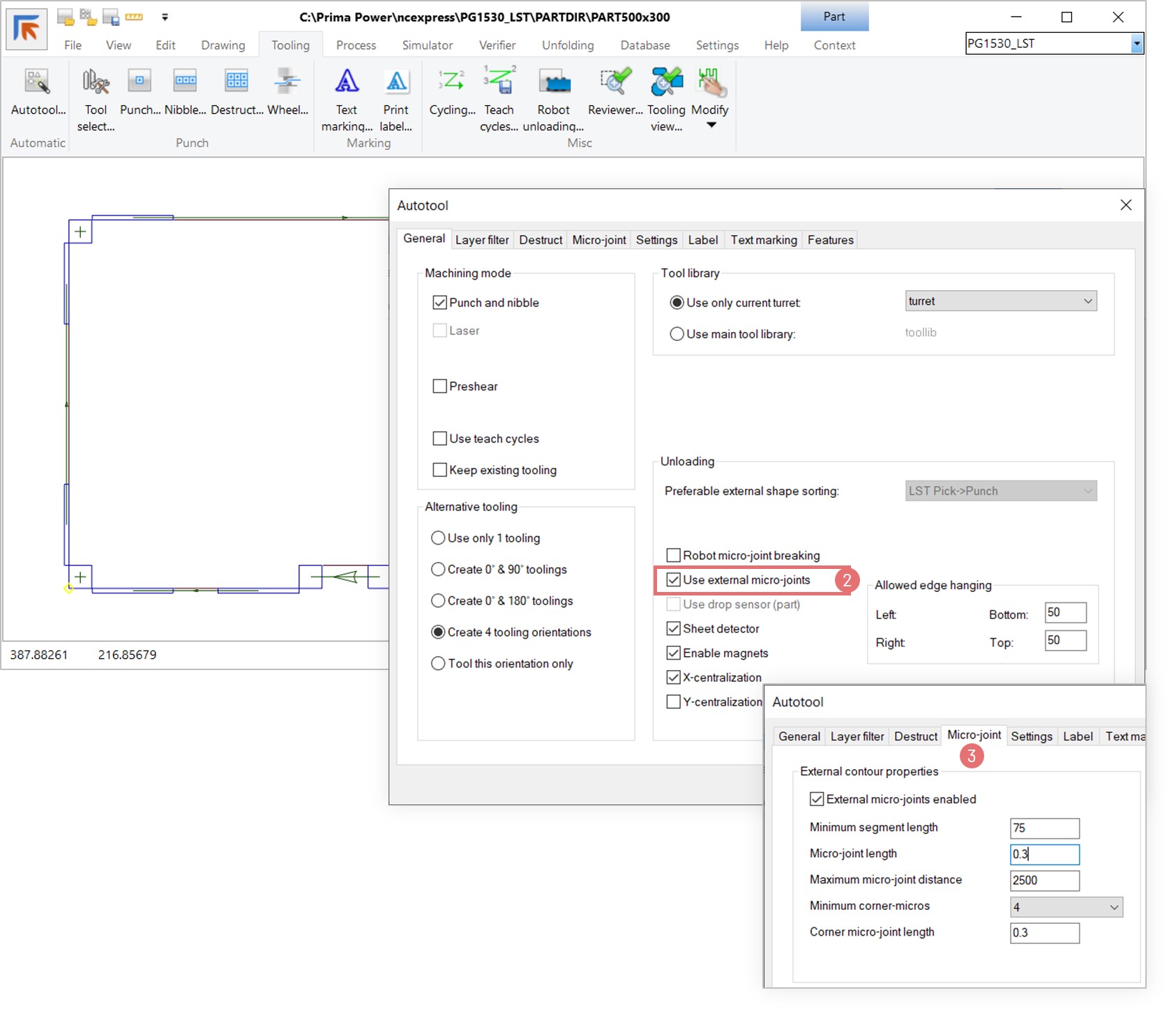
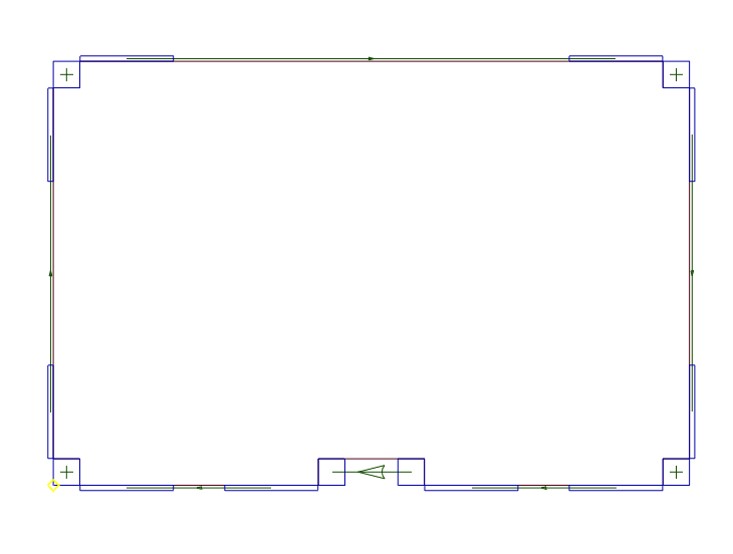
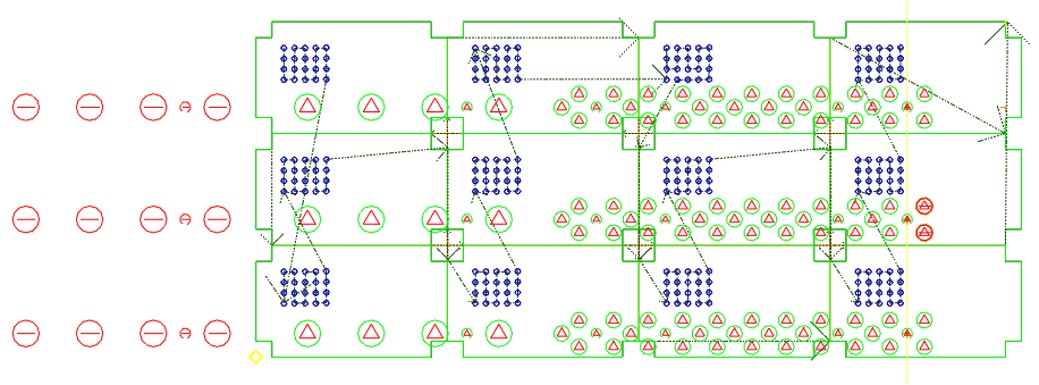
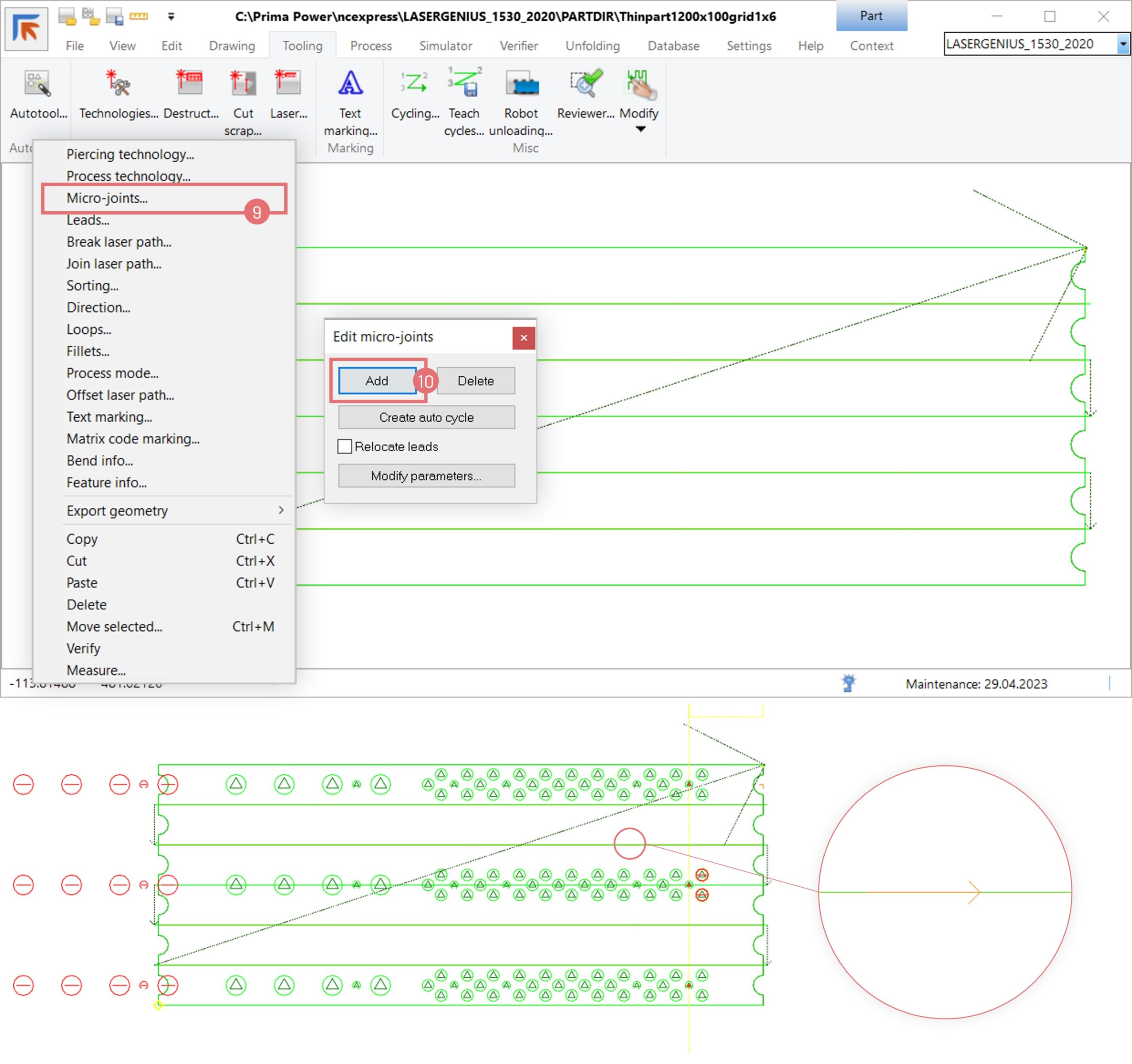
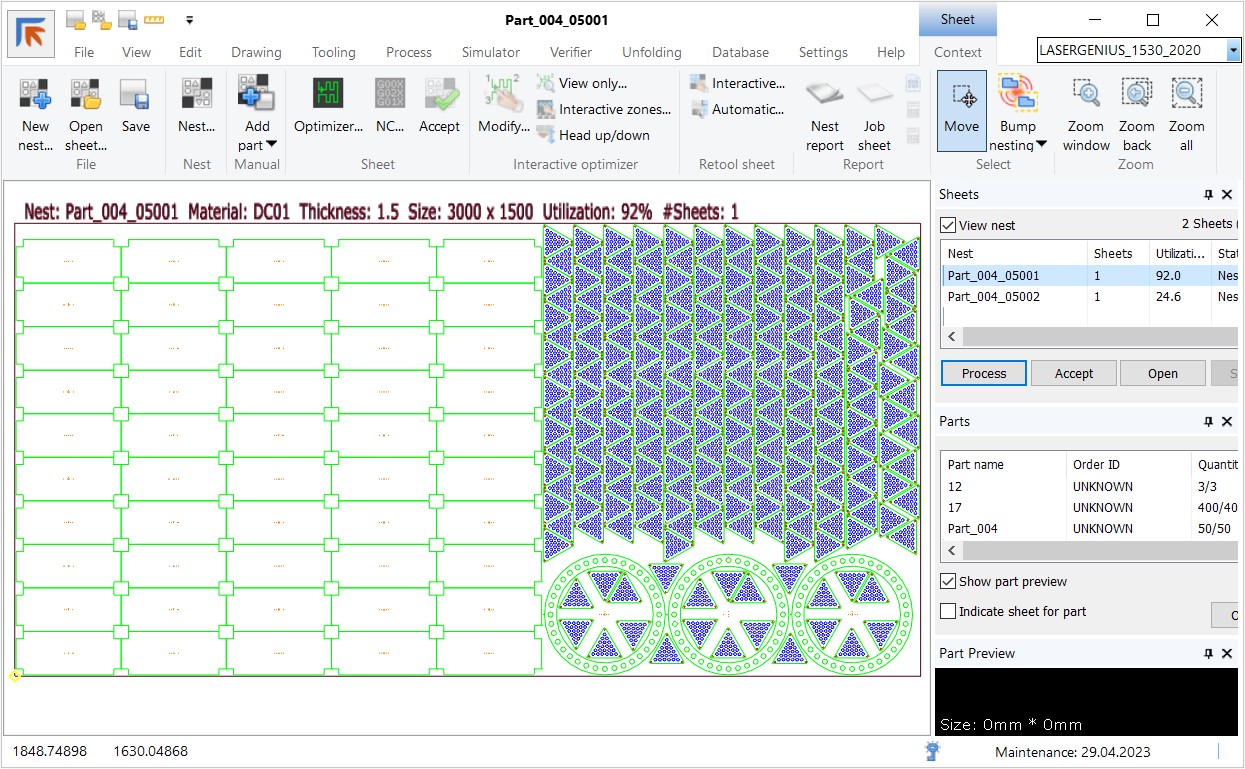
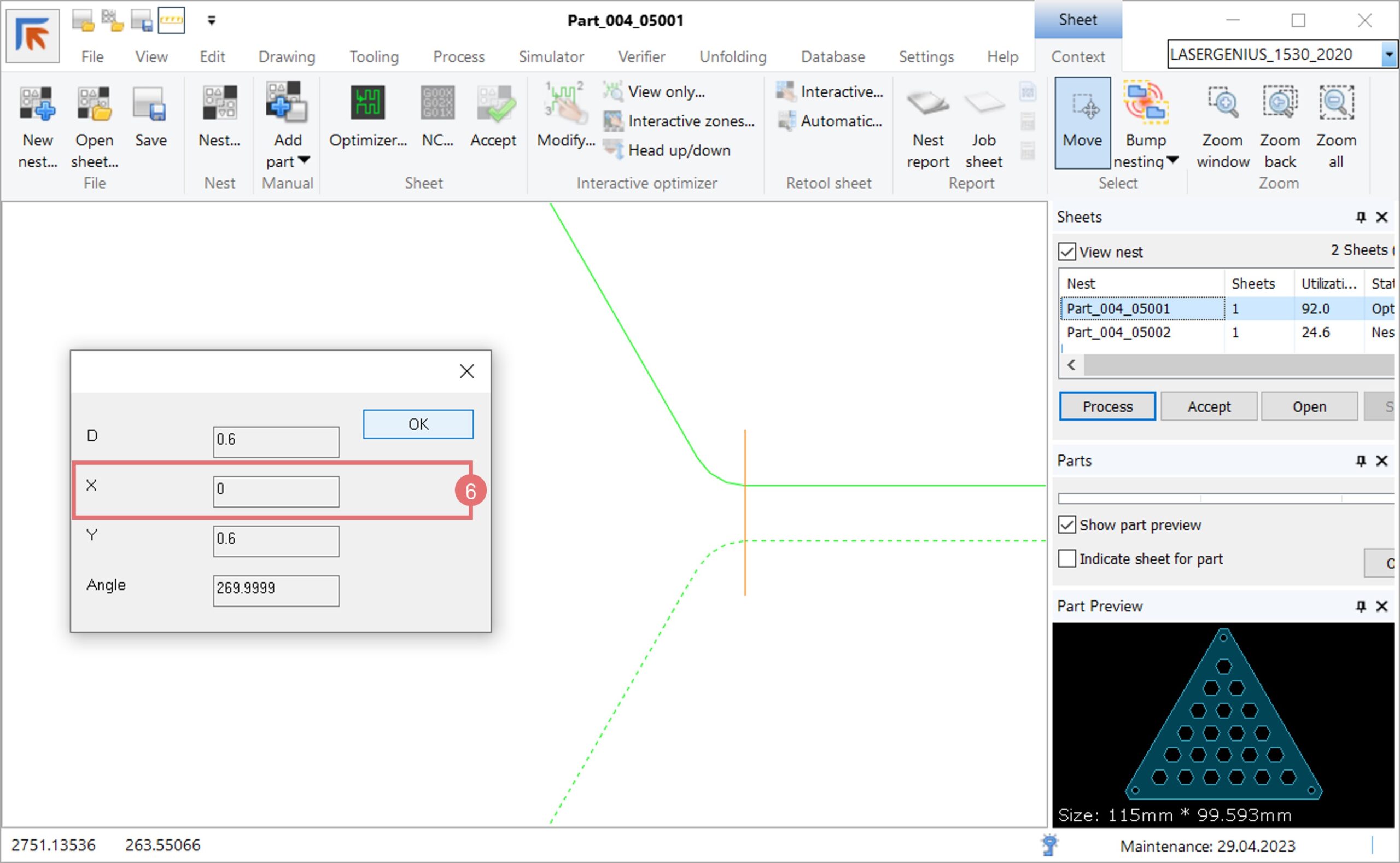
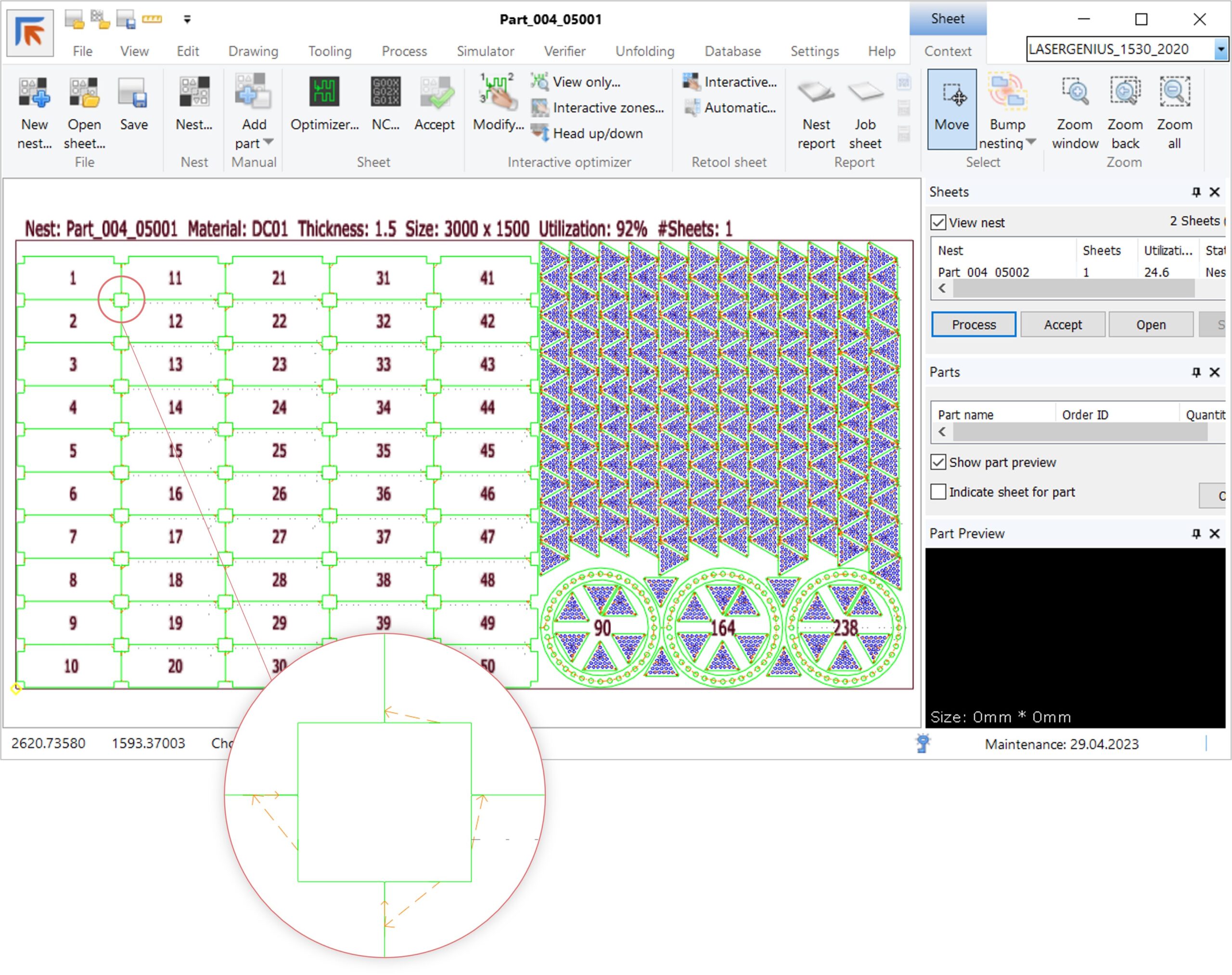
Clean-Joints
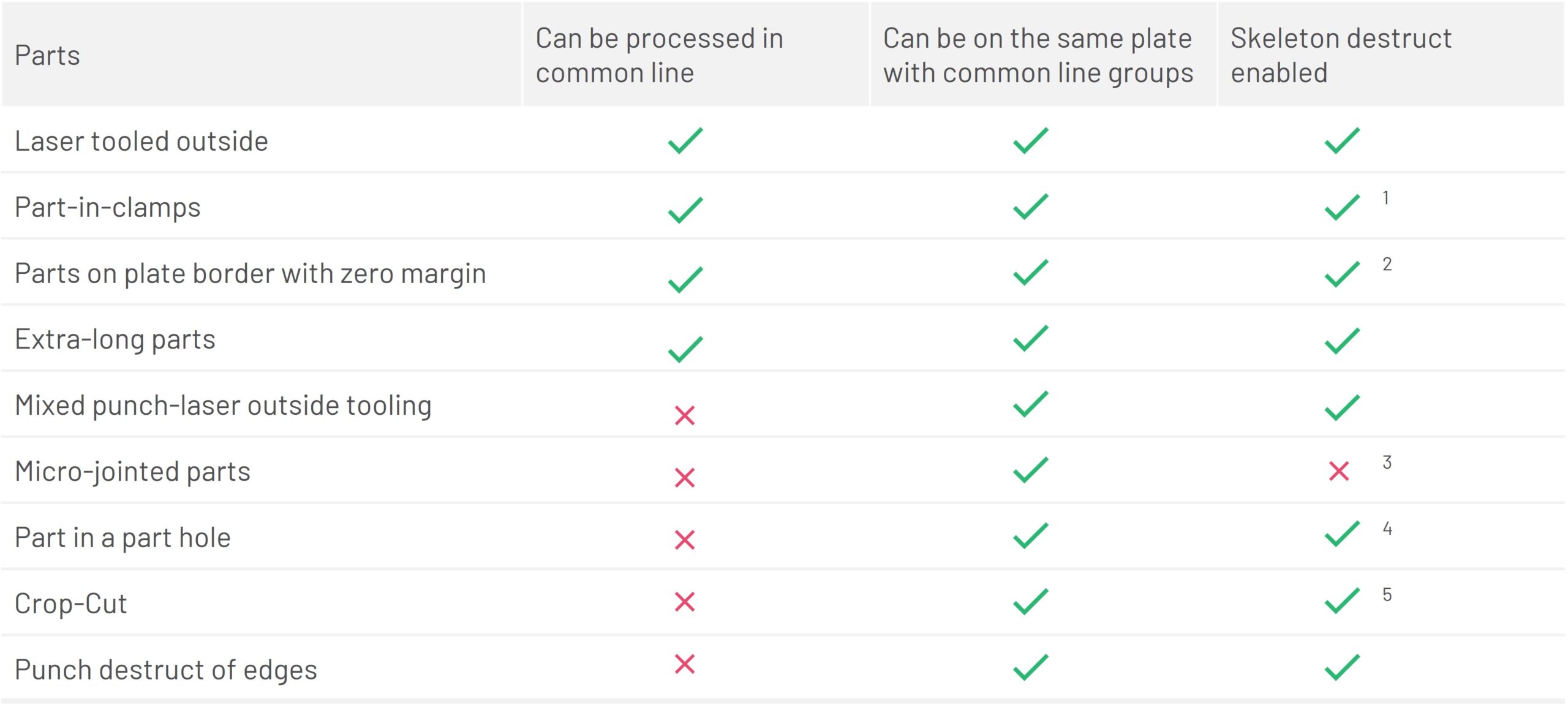
New micro-joint alternative for supported Tulus laser systems:
Benefits:
- Minimal marks on parts.
- No lead-in/lead-out requirements.
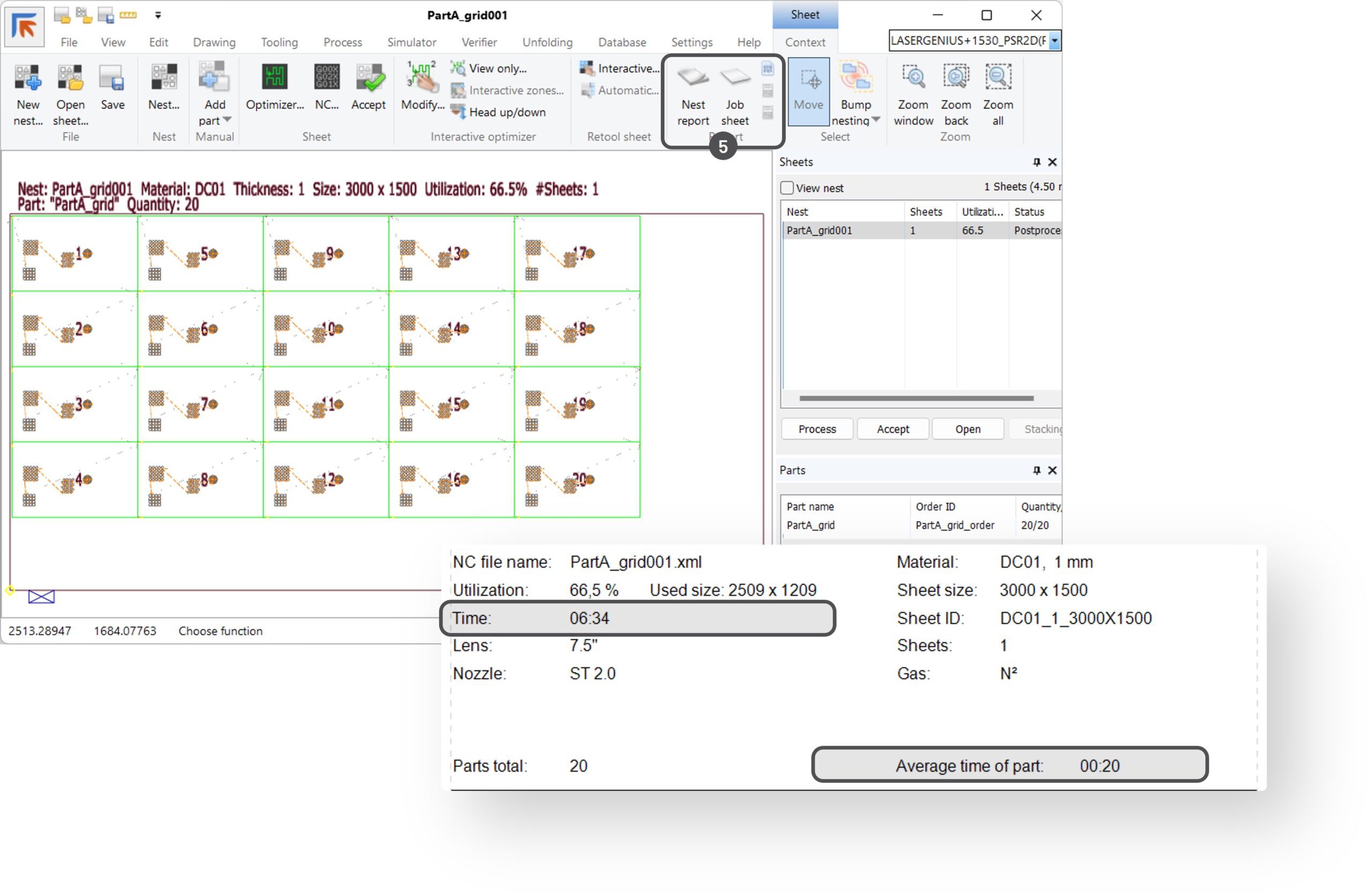
- Better suitability for automated unloading and grid-part production.
Supported in:
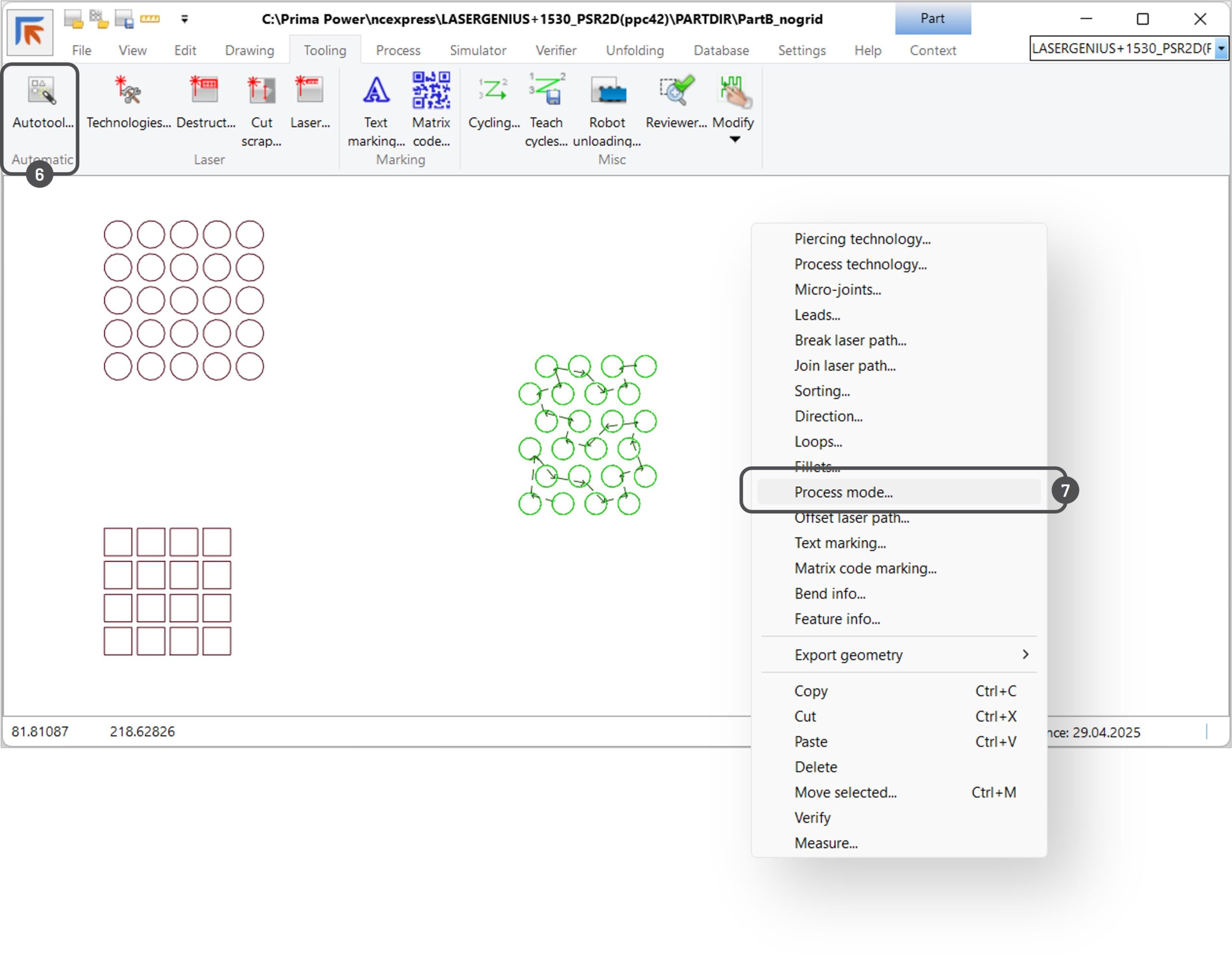
- Automatic tooling
- Manual tooling
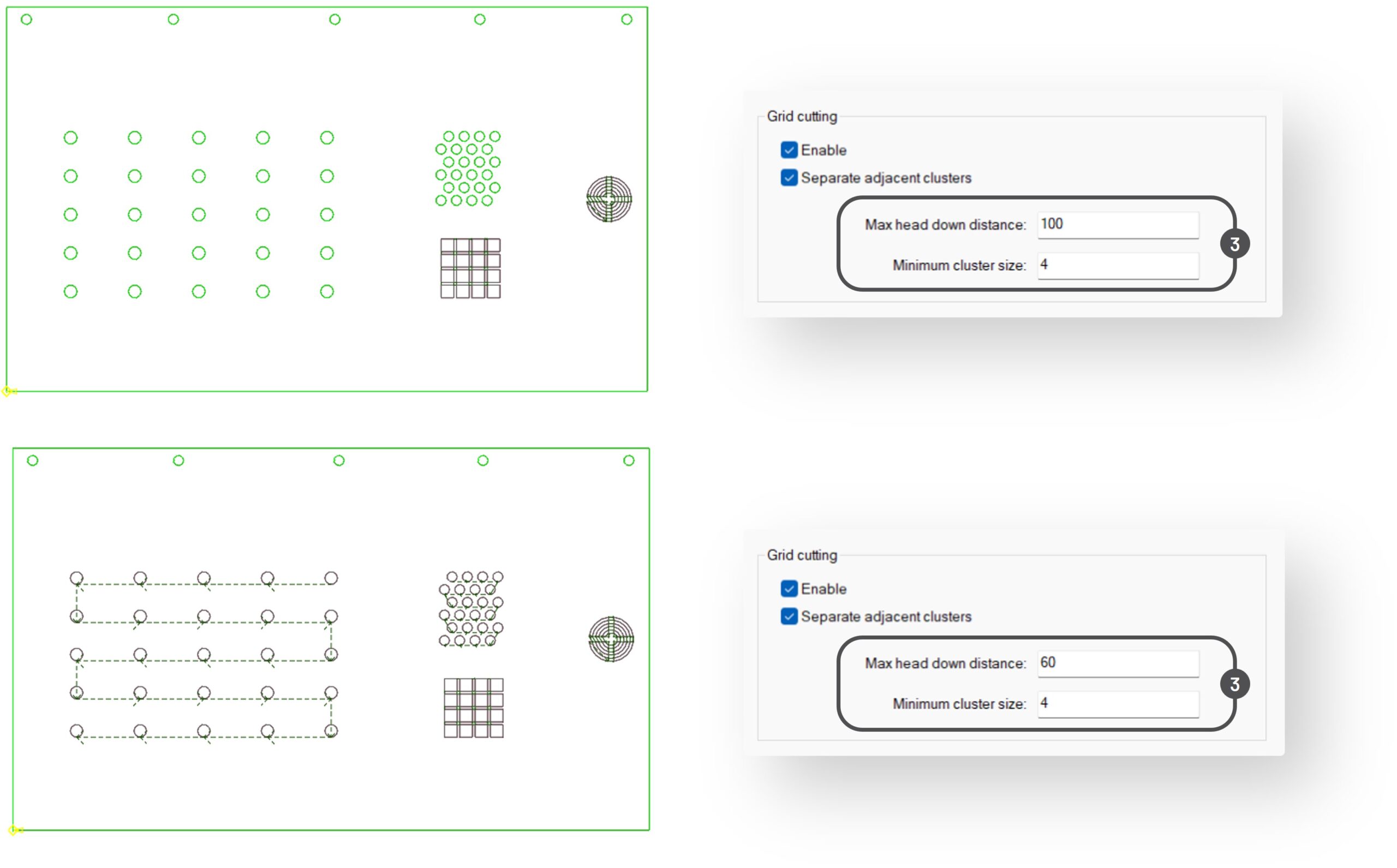
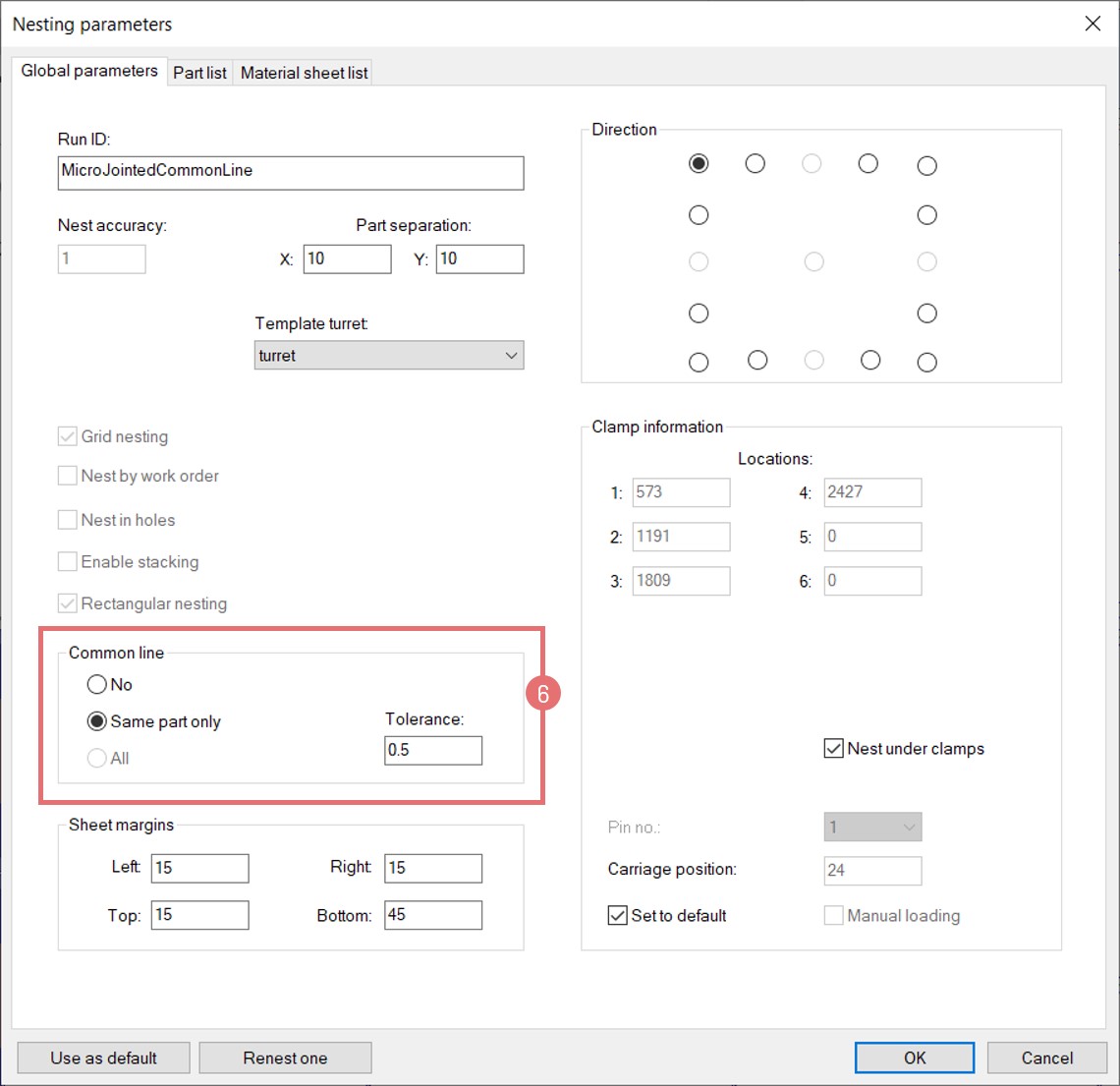
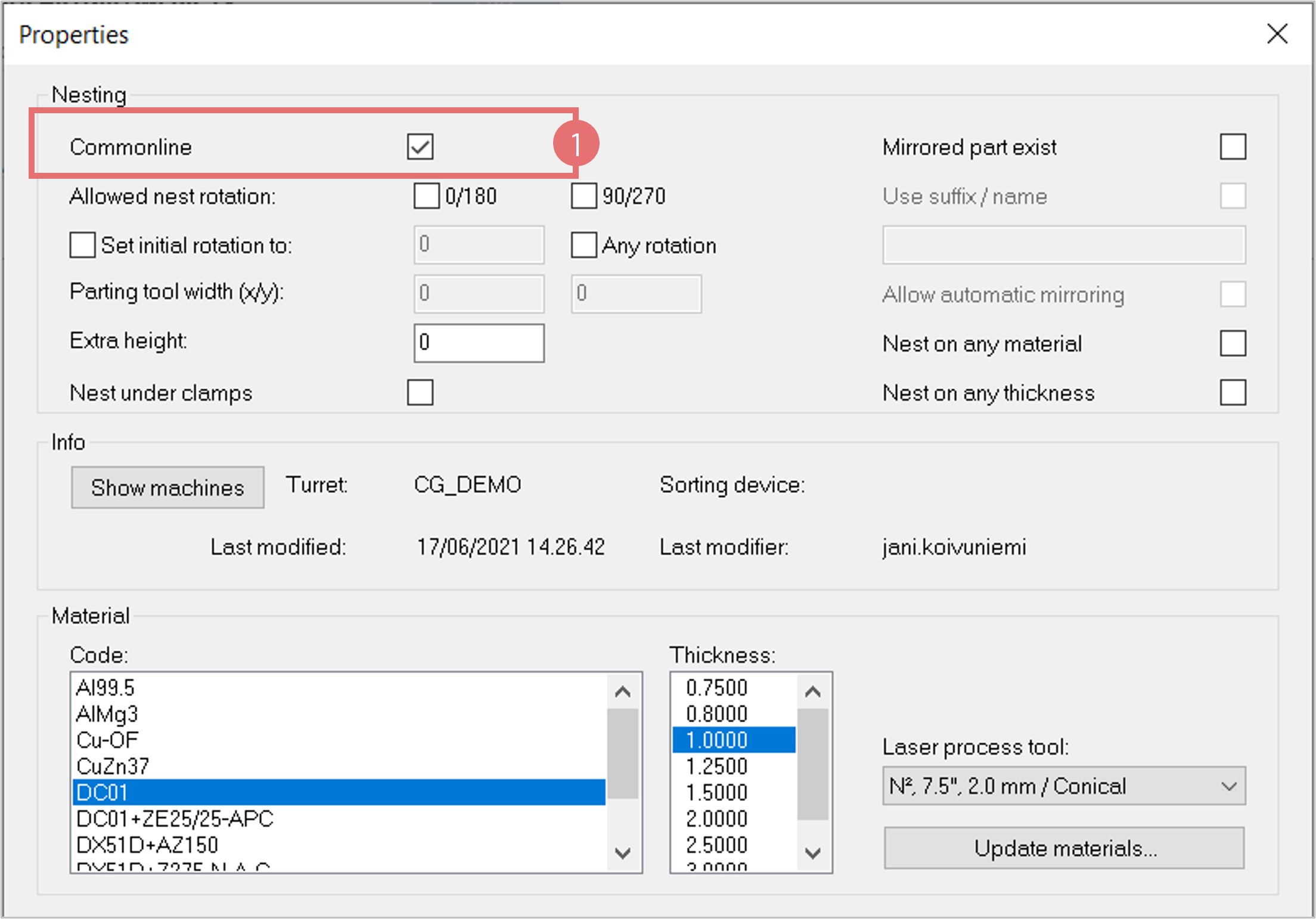
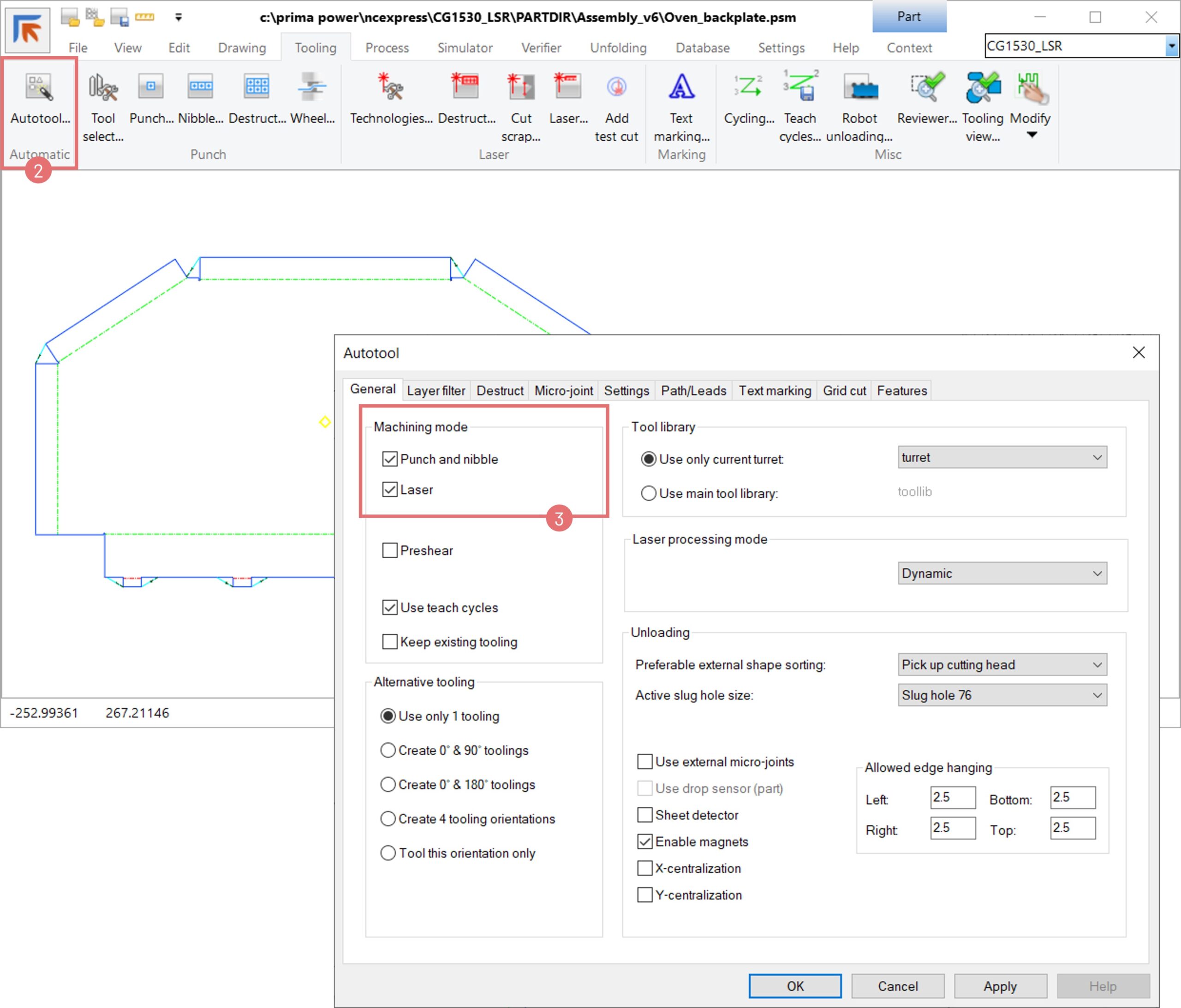
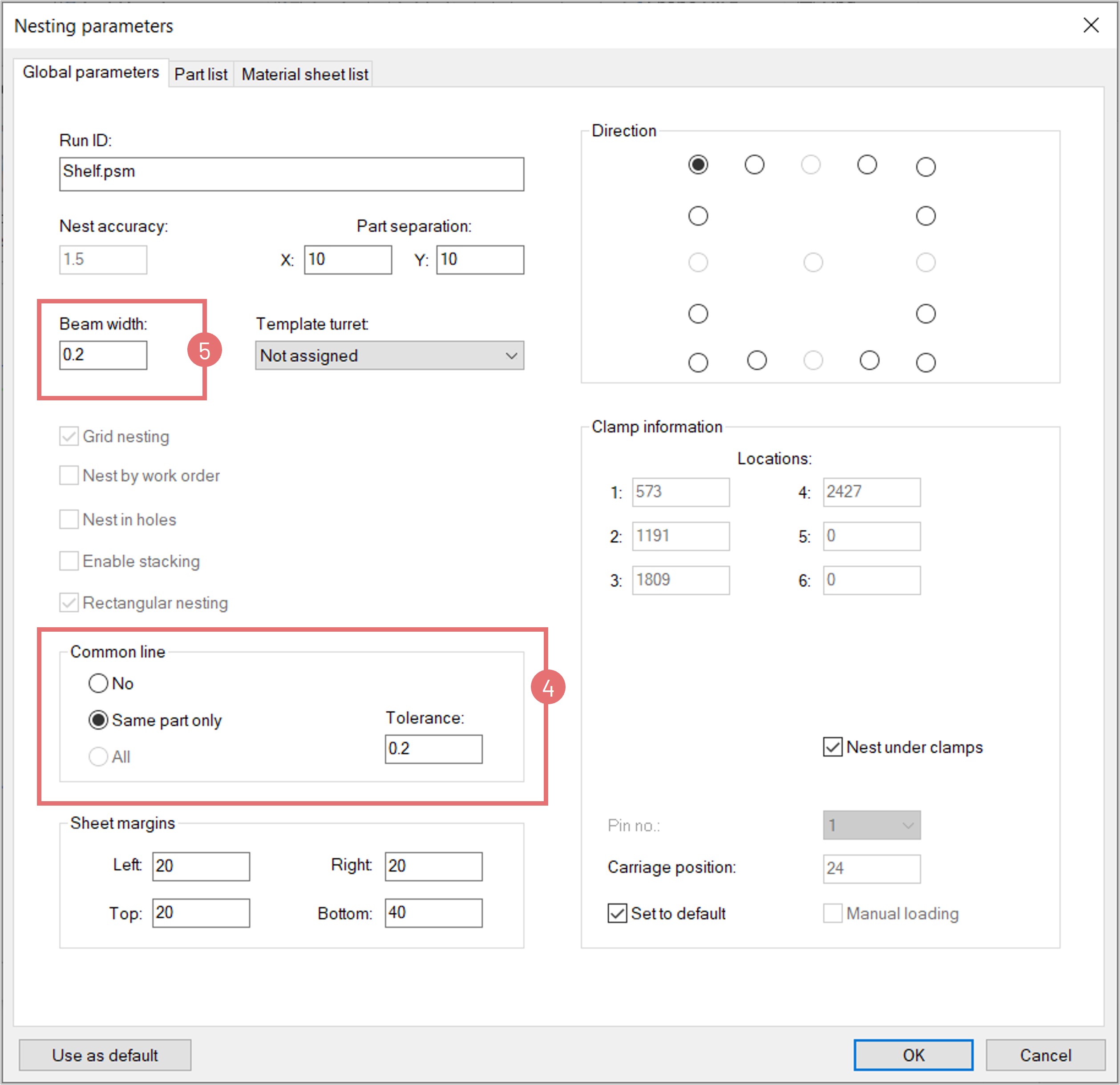
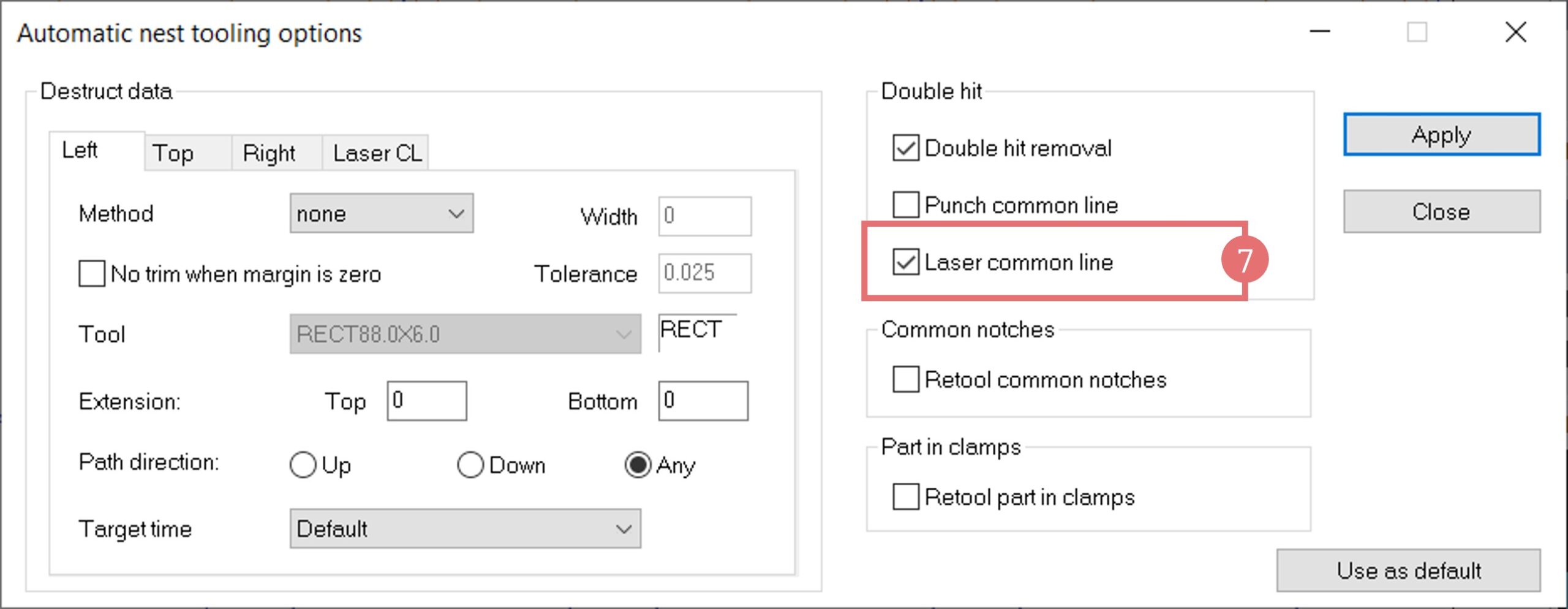
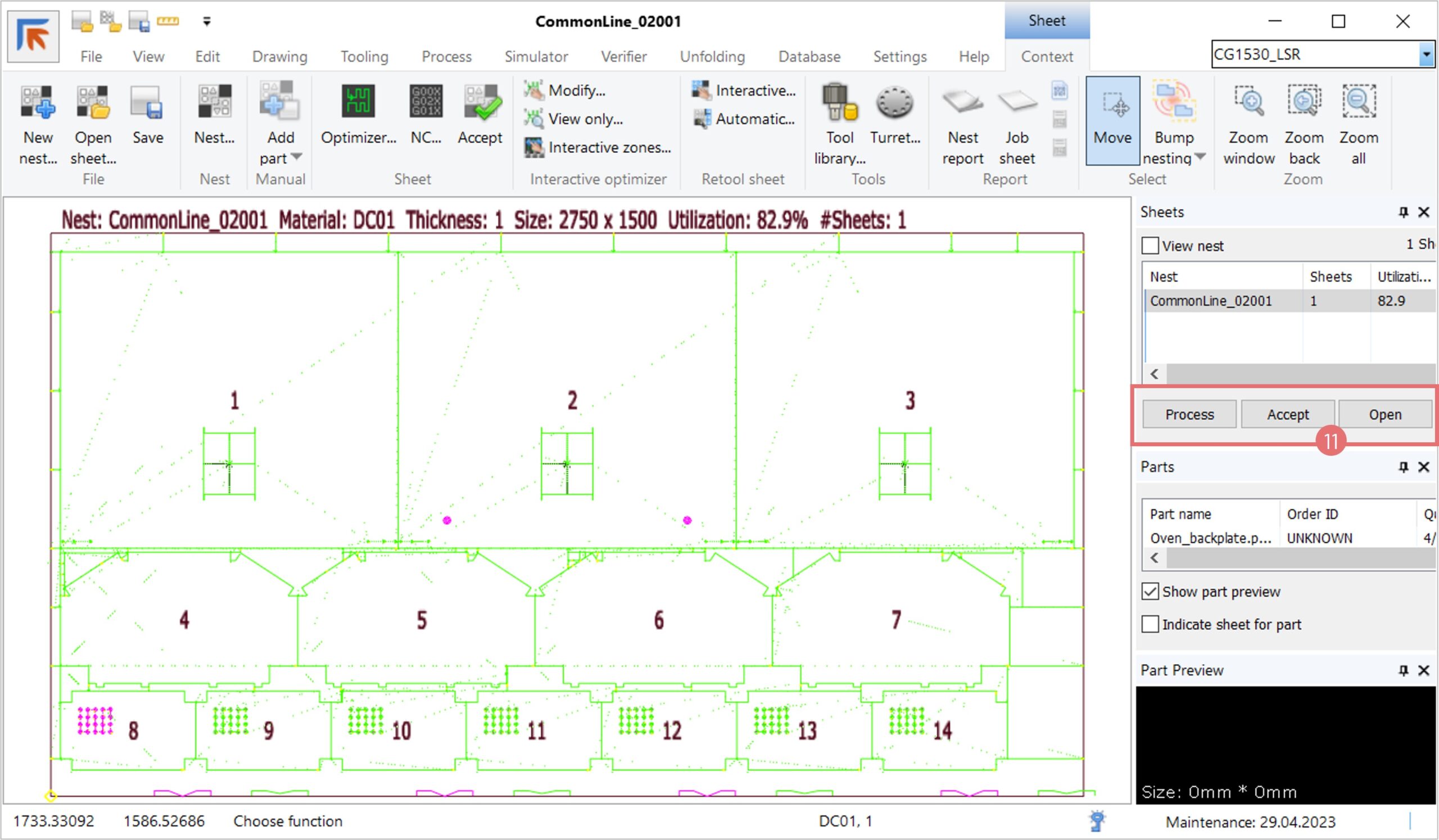
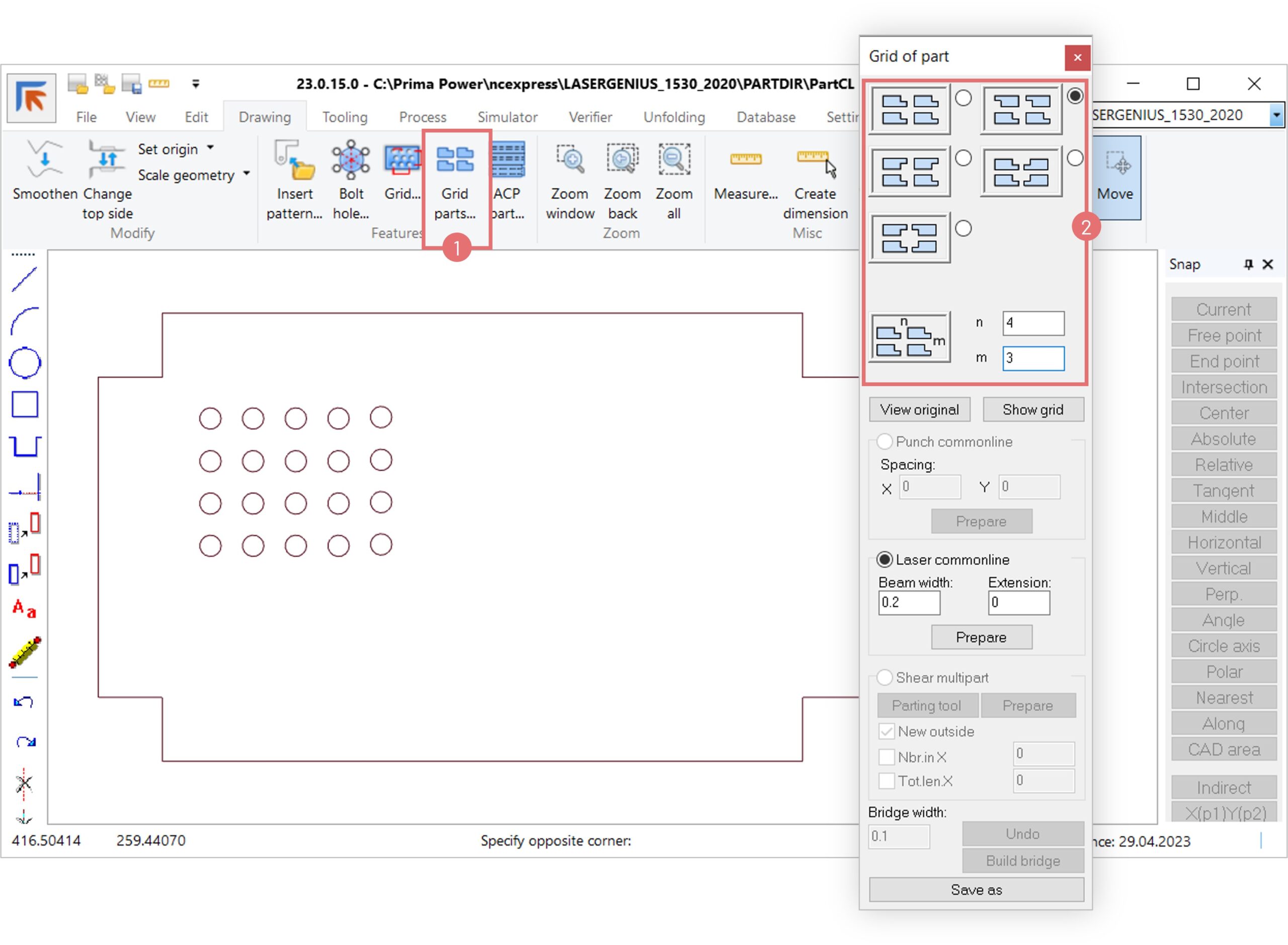
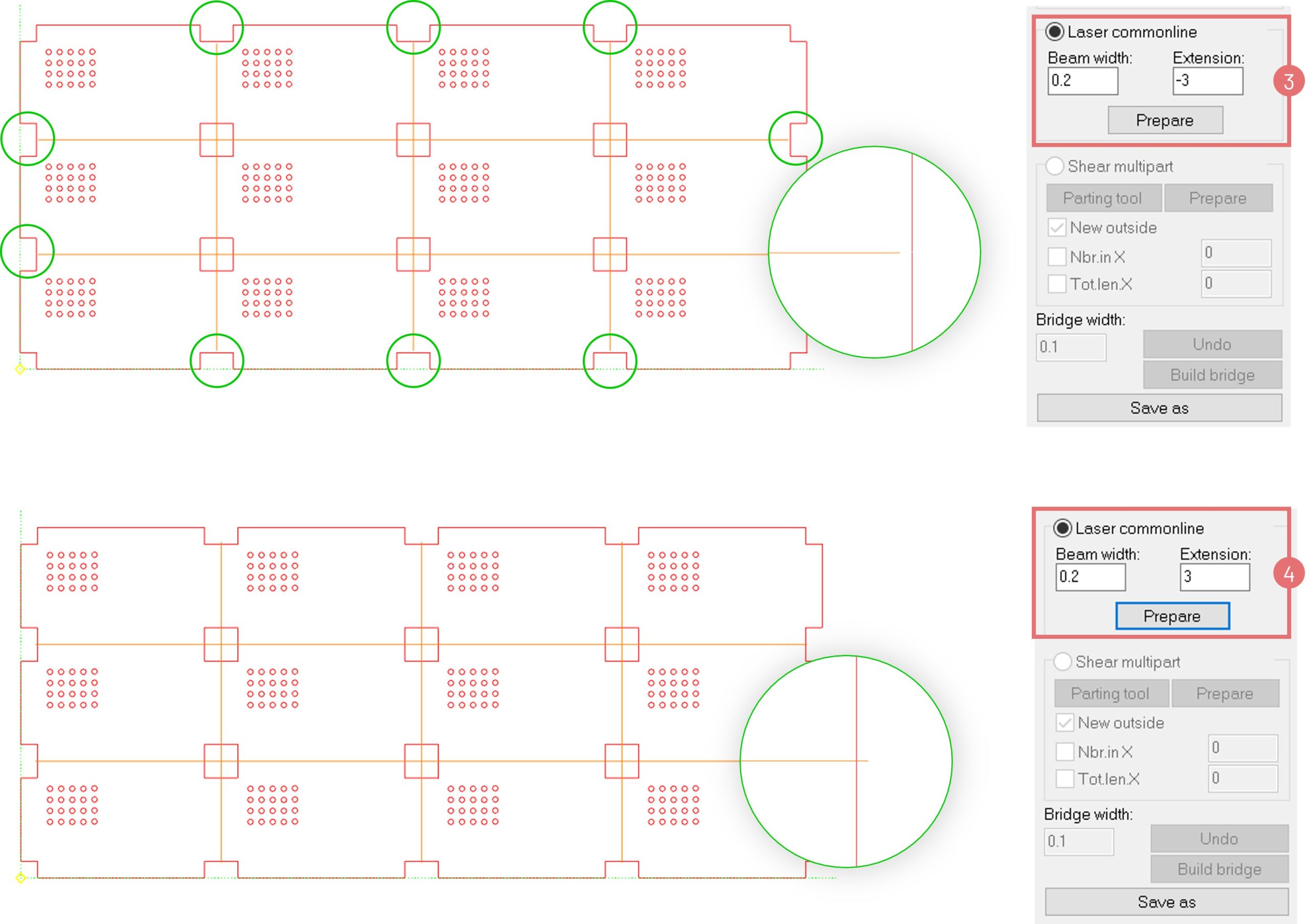
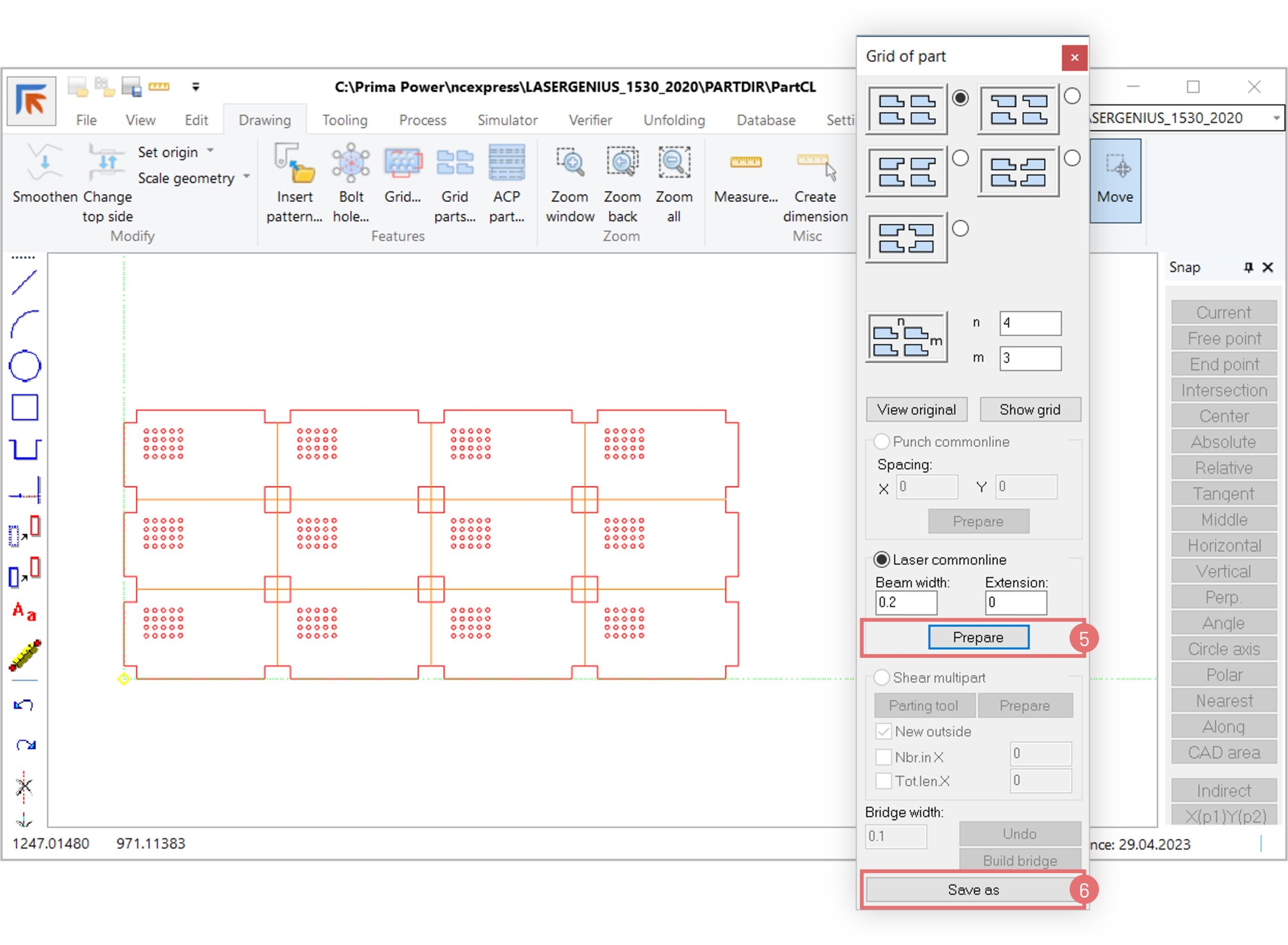
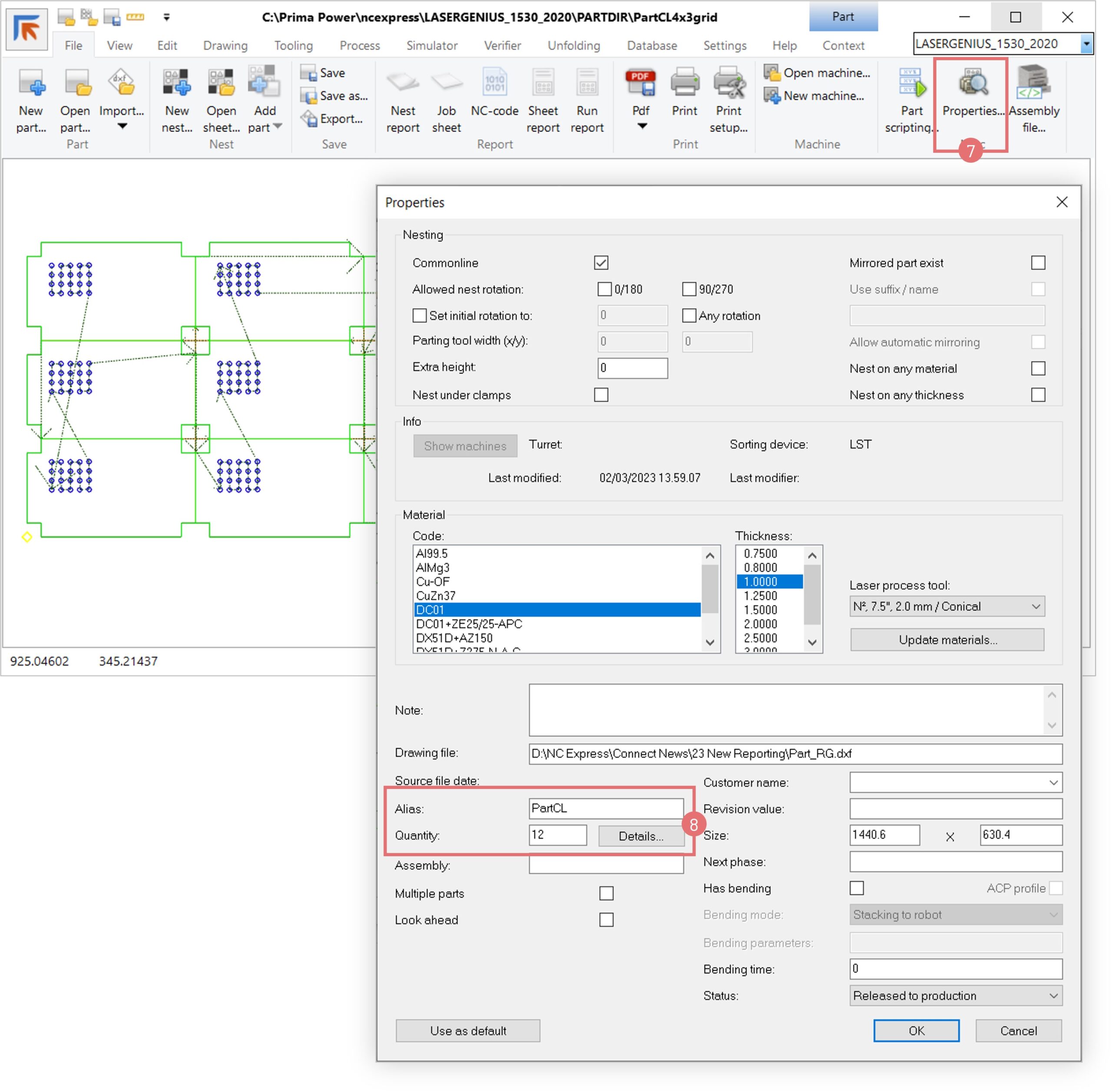
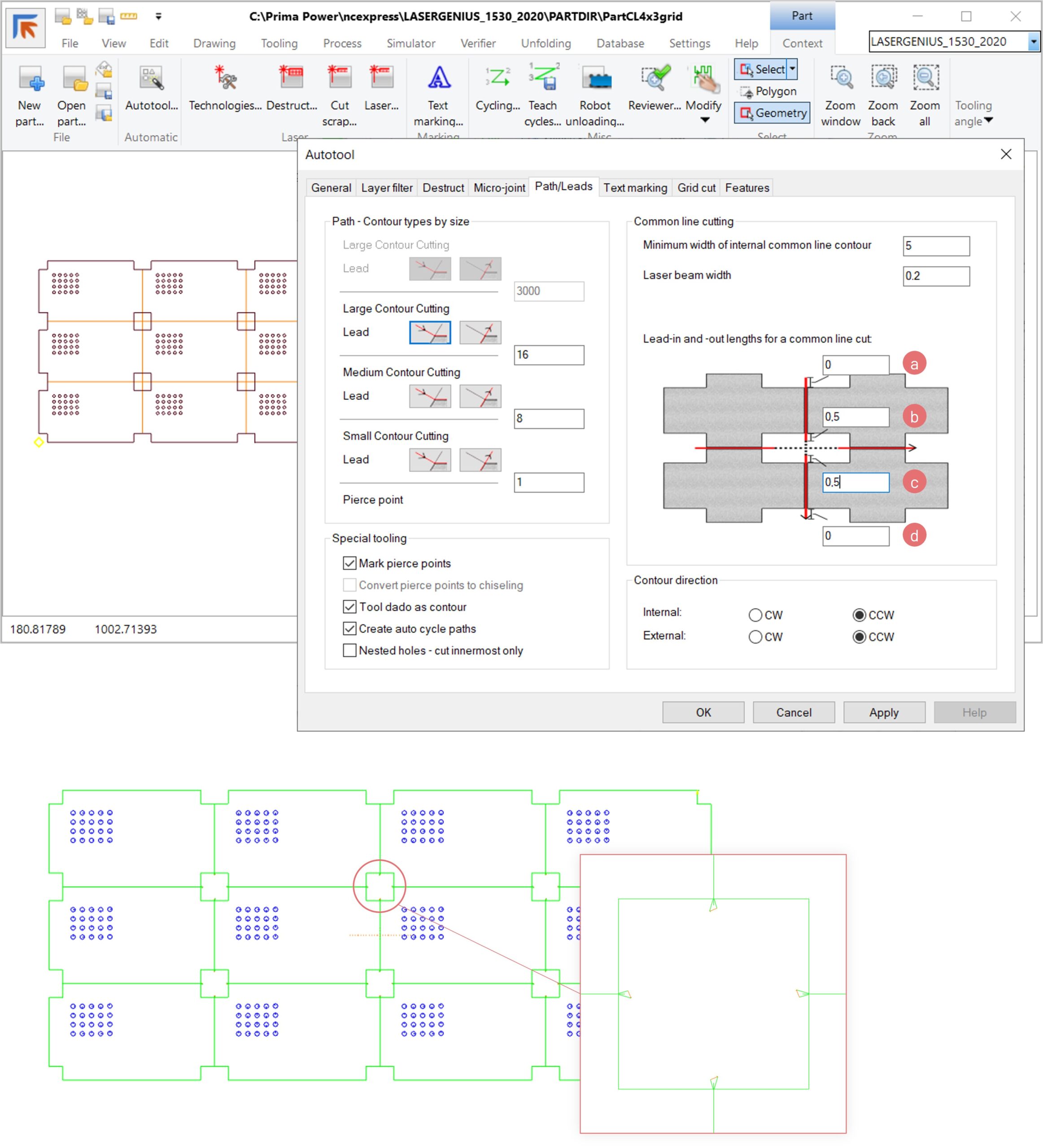
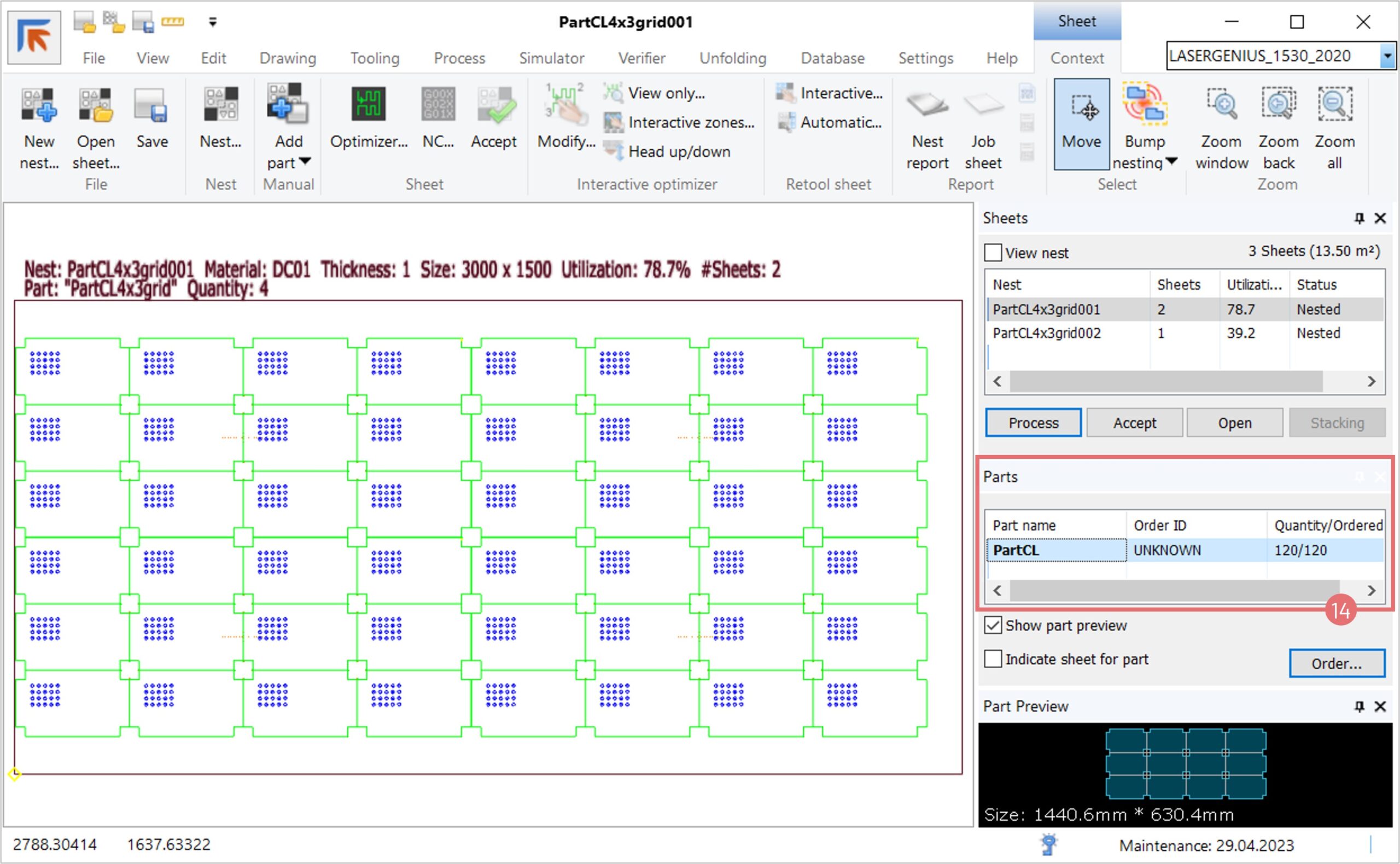
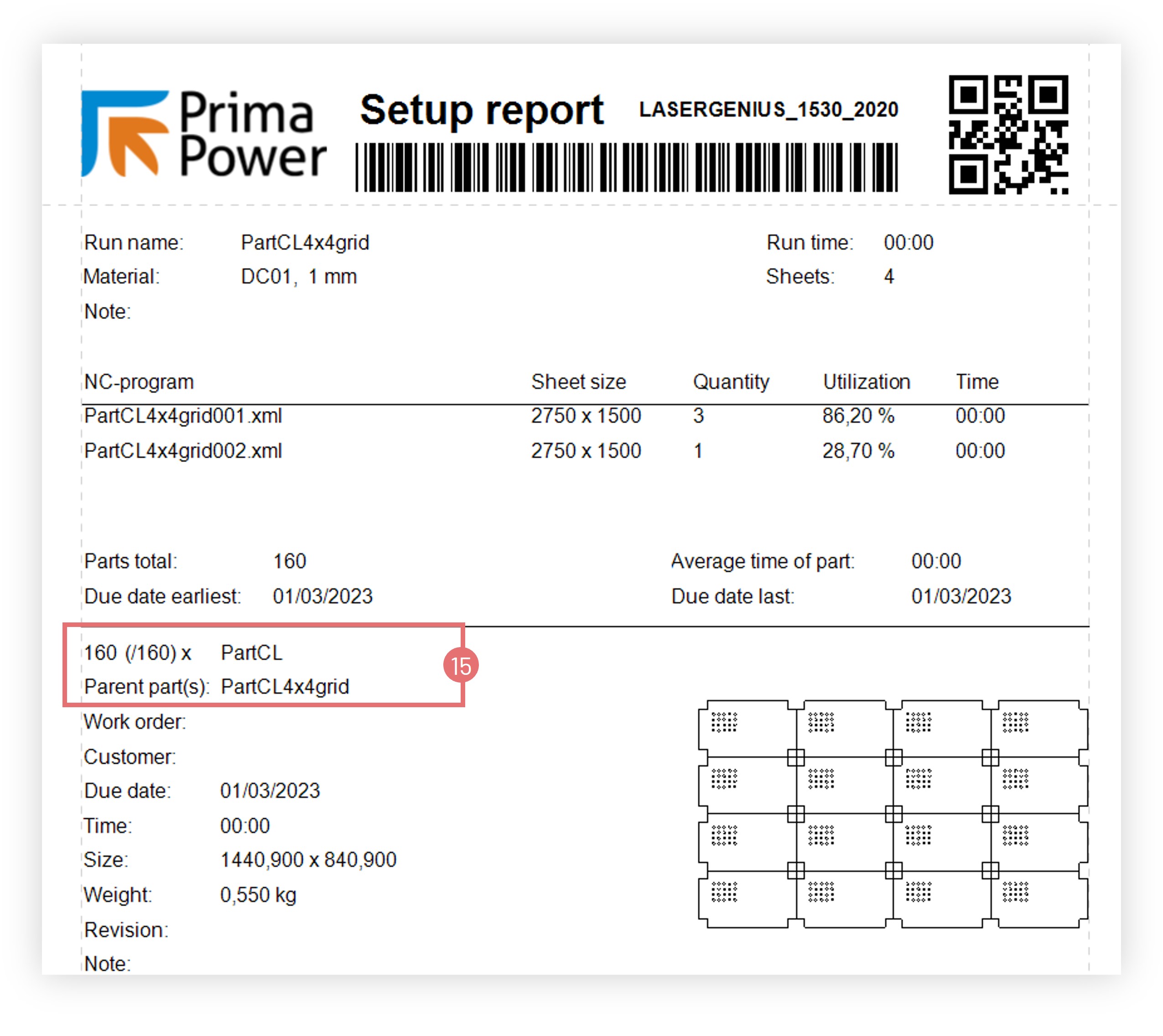
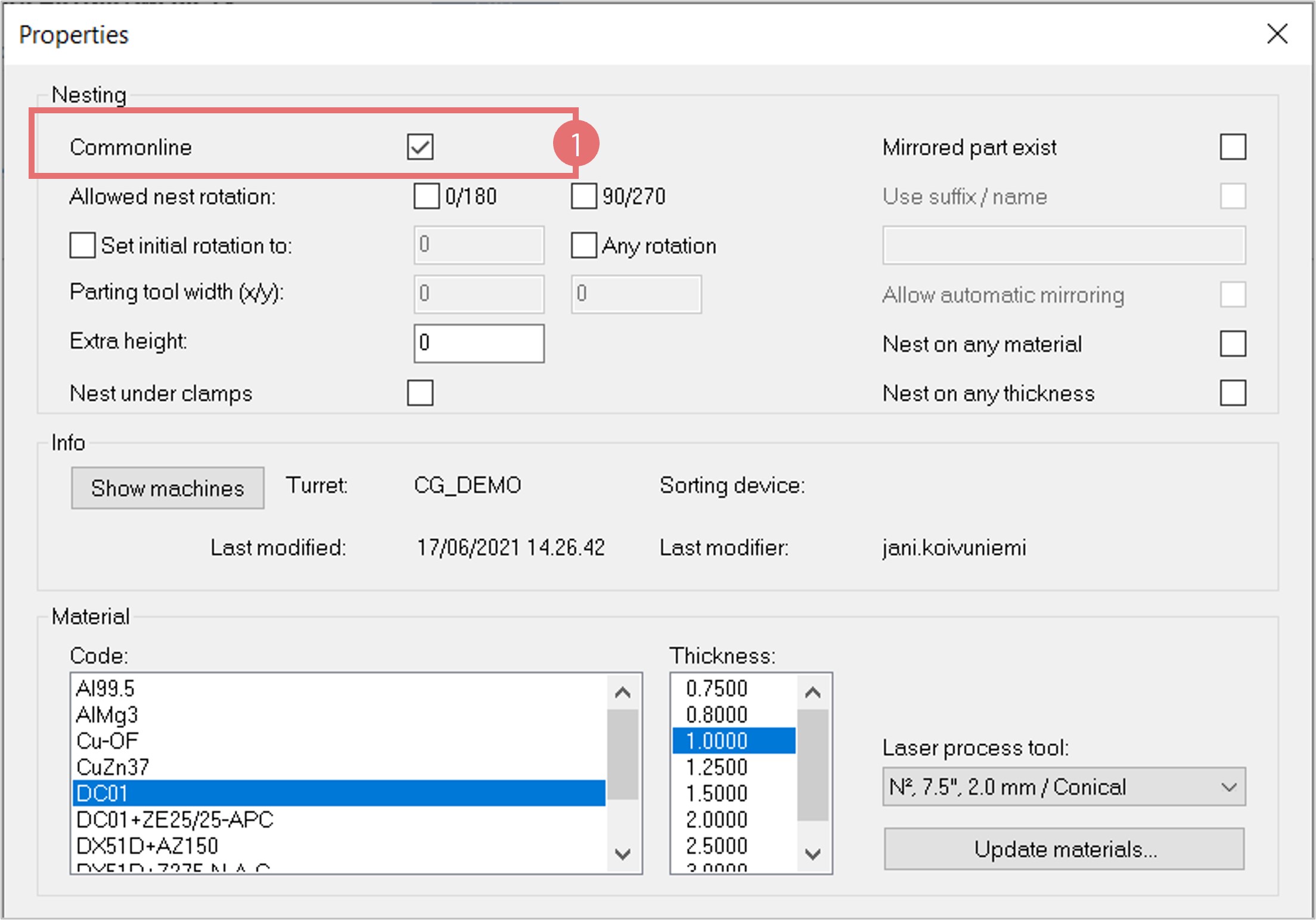
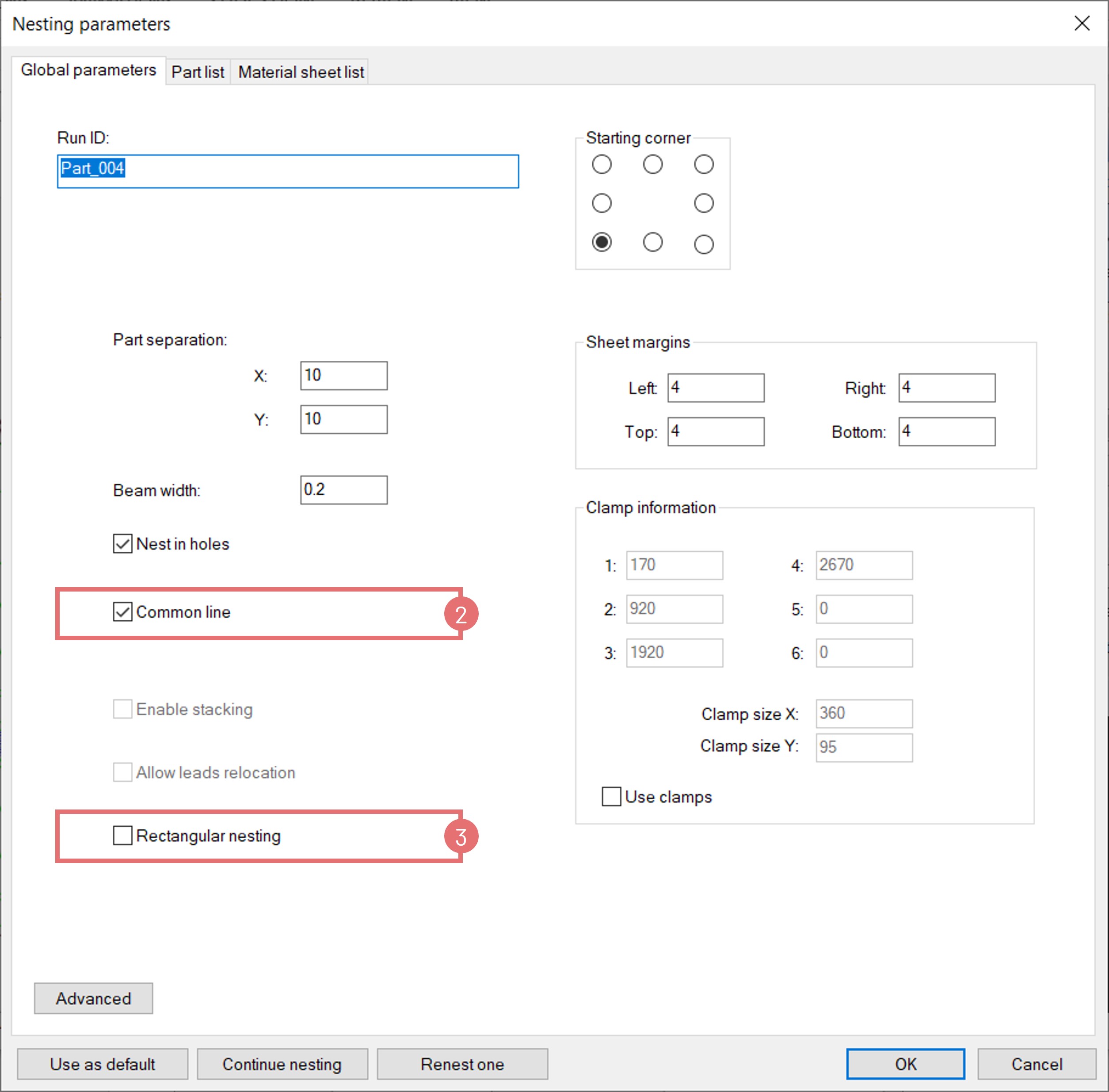
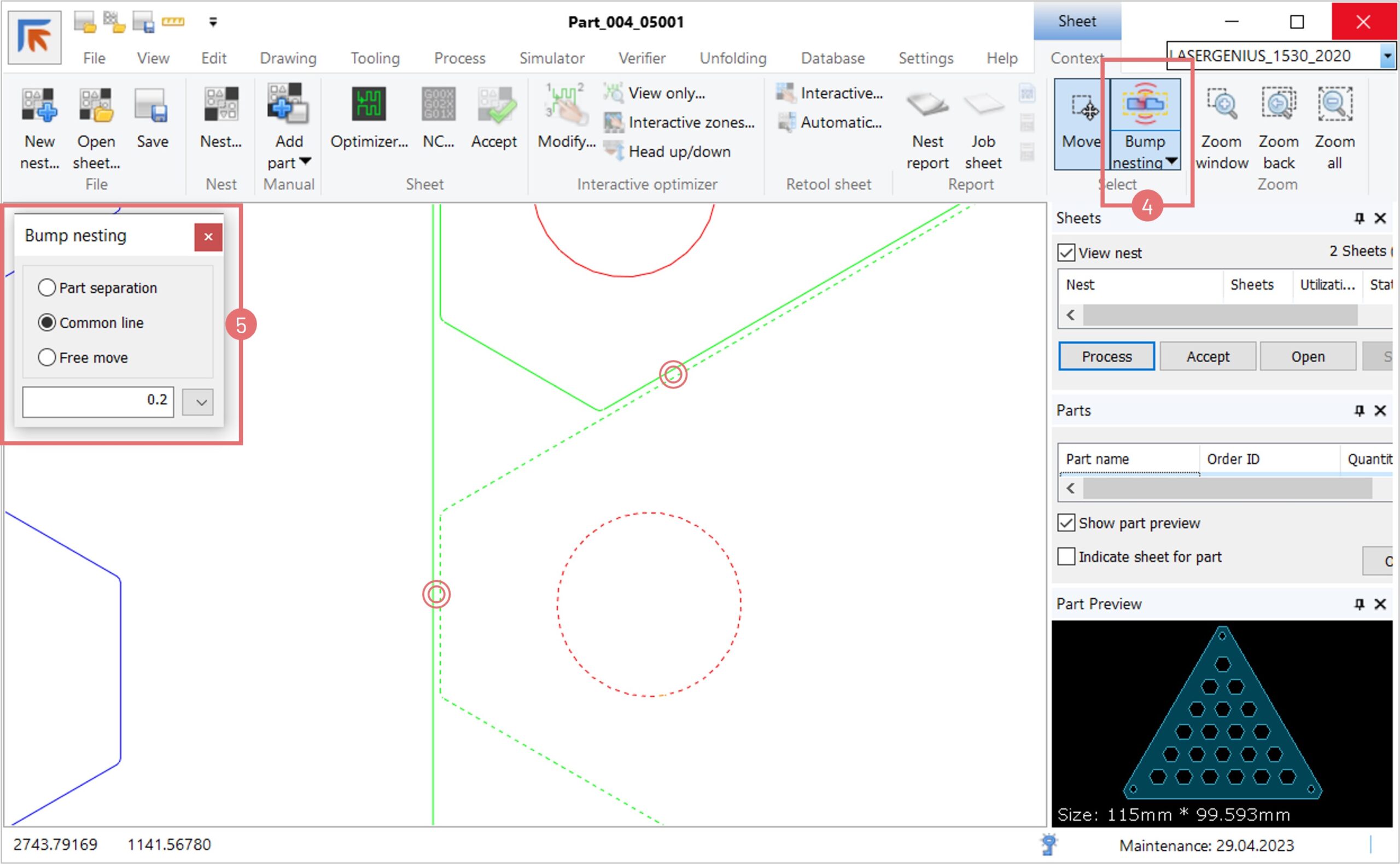
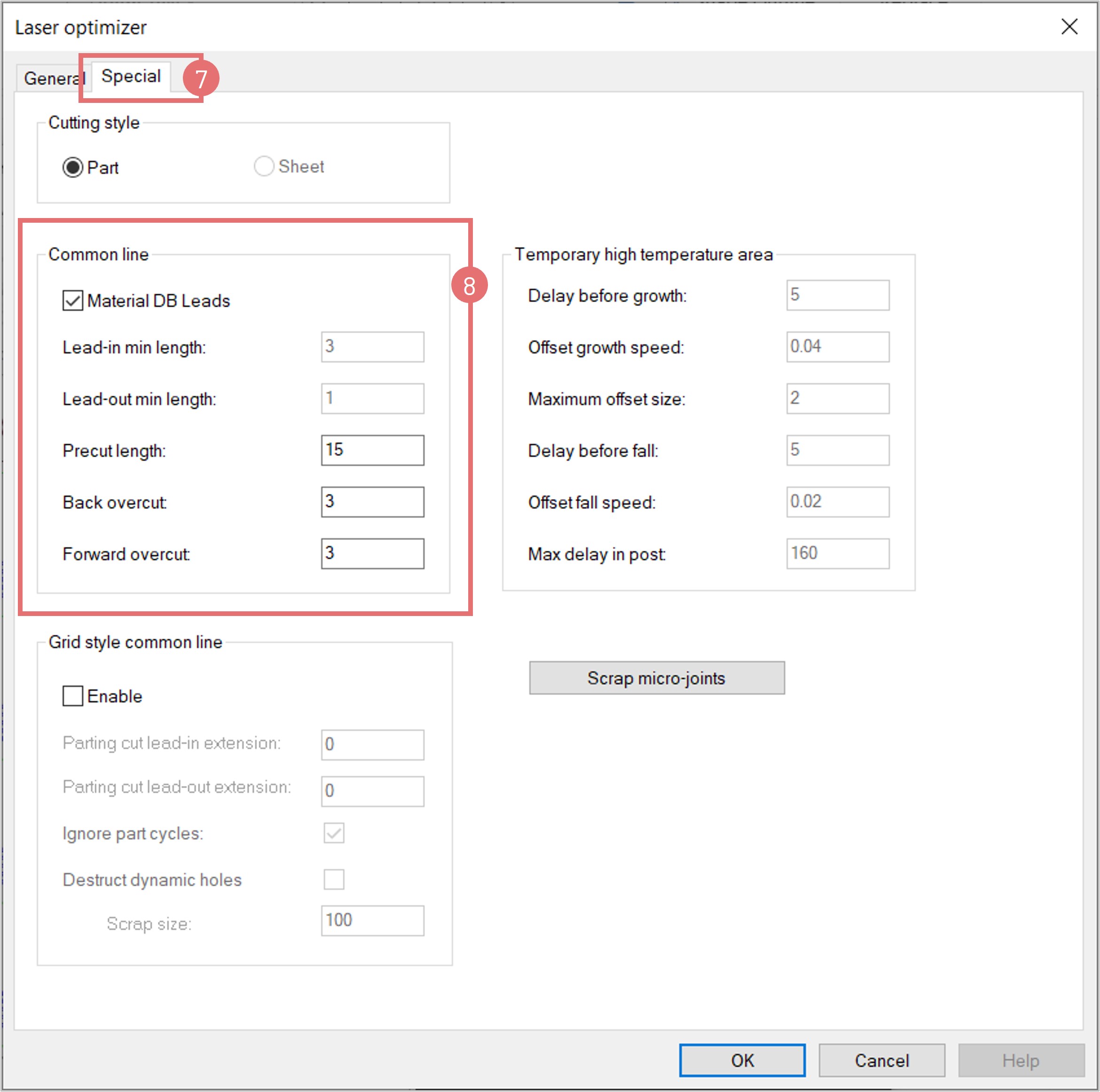
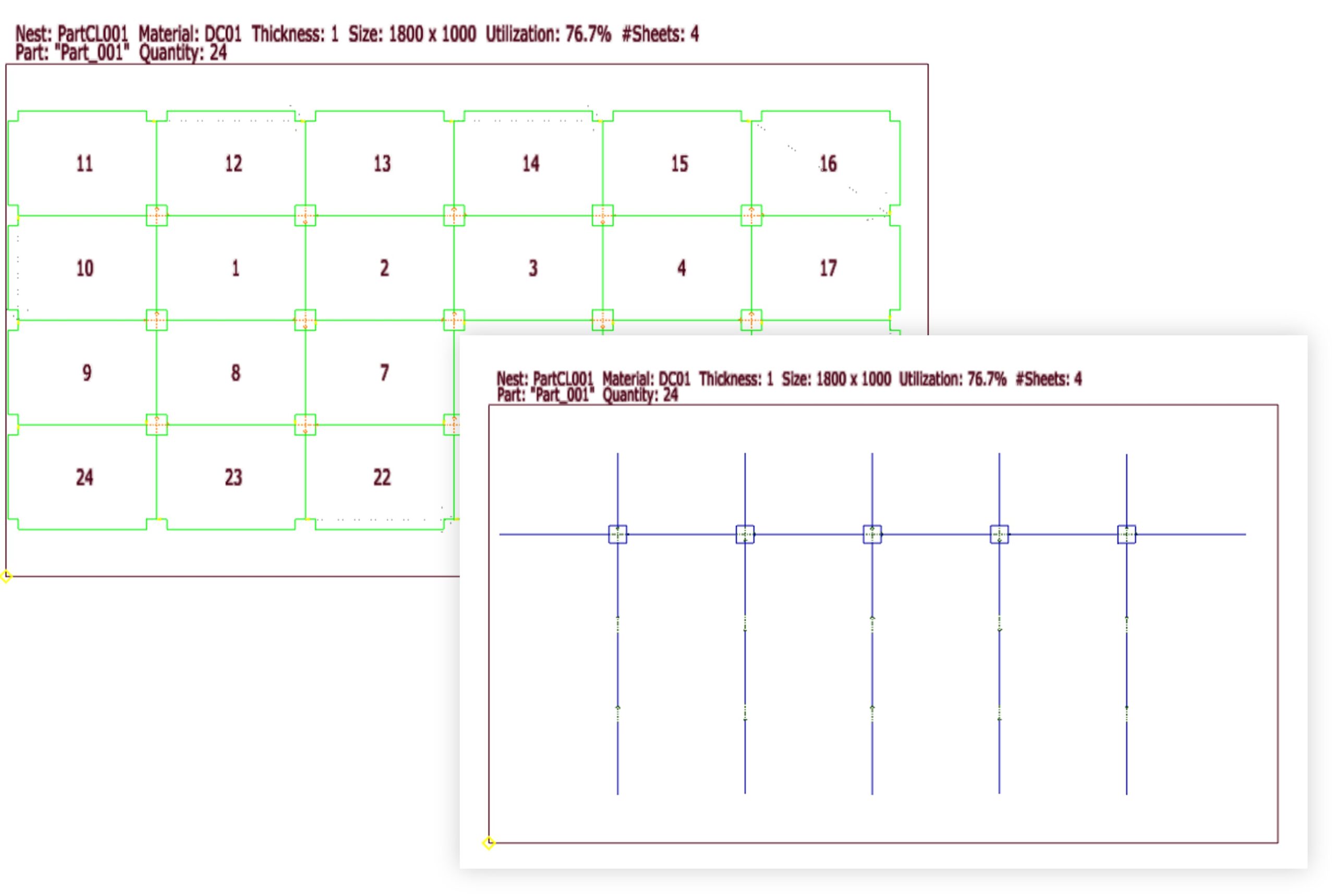
- Grid-part common-line cutting
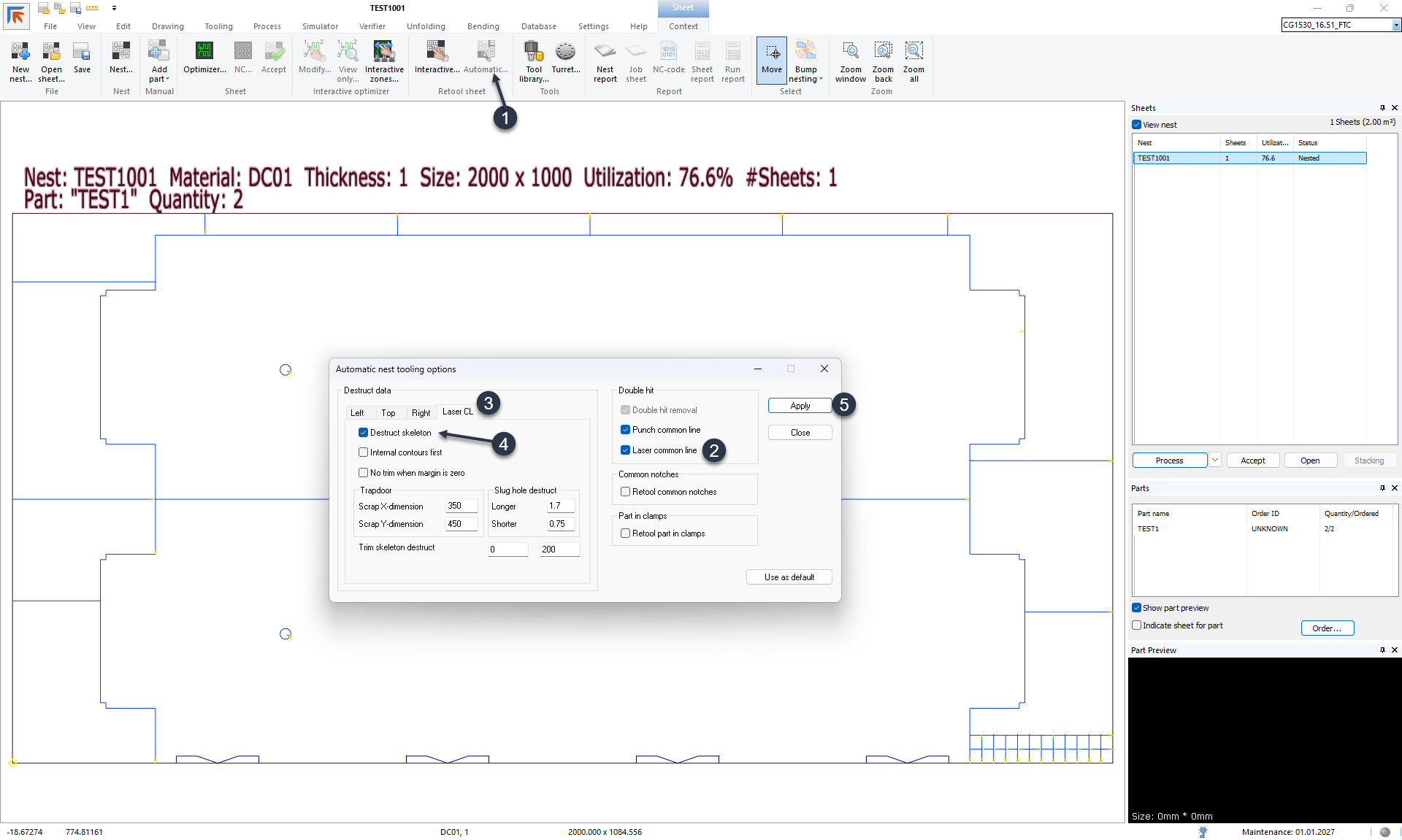
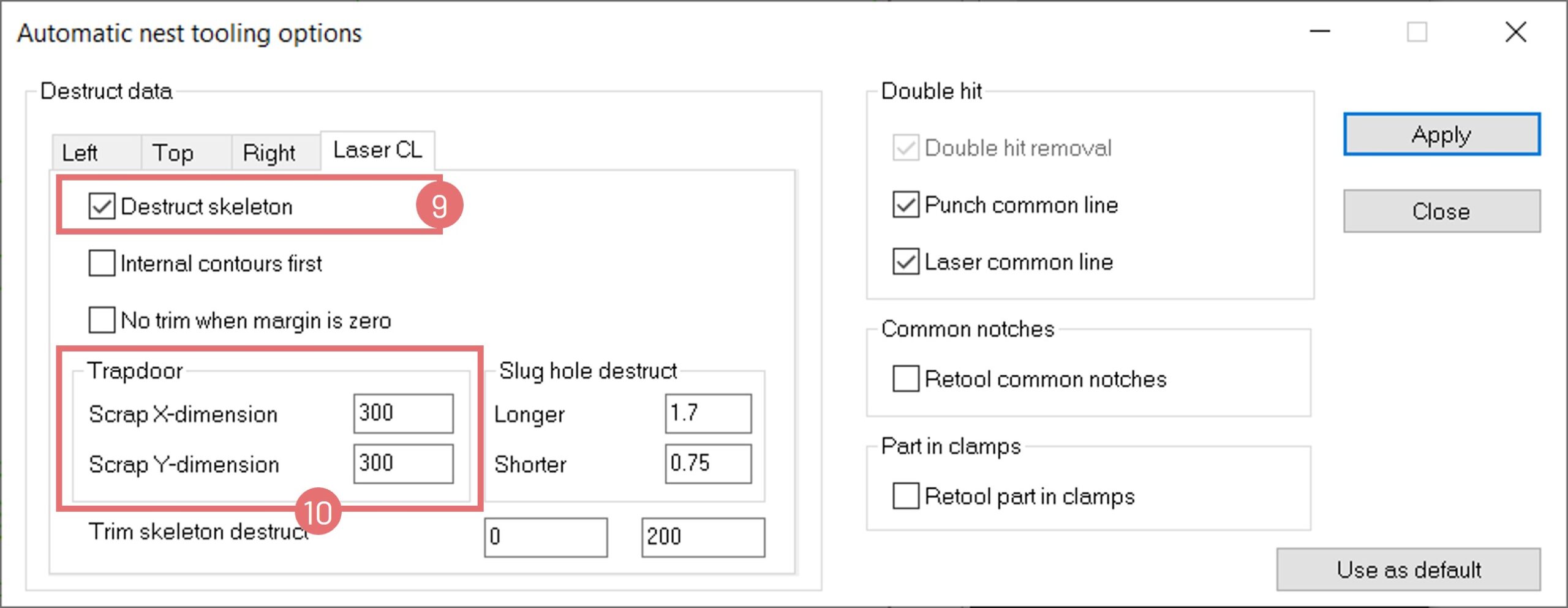
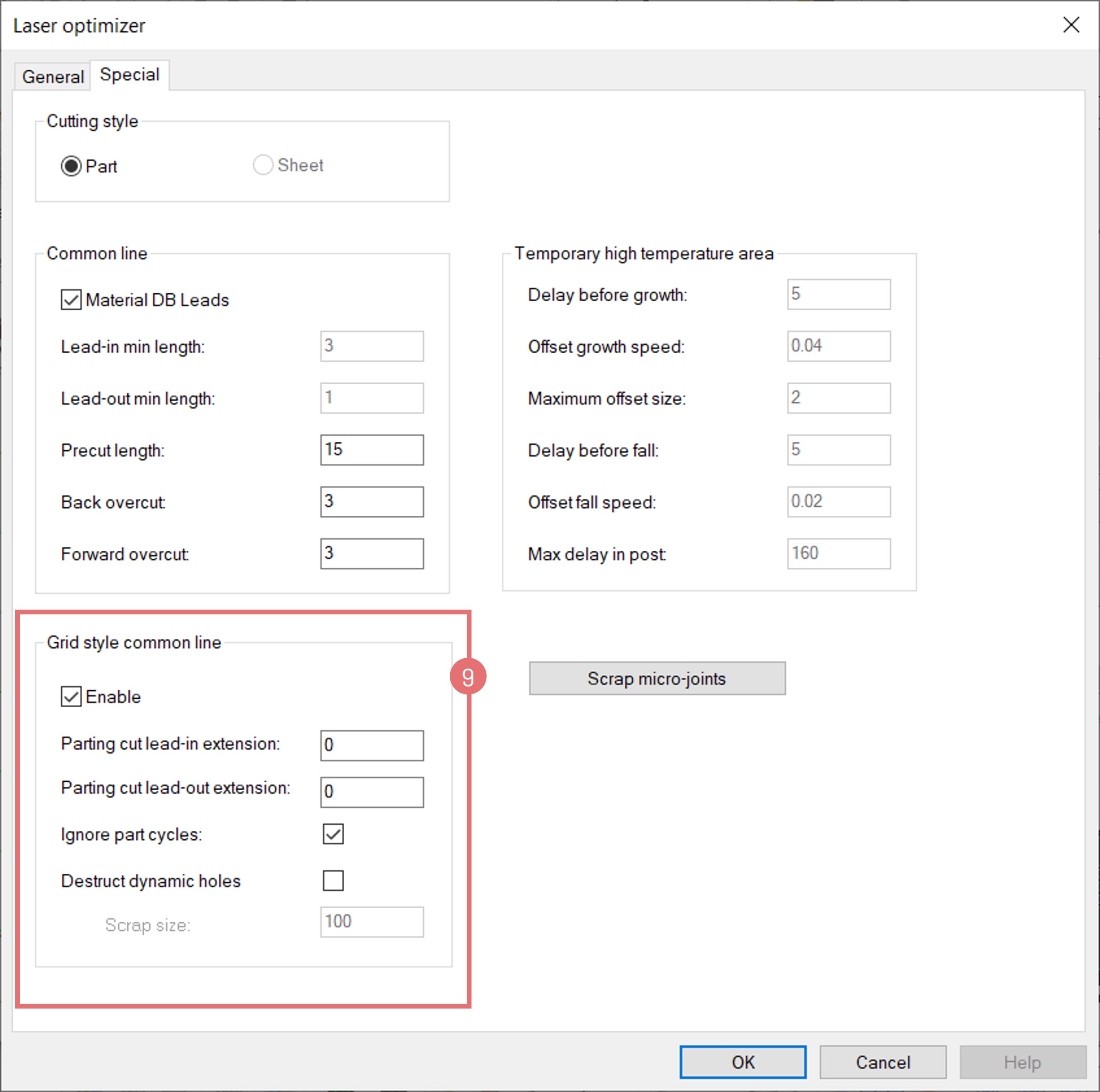
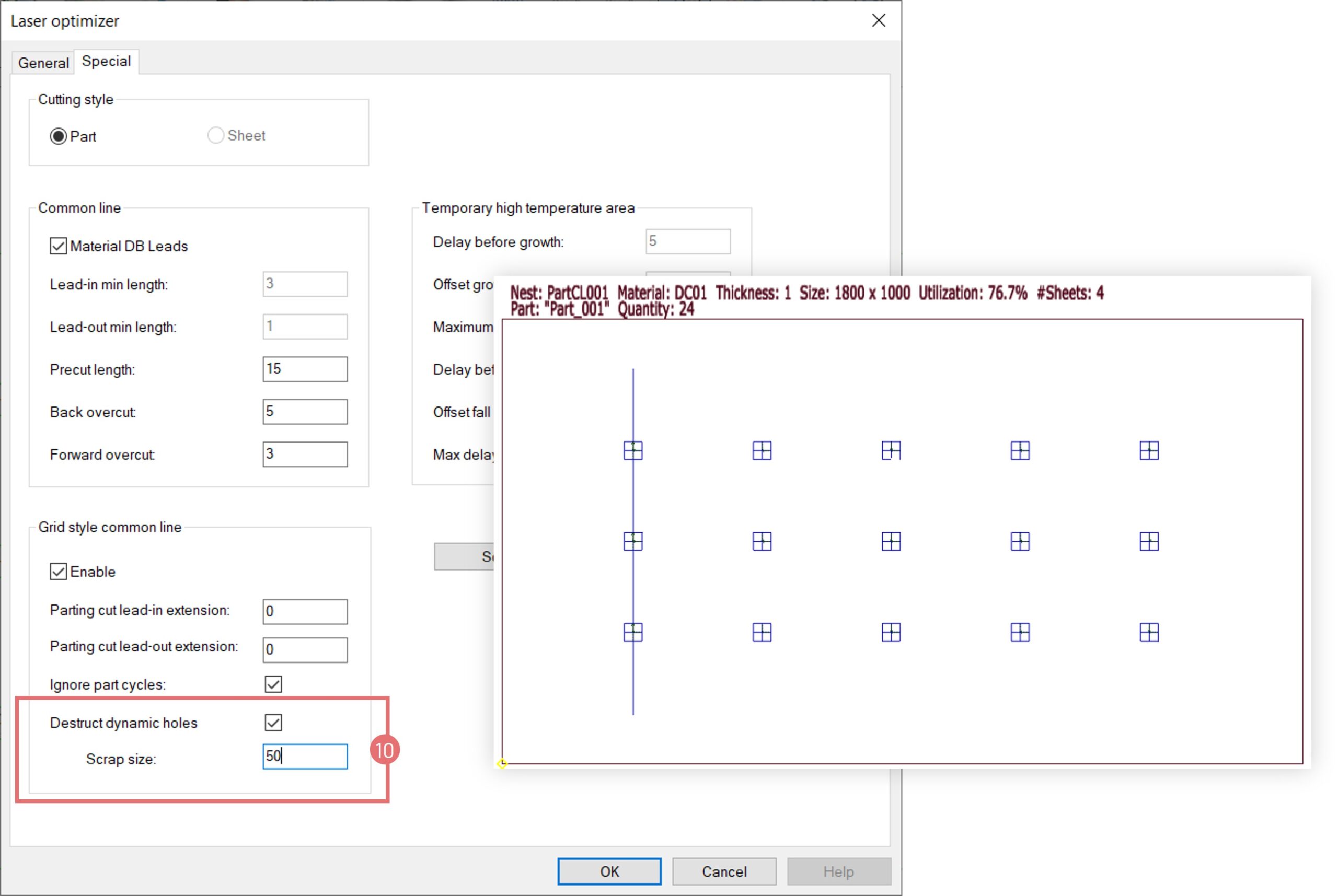
Grid Style Common Line Improvements
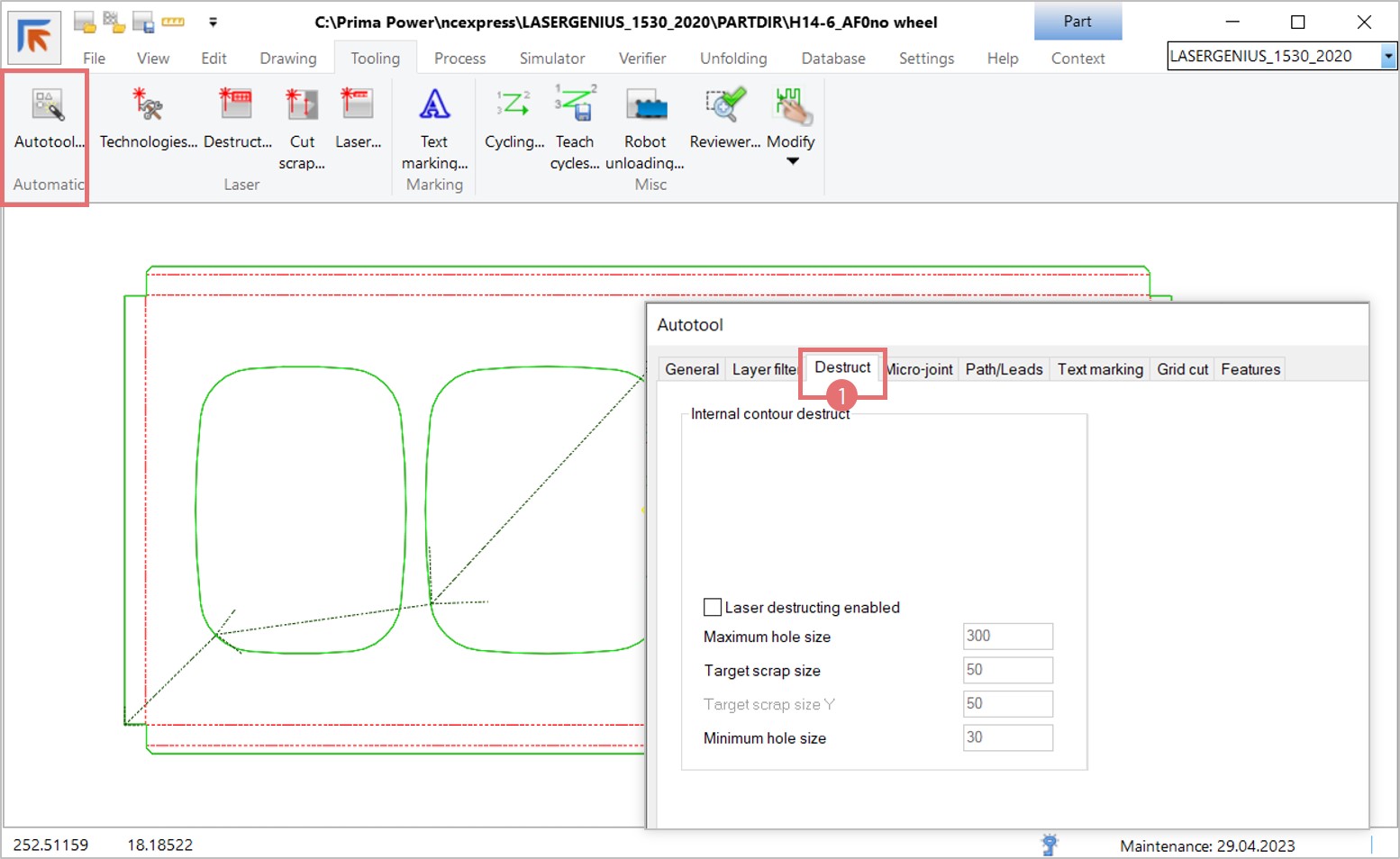
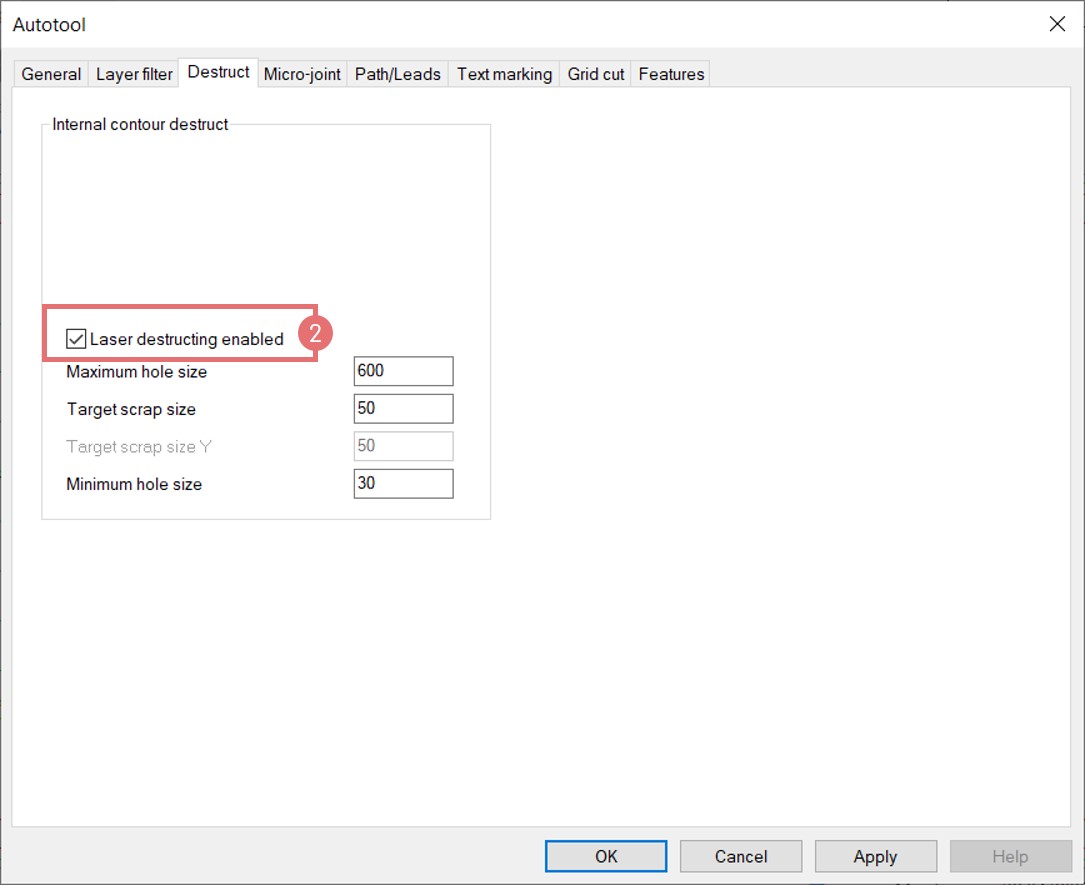
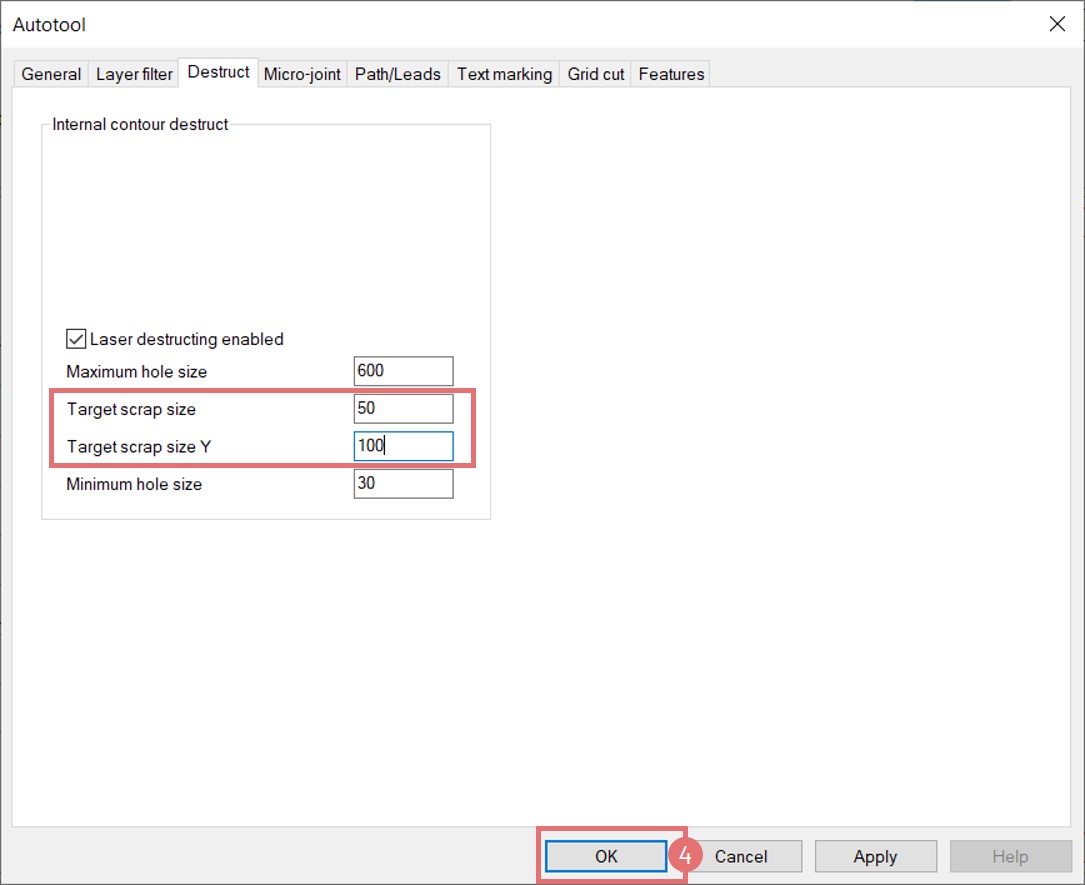
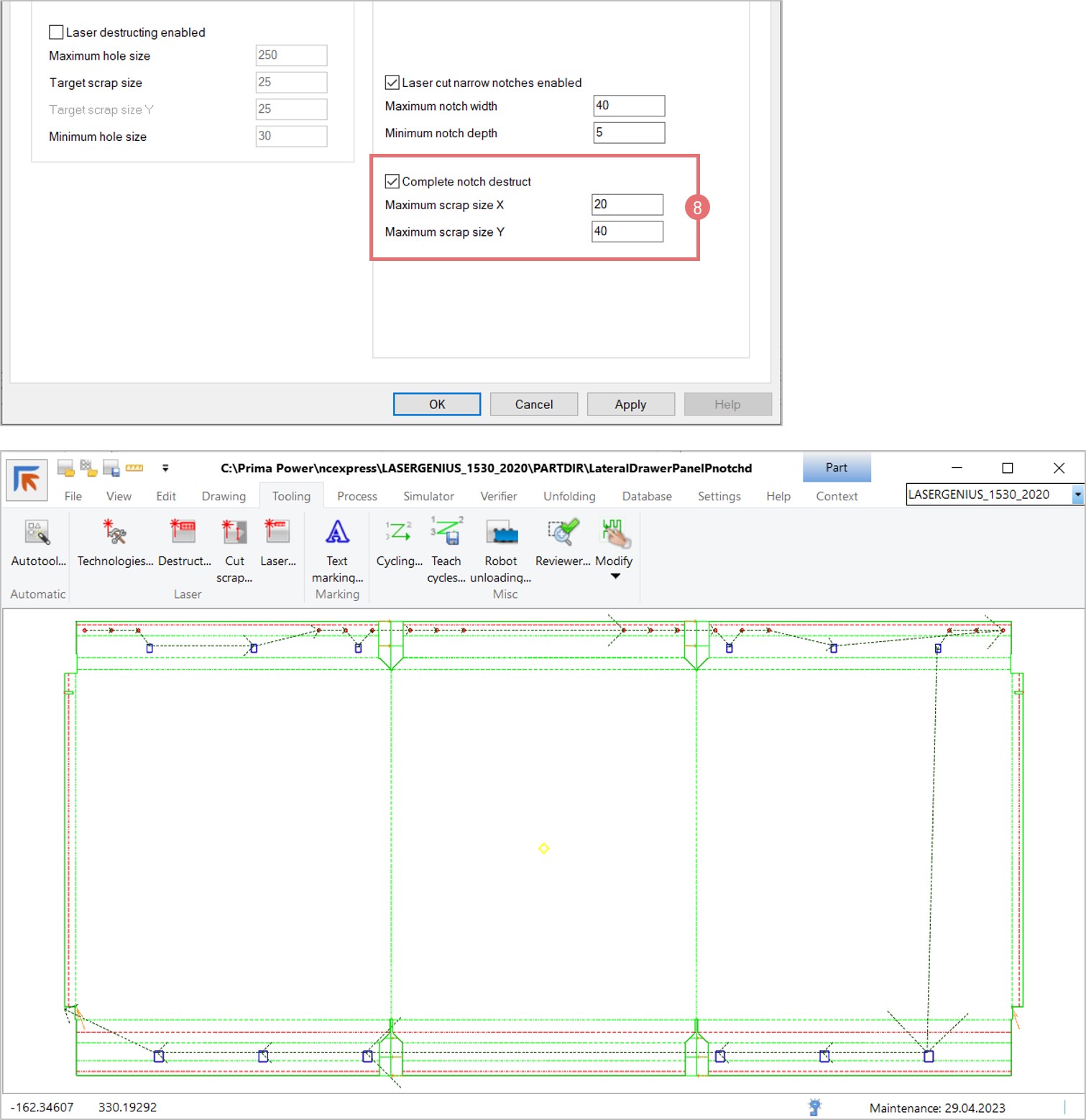
- Separate X and Y scrap size control during common-line optimization.
New Machine Support
- Added support for Laser Next Core with Siemens Sinumerik control.
Punch
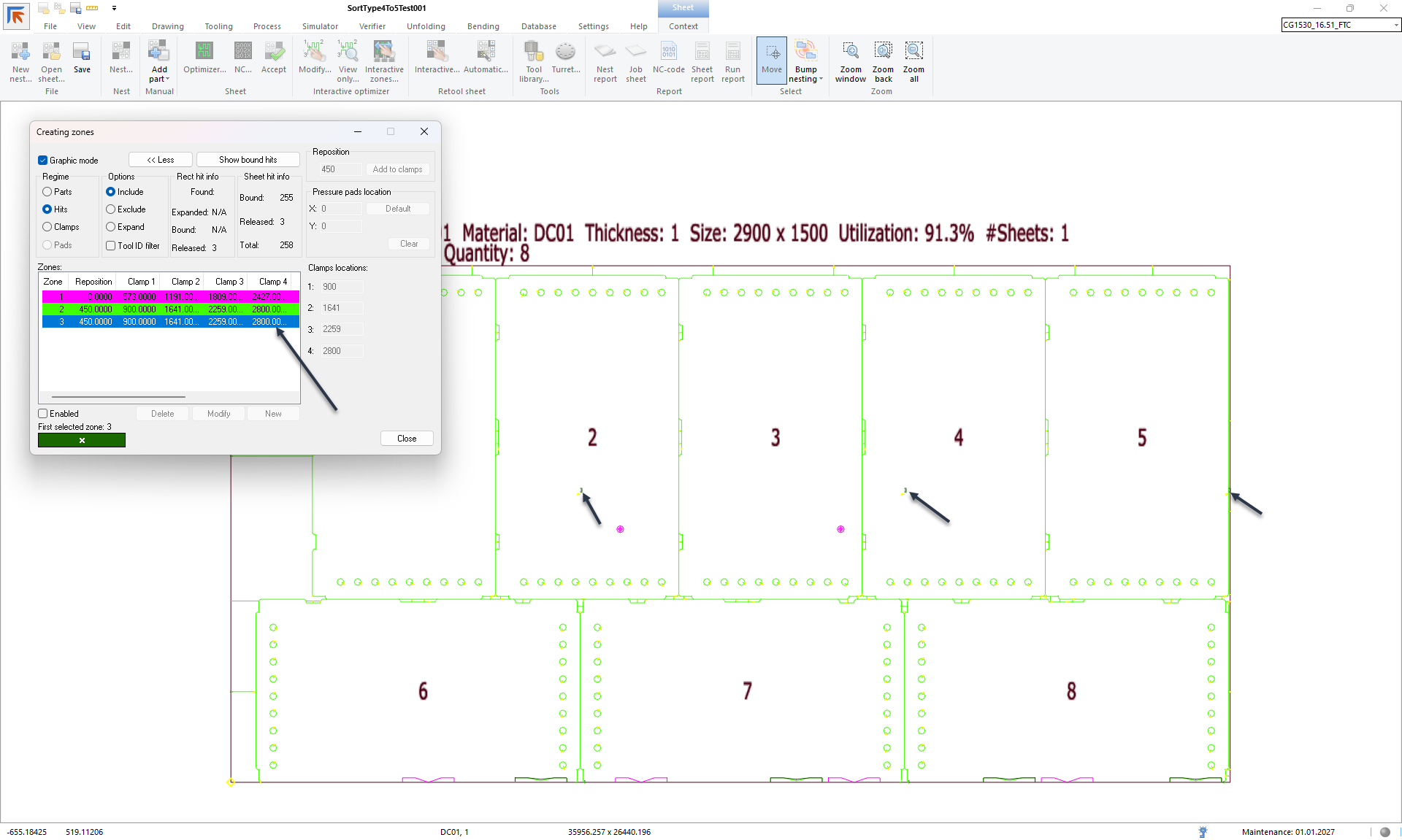
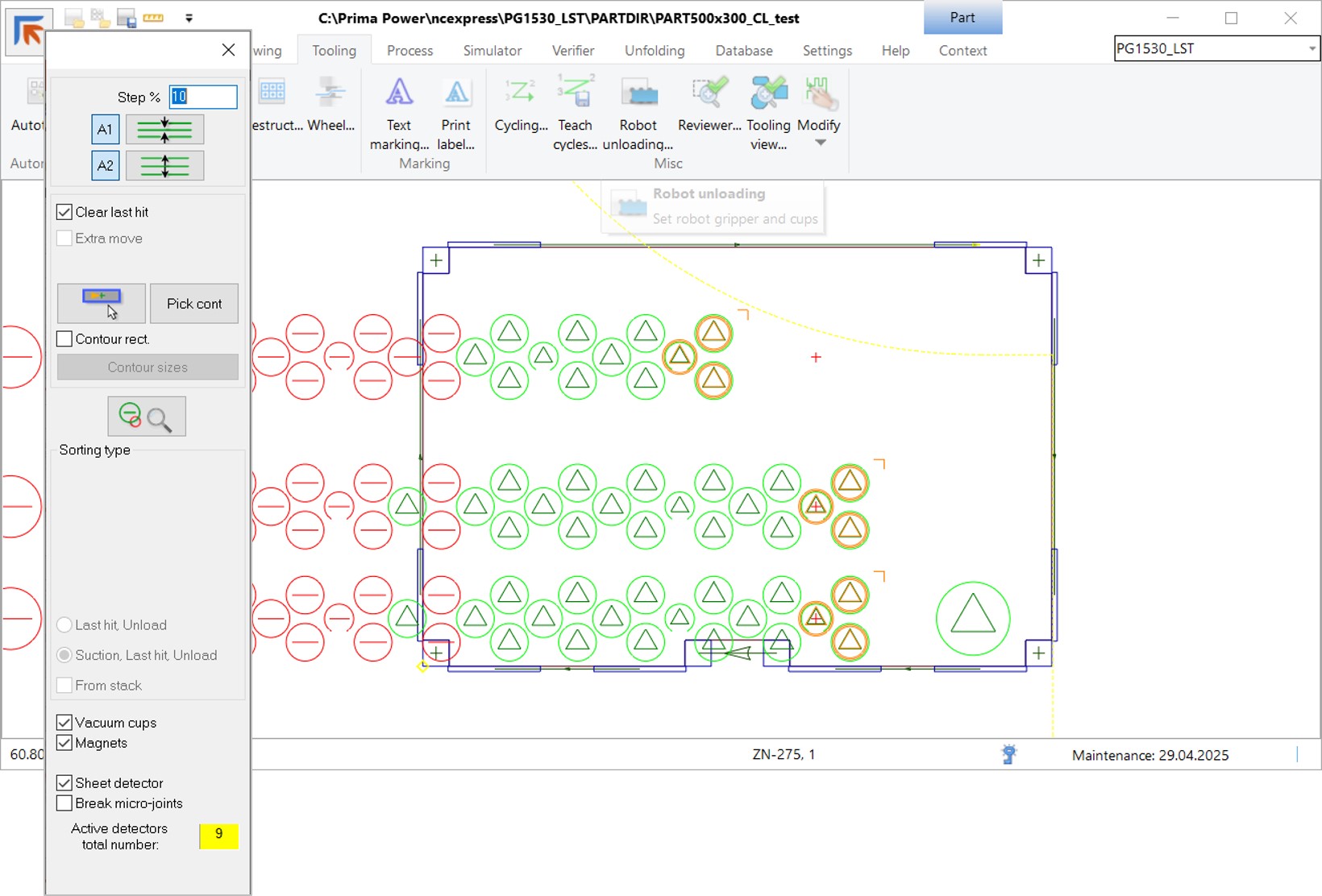
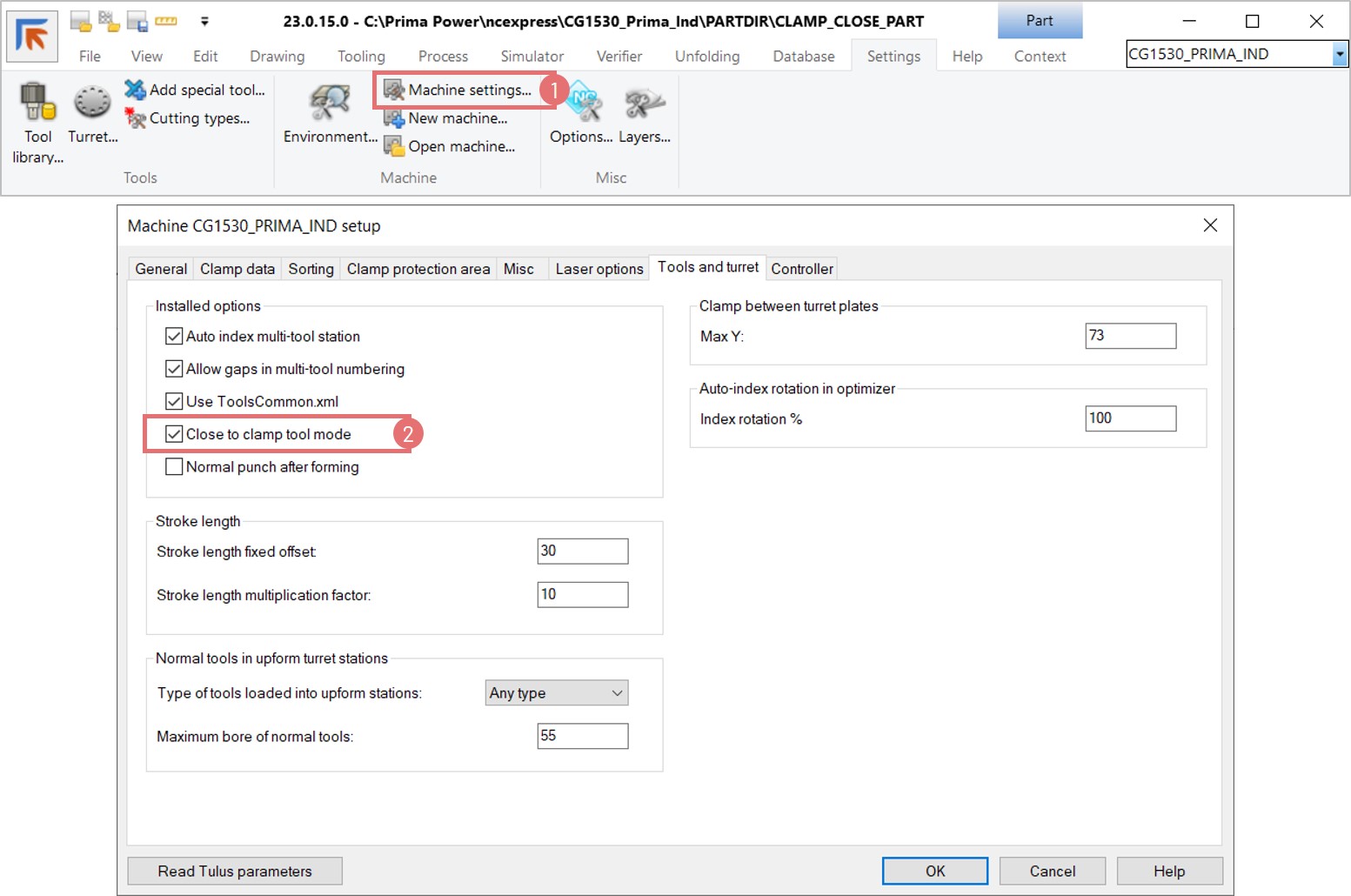
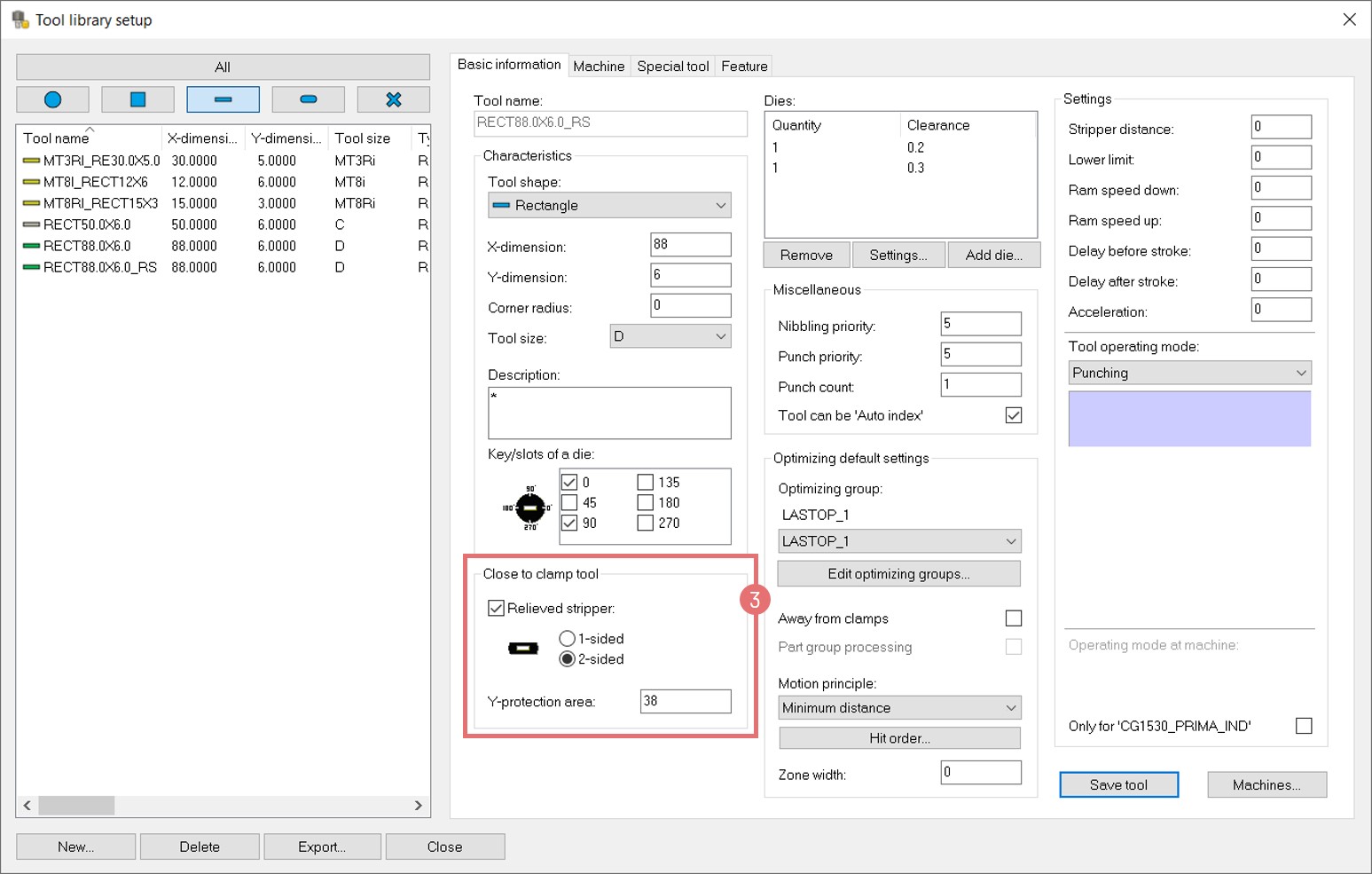
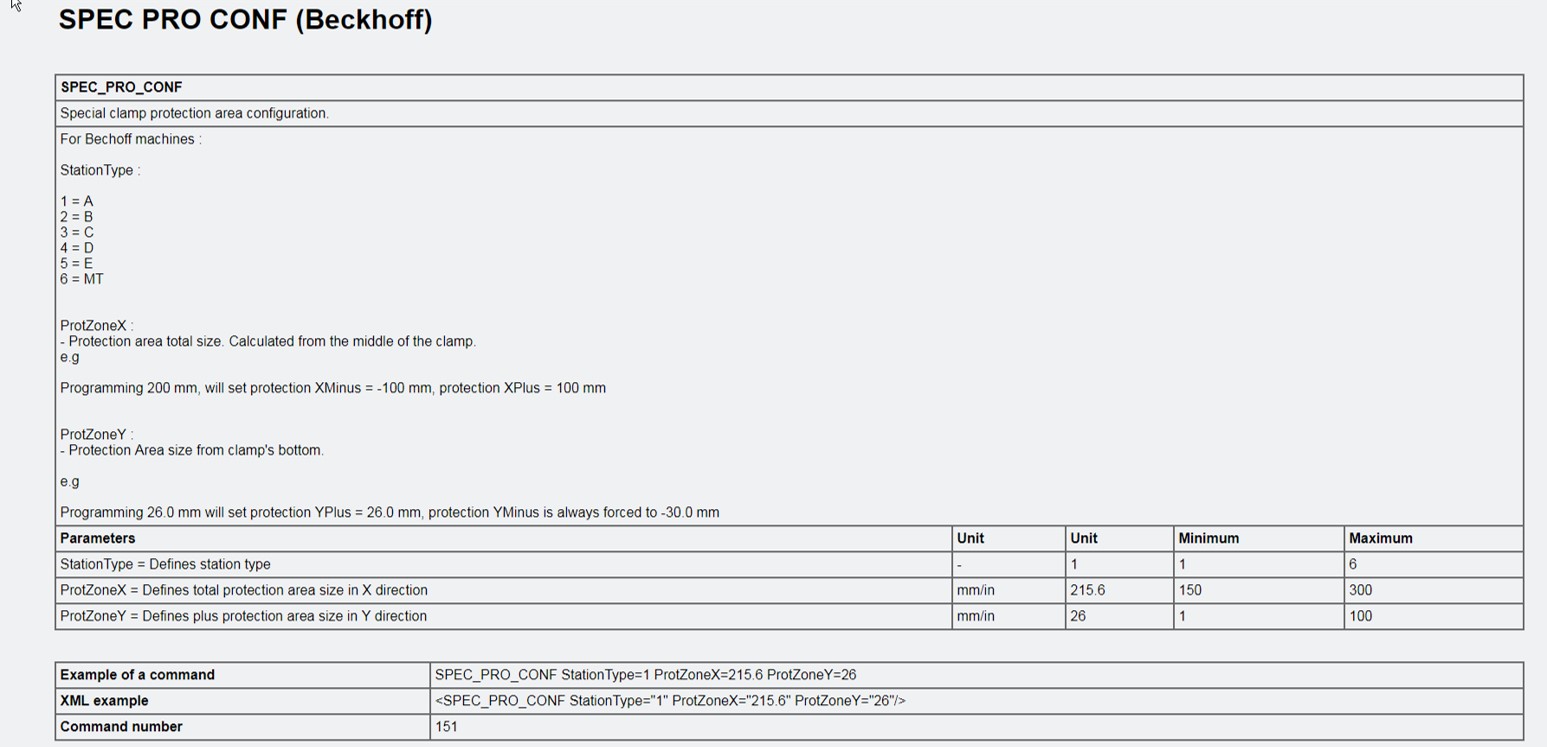
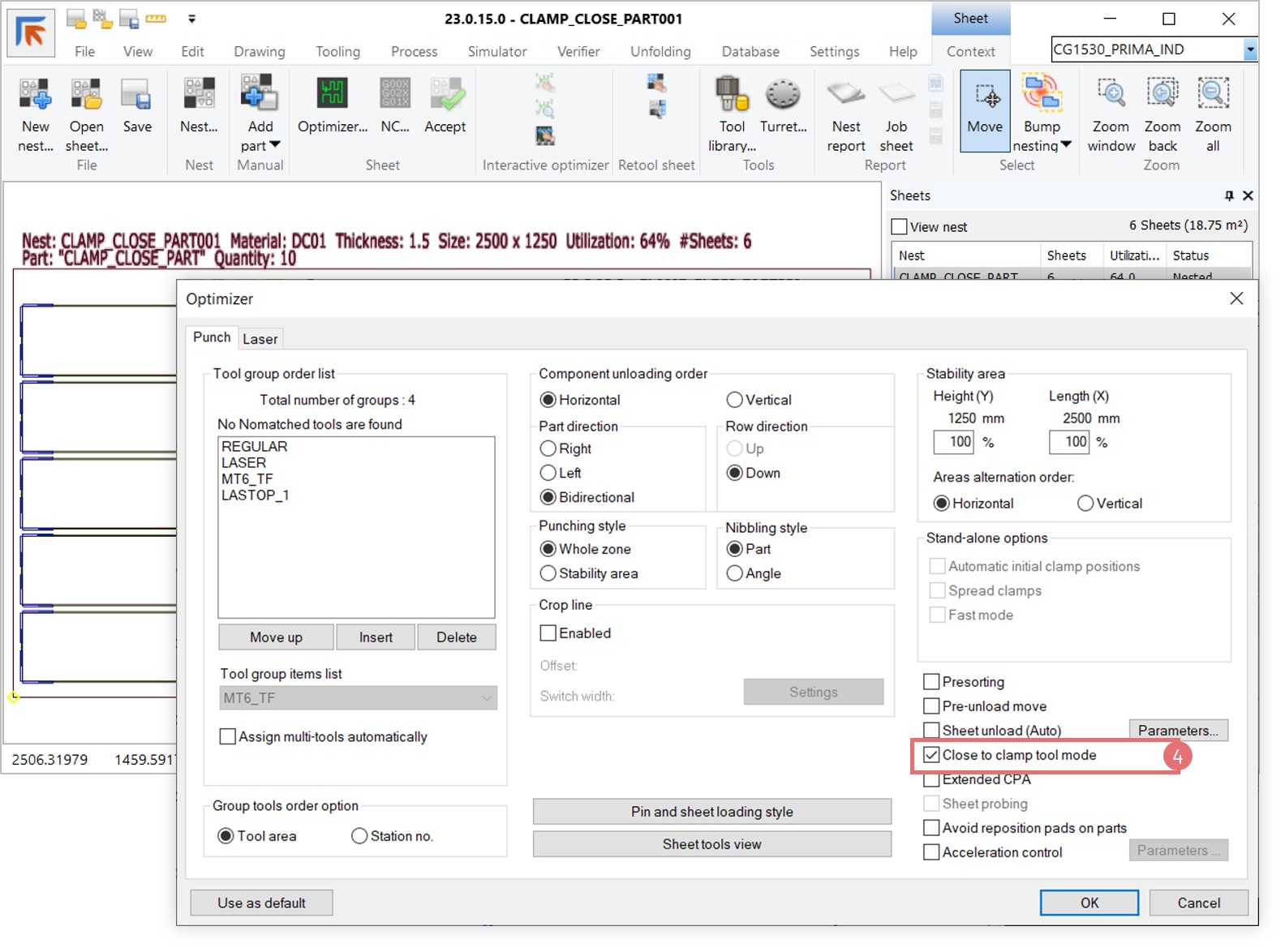
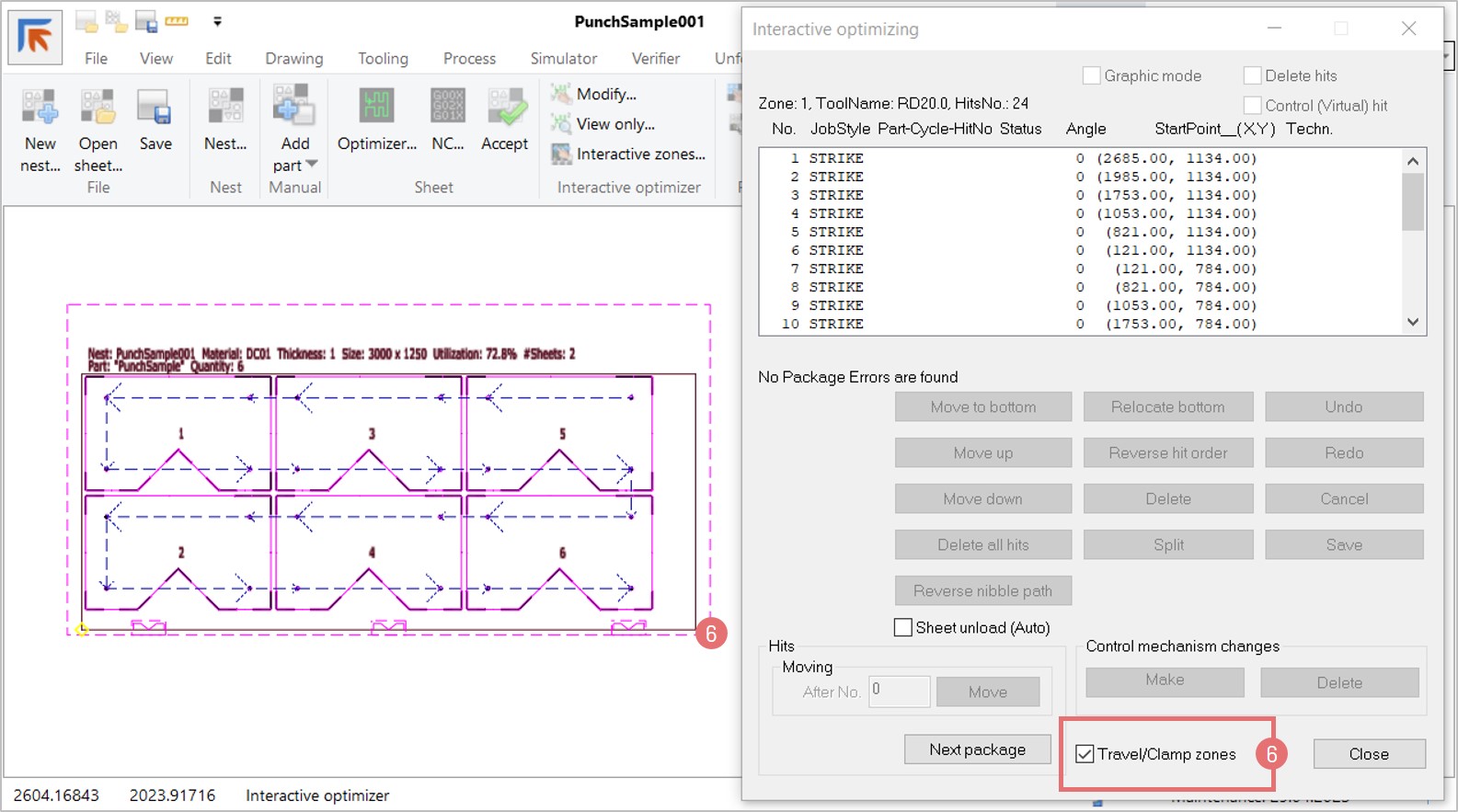
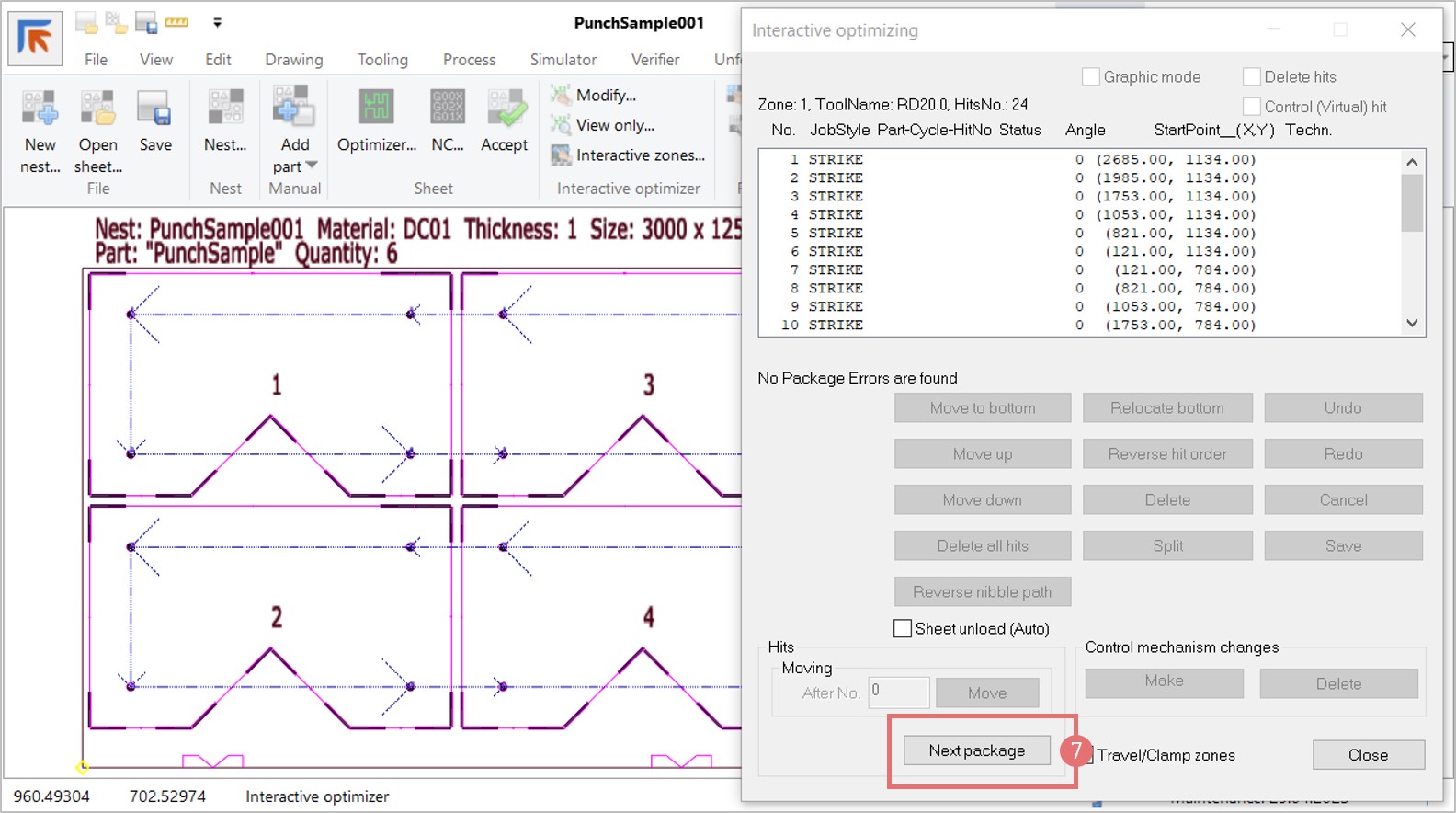
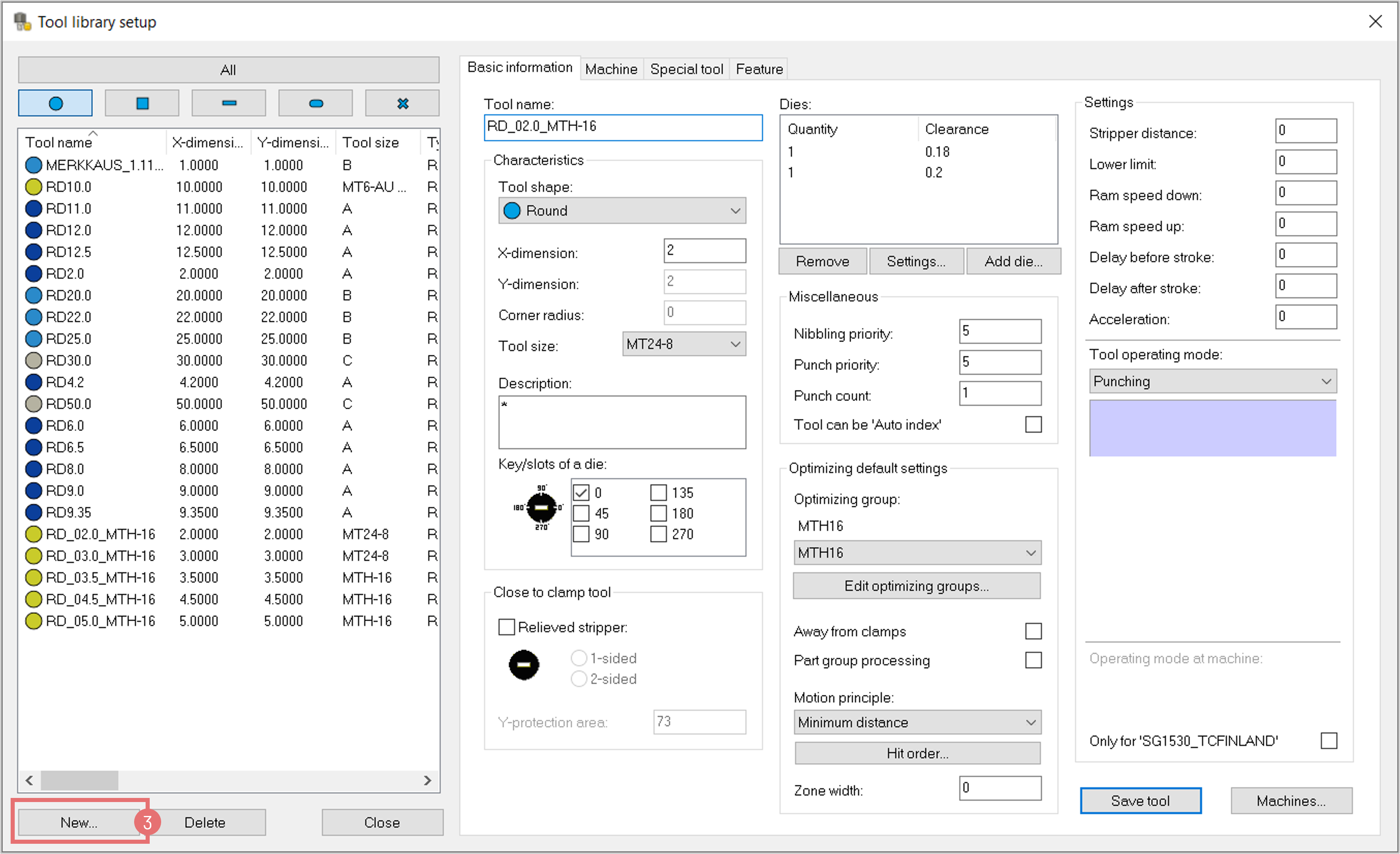
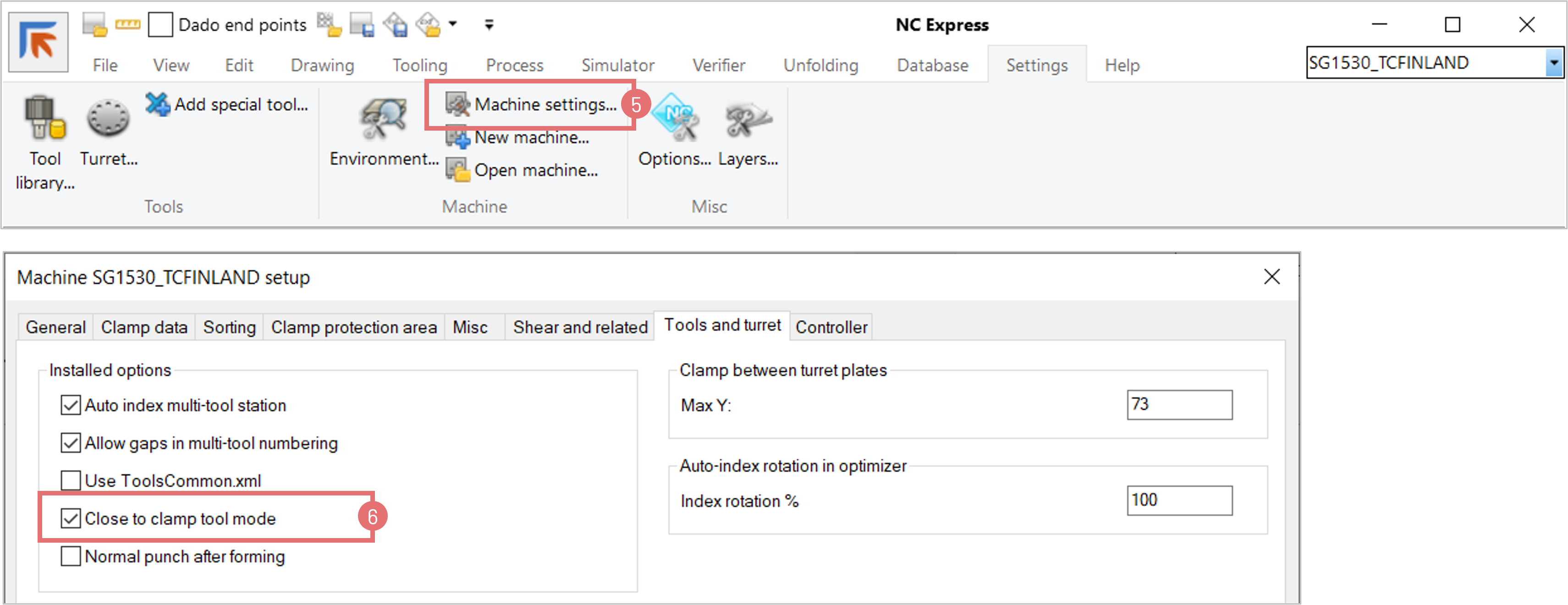
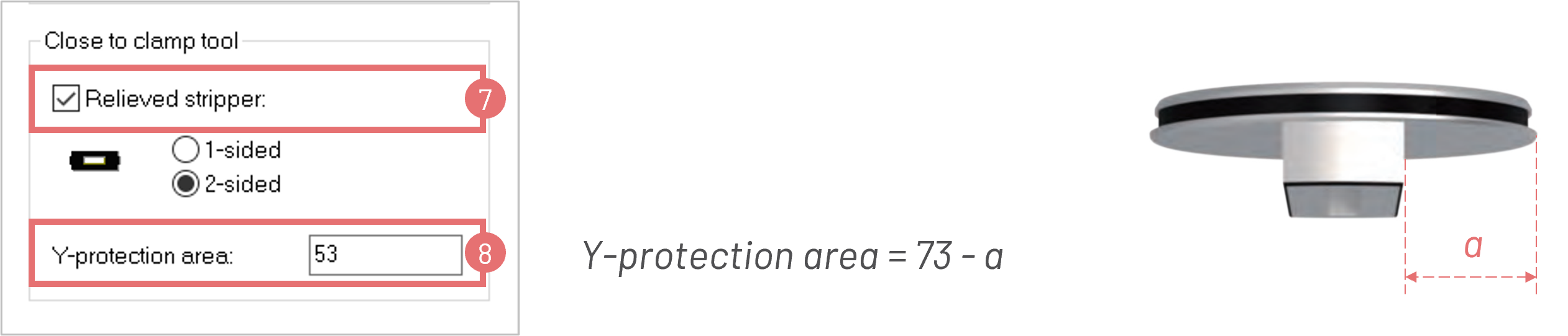
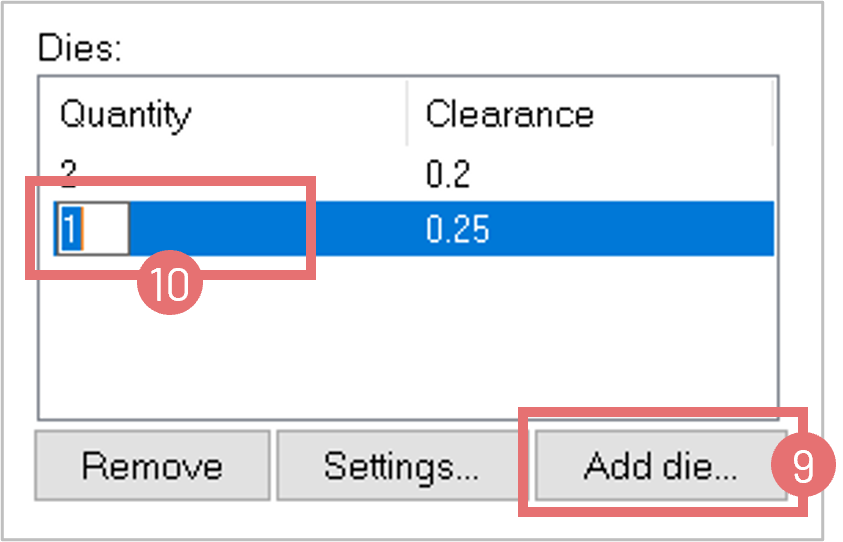
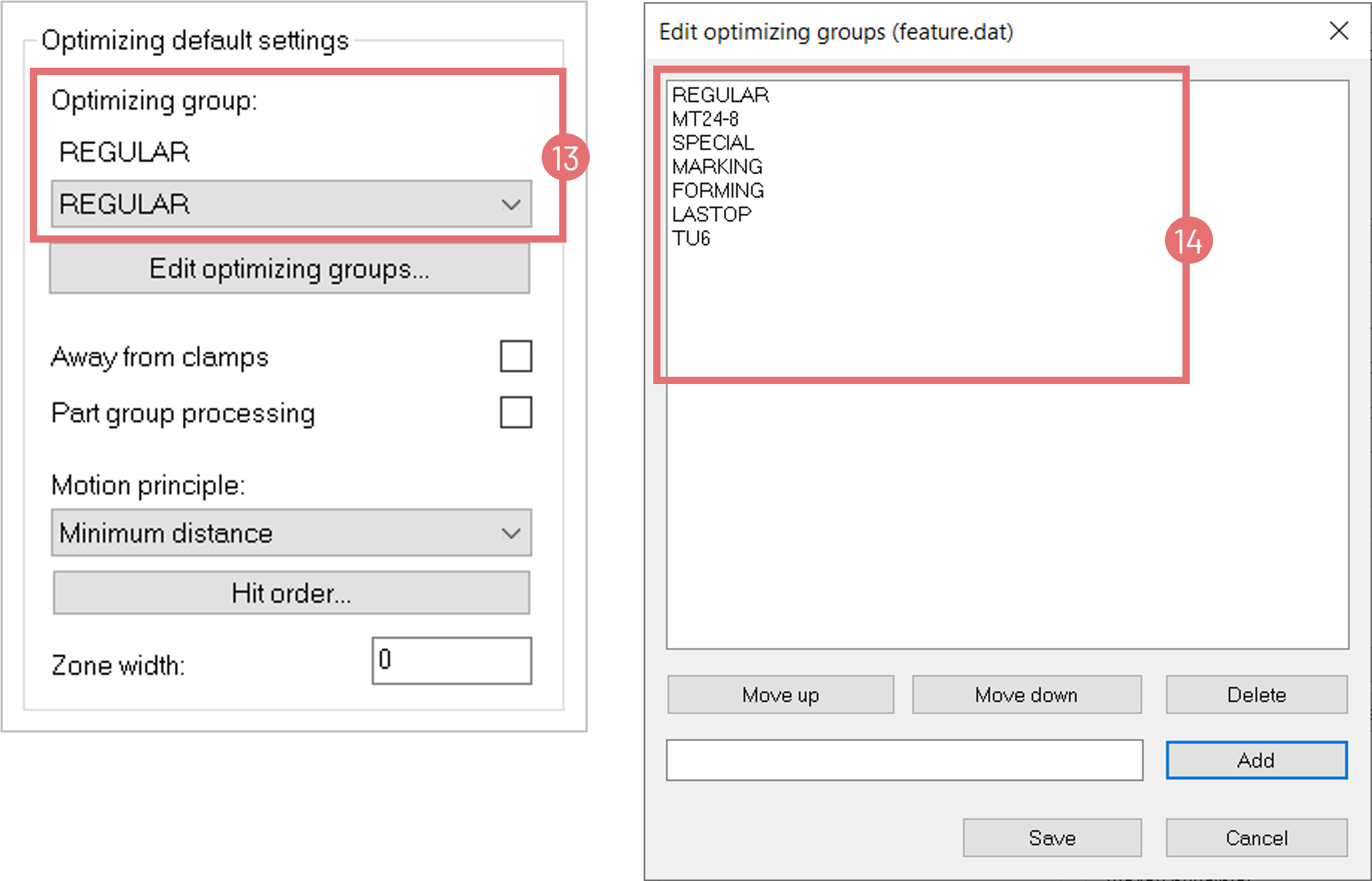
Improved Clamp Safety
New parameter:
- Extra motion safety in Y
Provides additional clearance around clamps and reduces risk of wear, noise, and collisions.
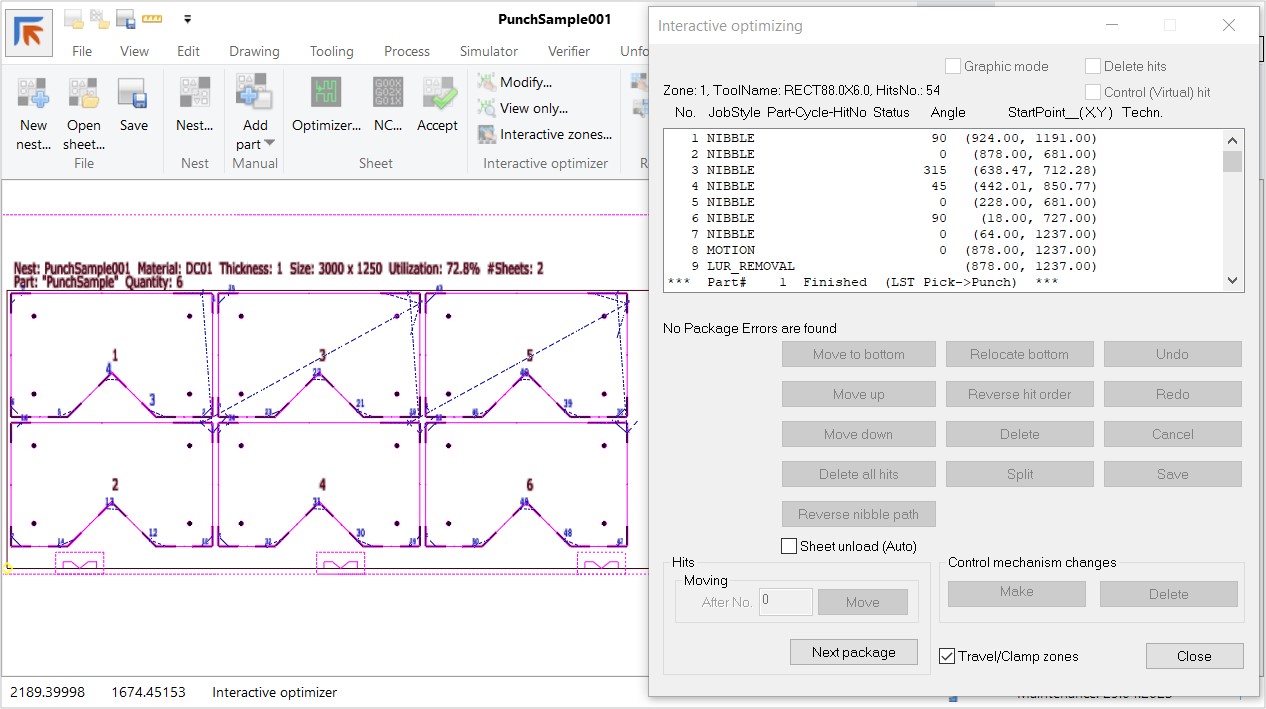
Remove Hits Outside Sheet
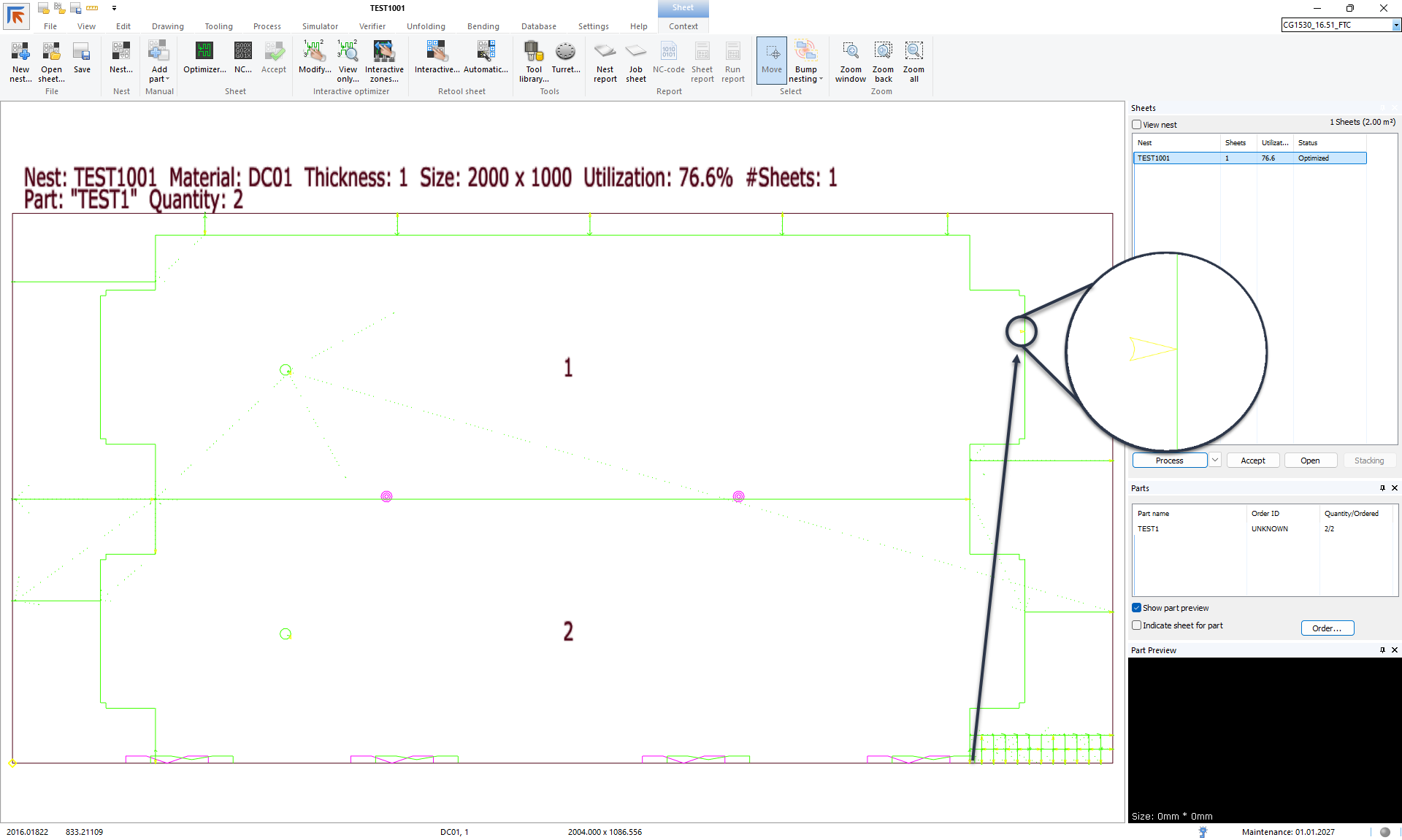
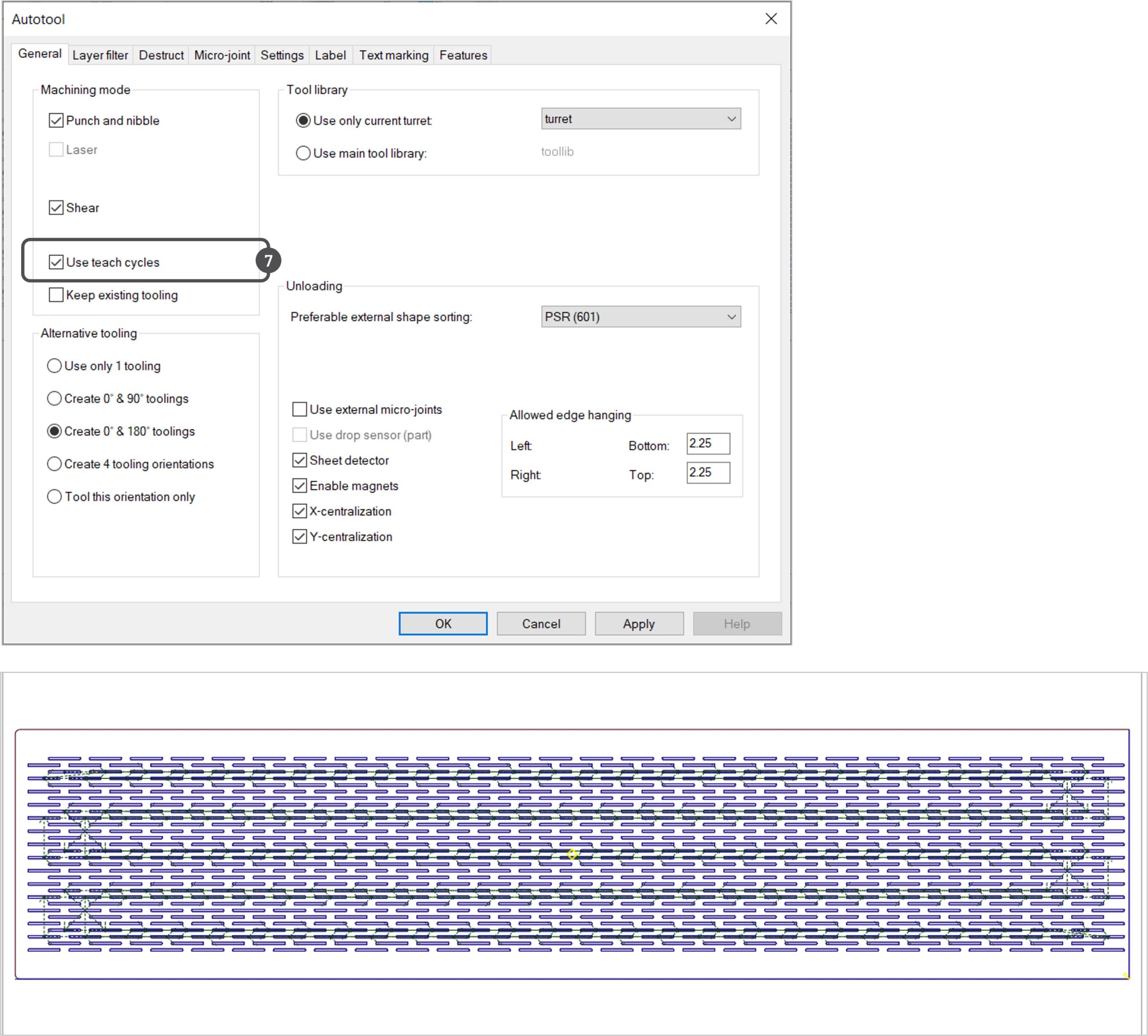
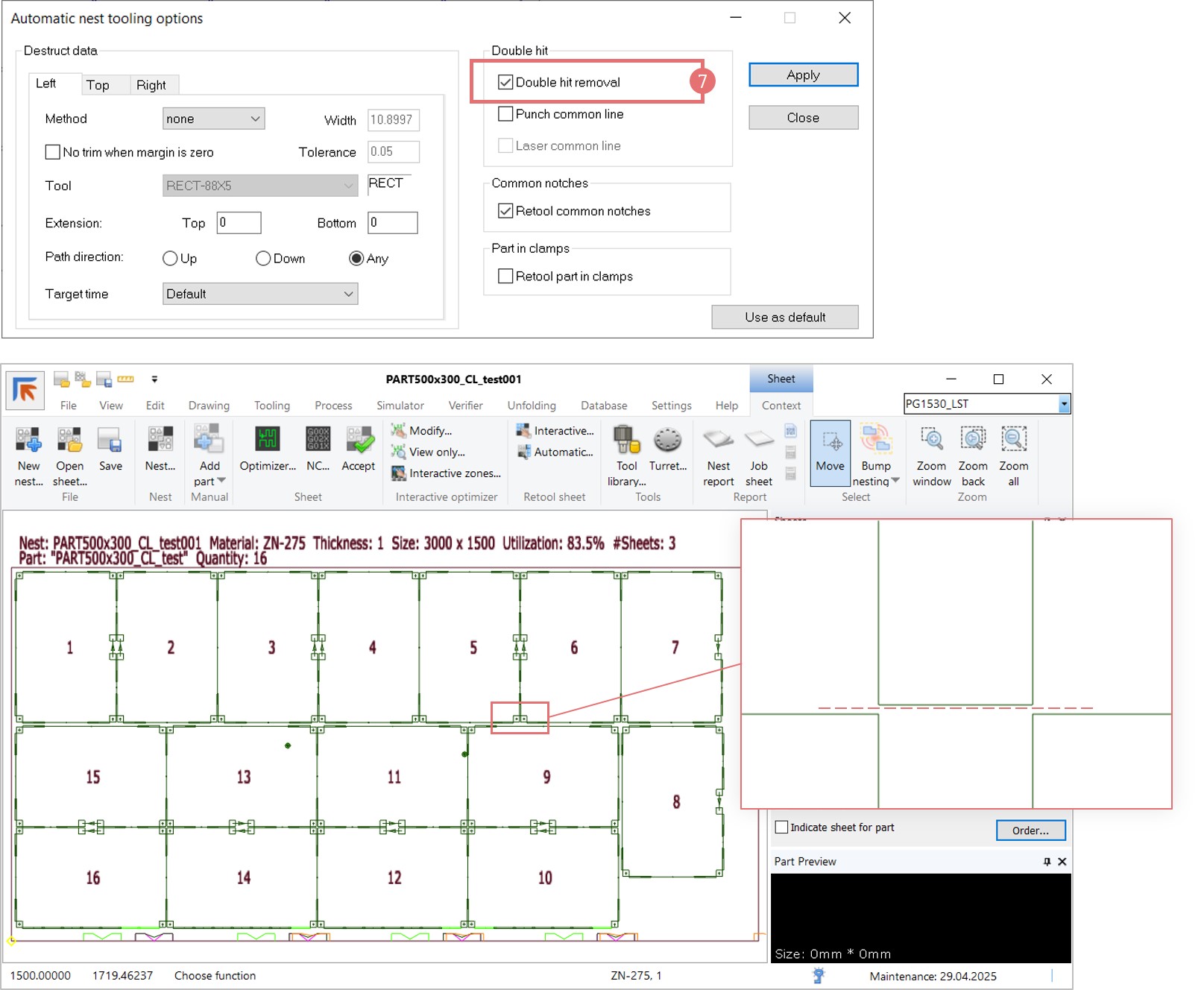
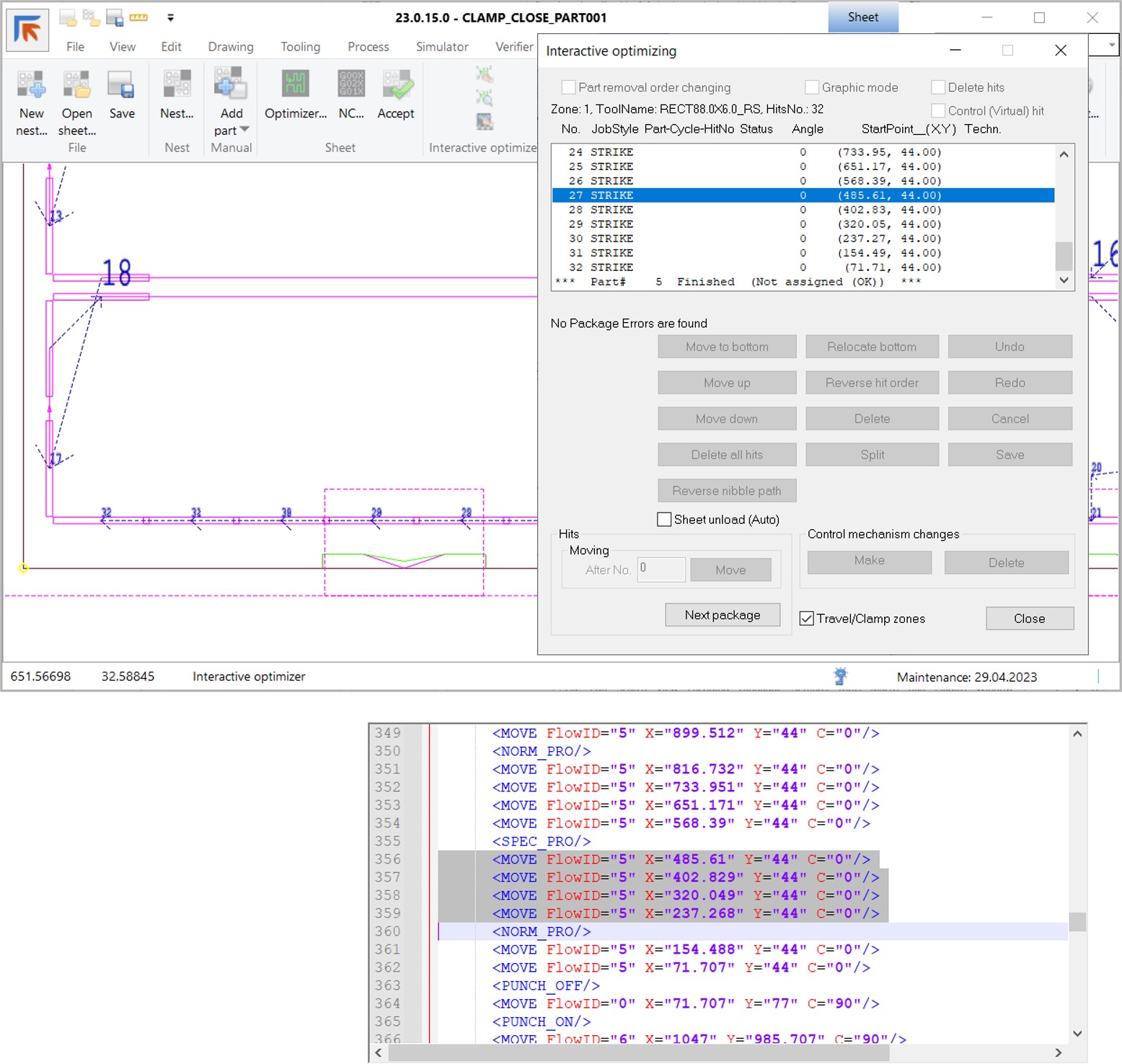
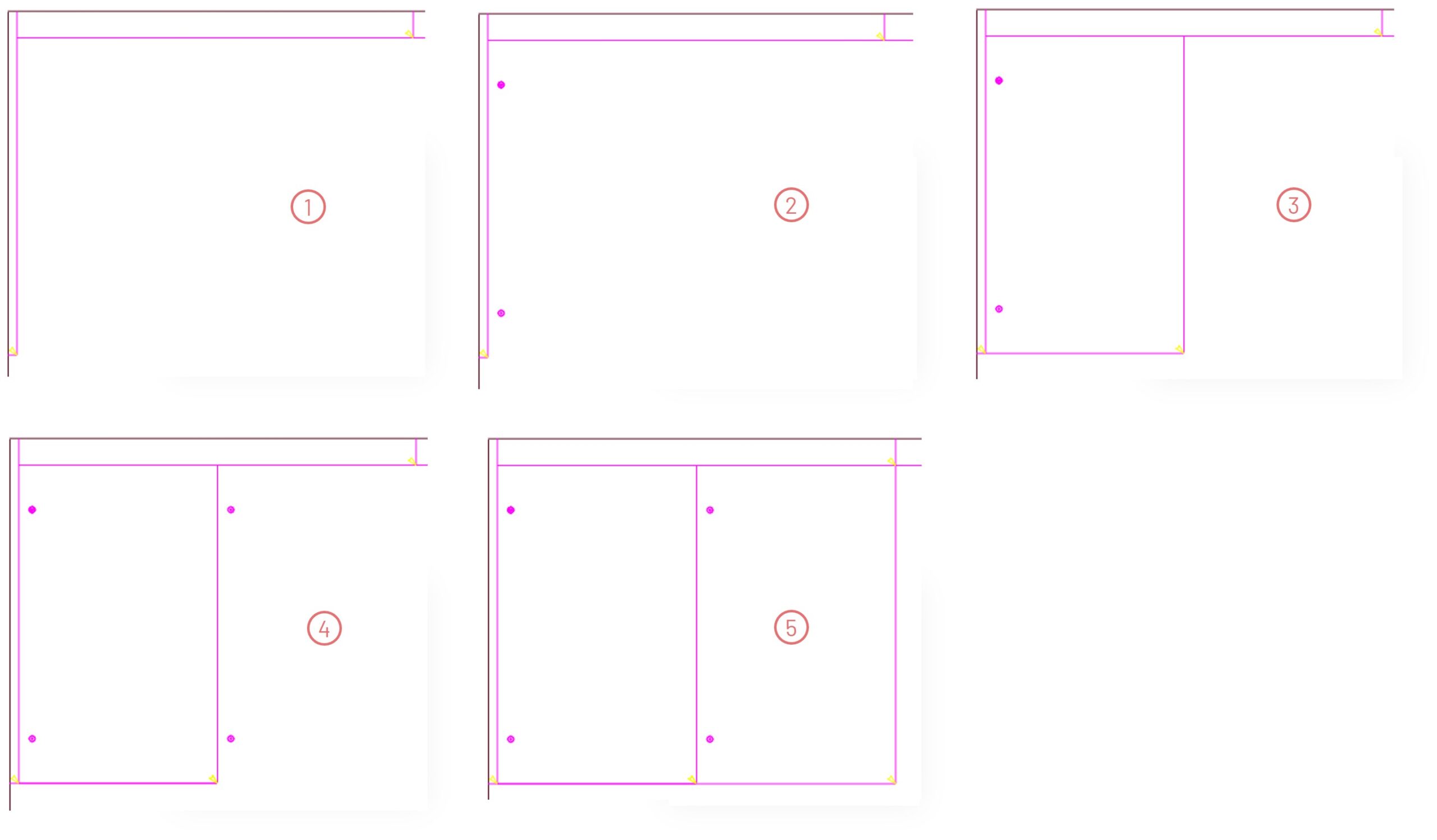
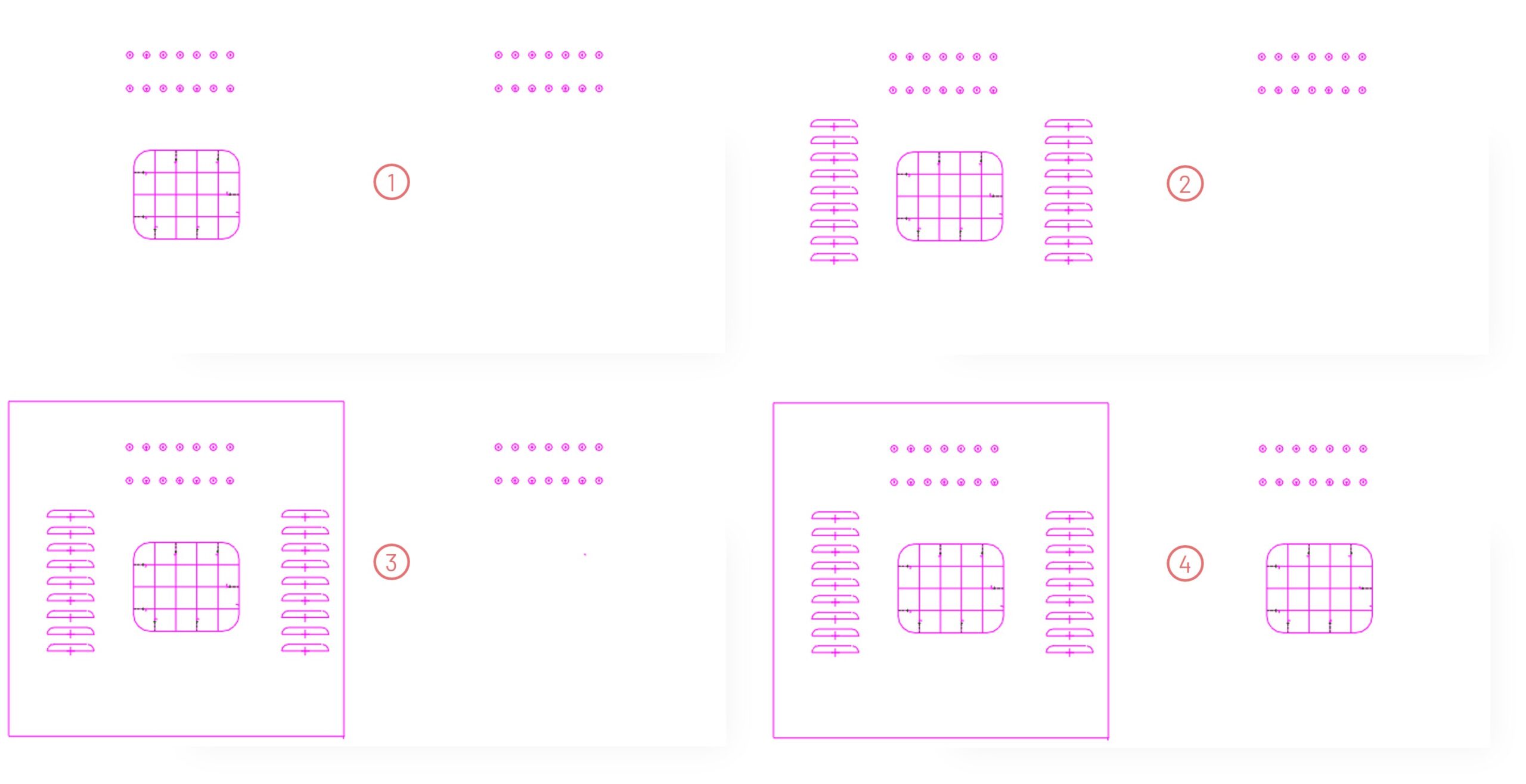
Automatic nest tooling can now delete hits that fall outside sheet boundaries, eliminating the need for duplicate tooling variants.
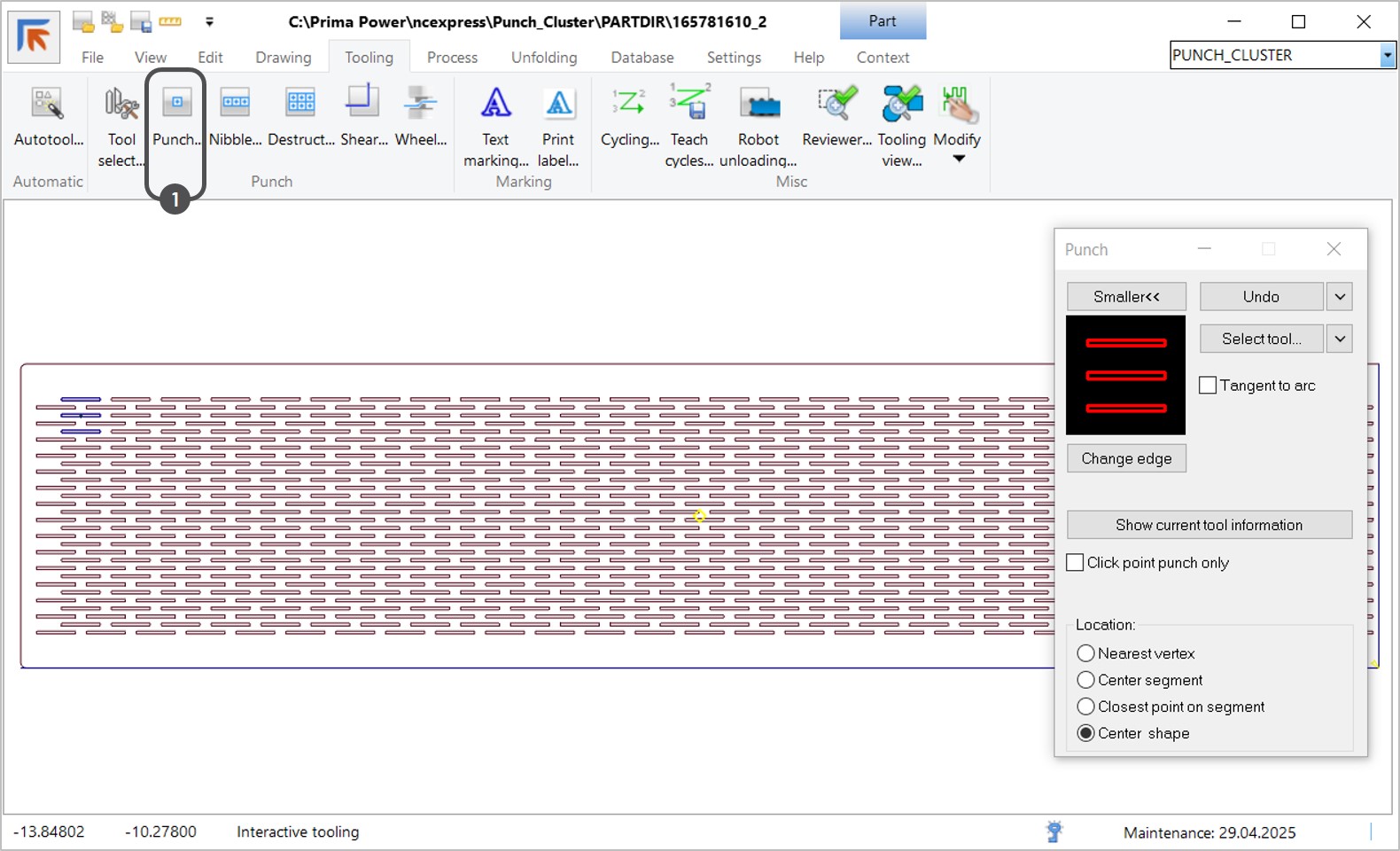
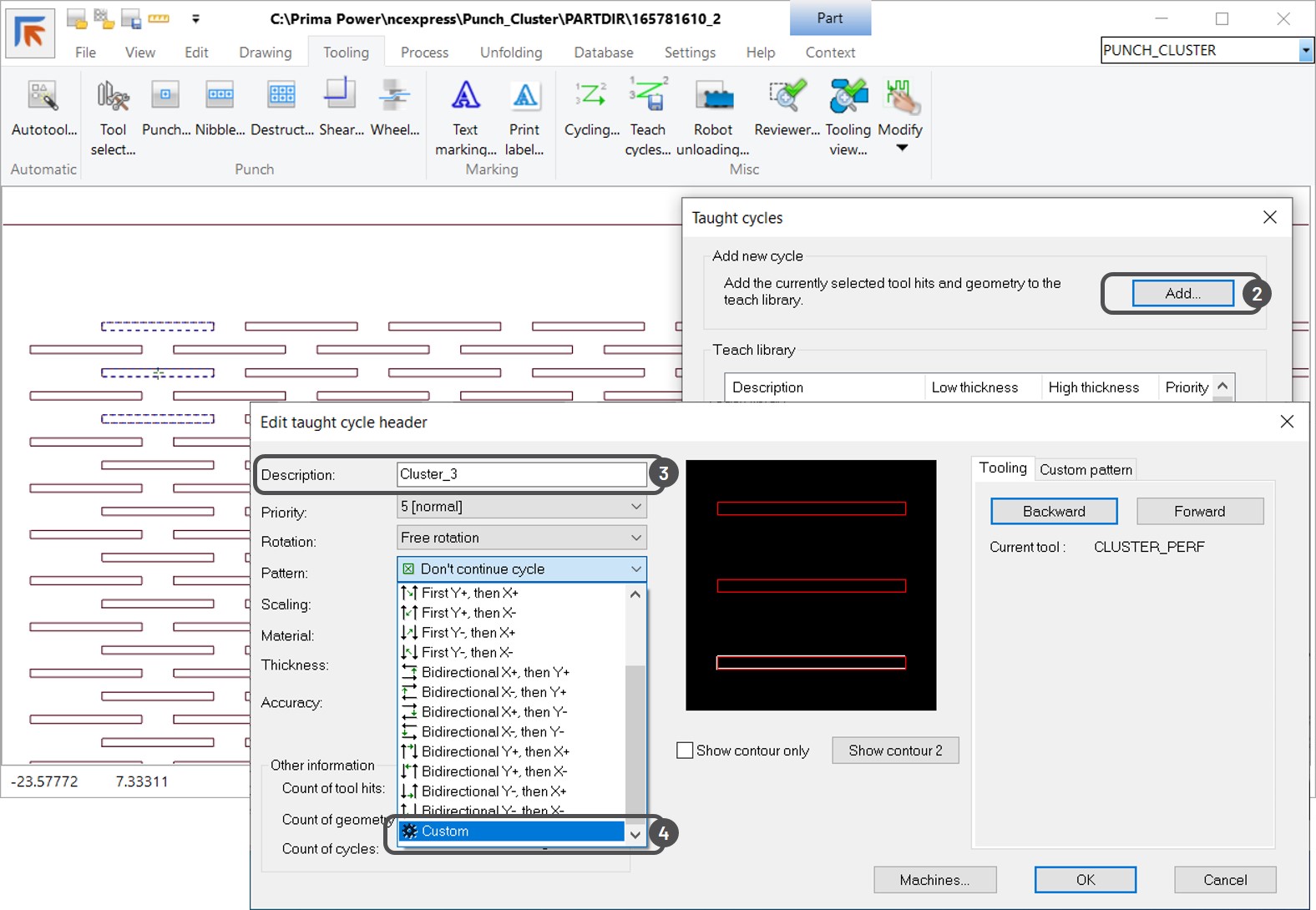
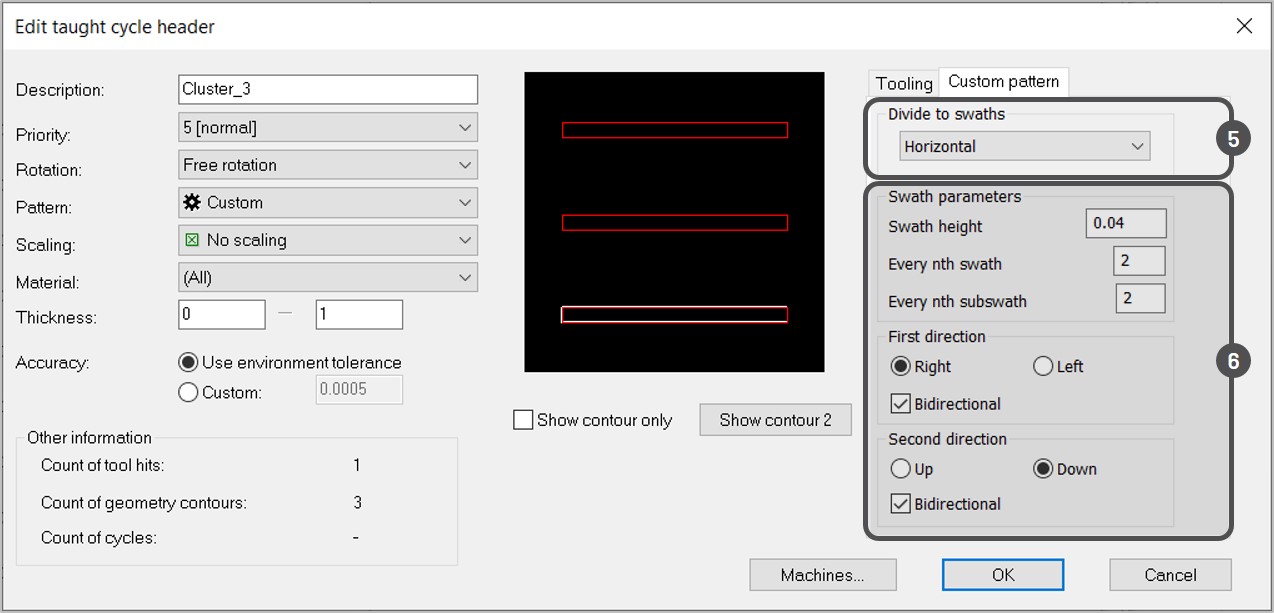
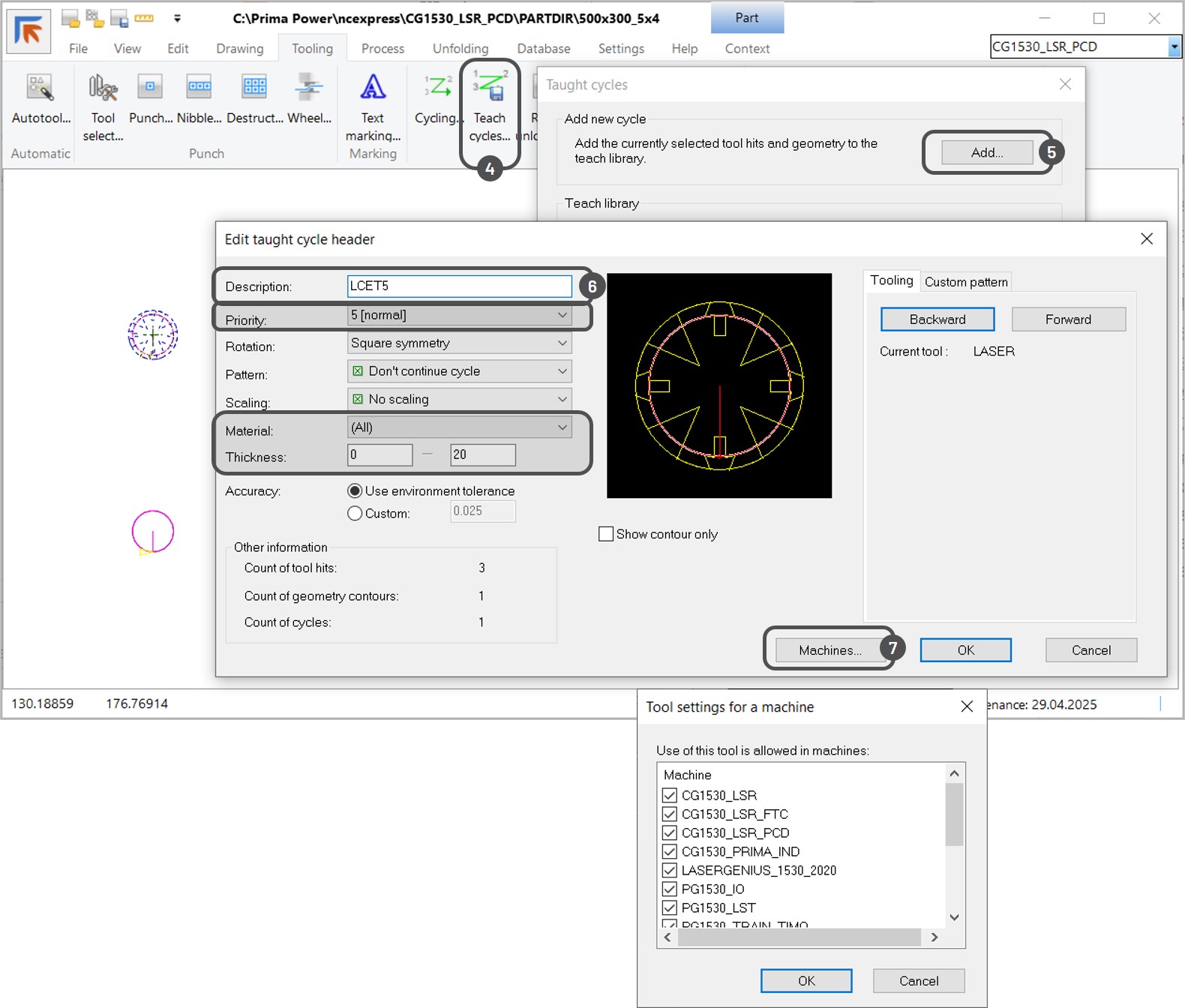
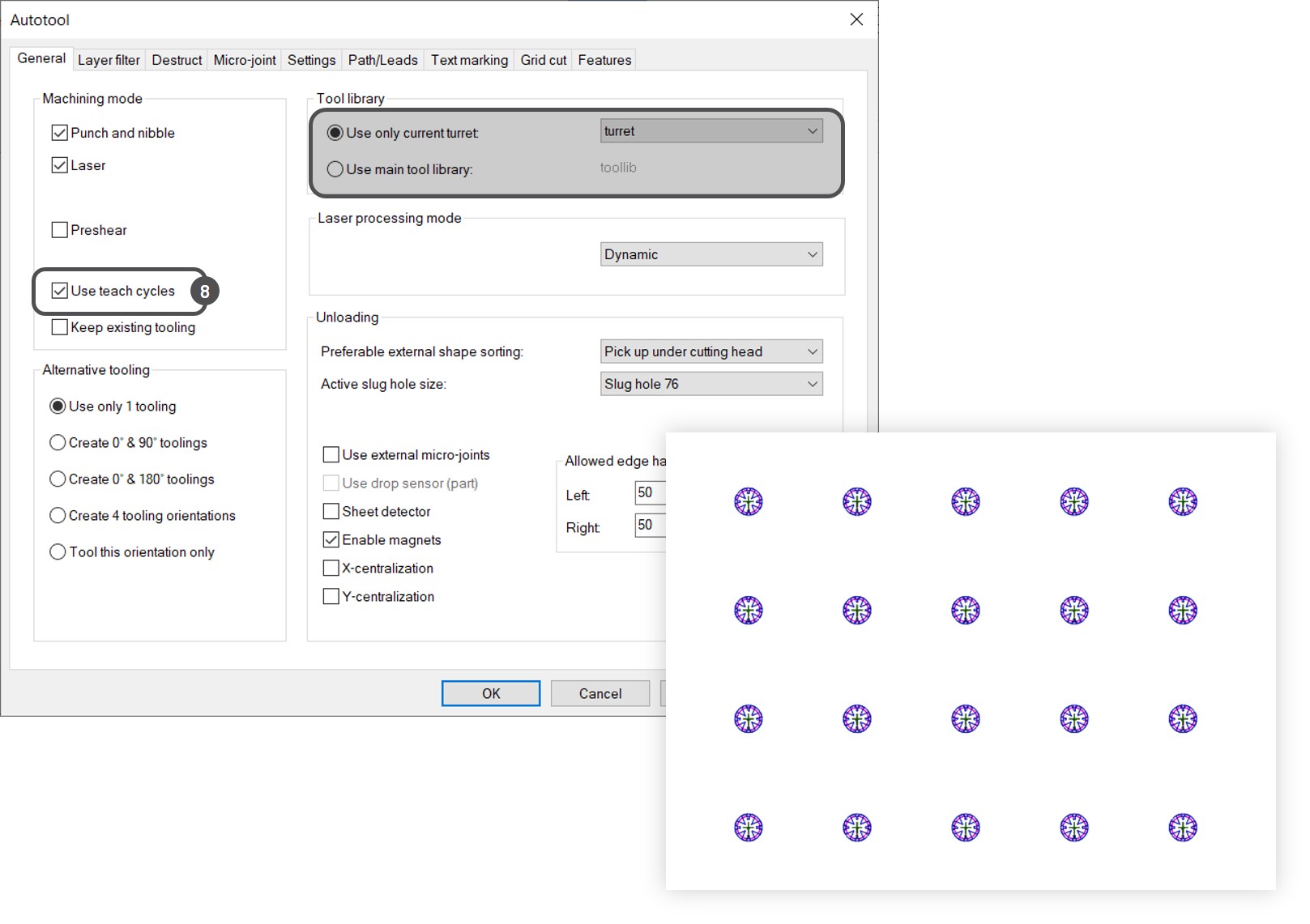
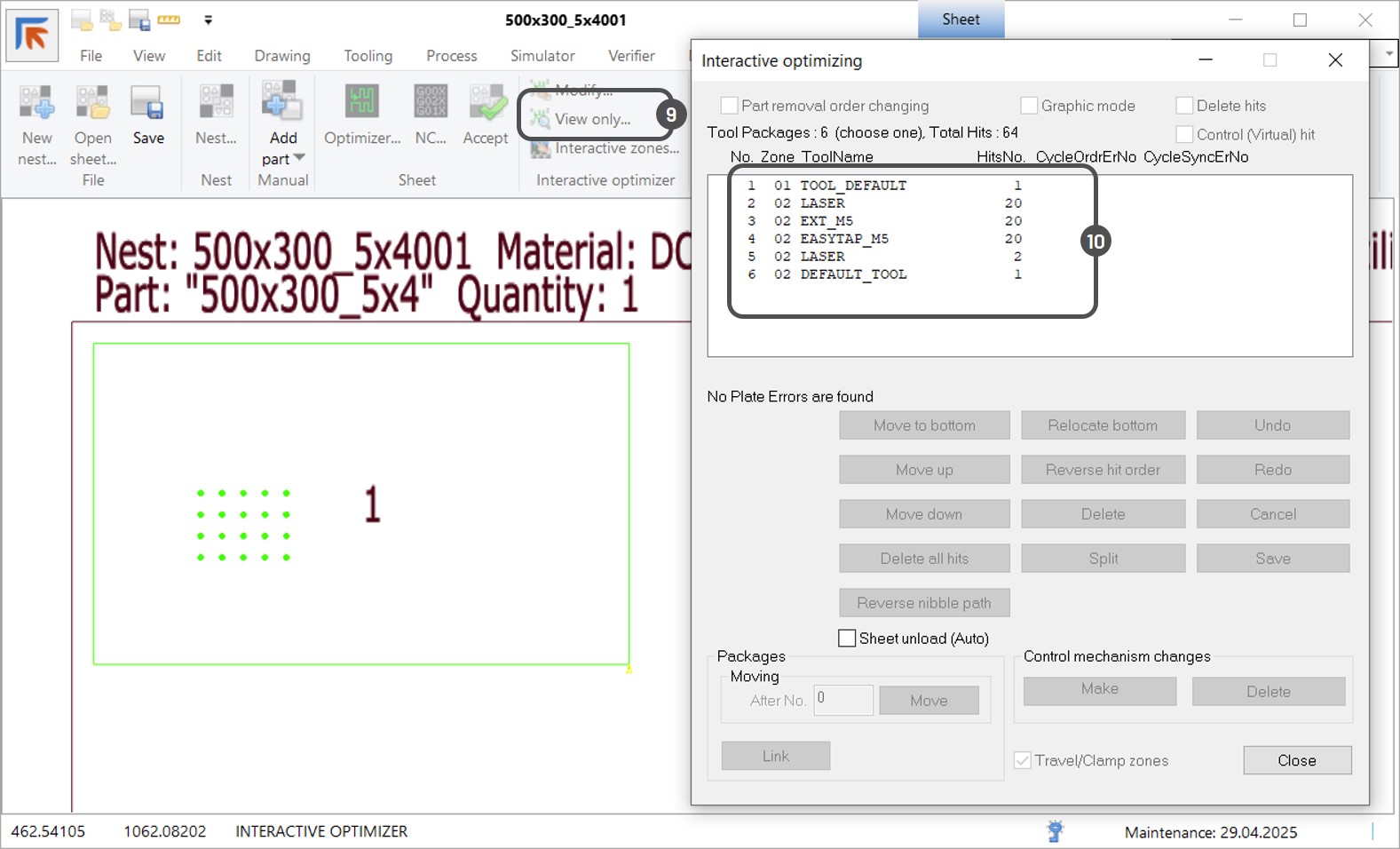
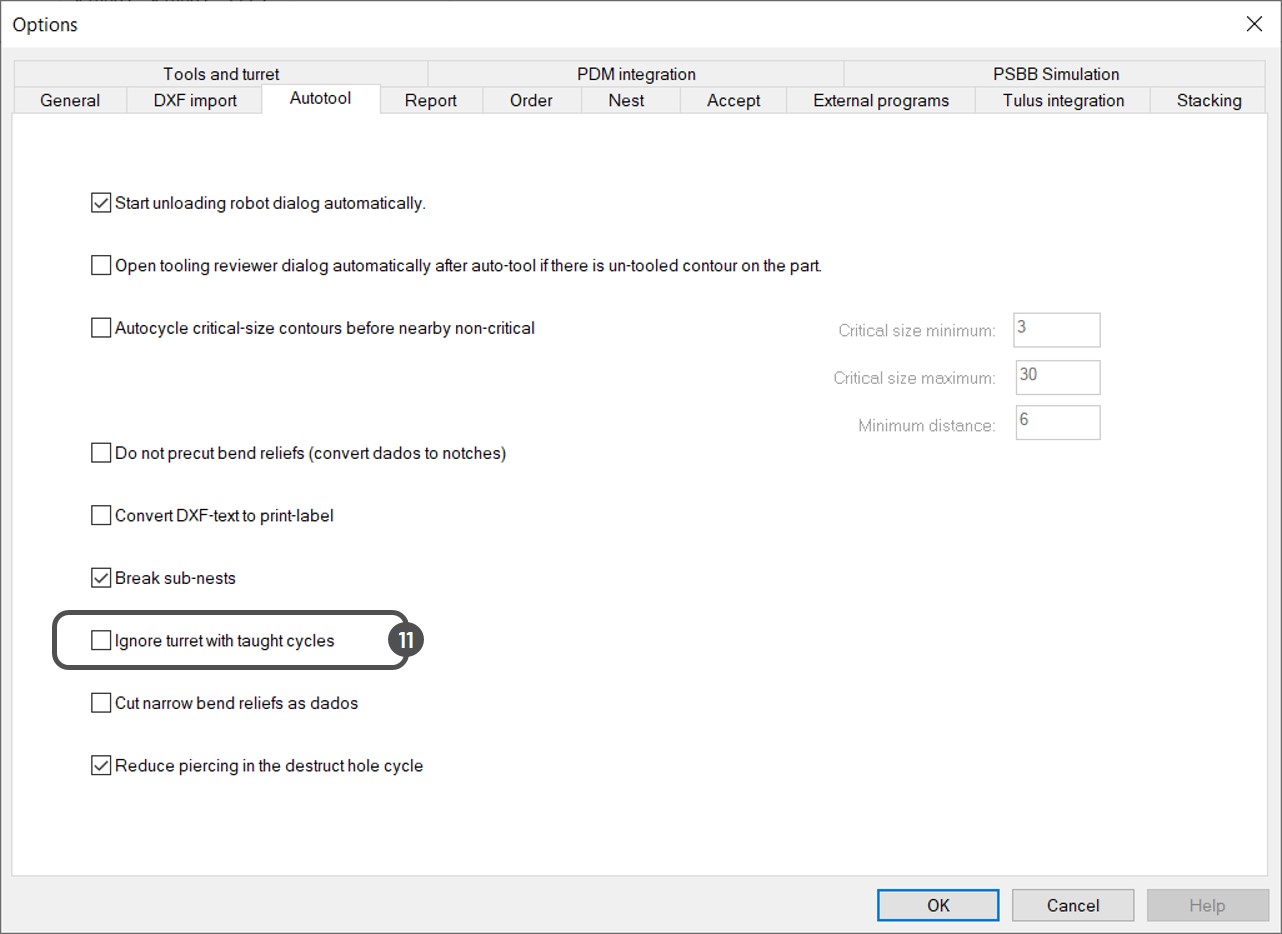
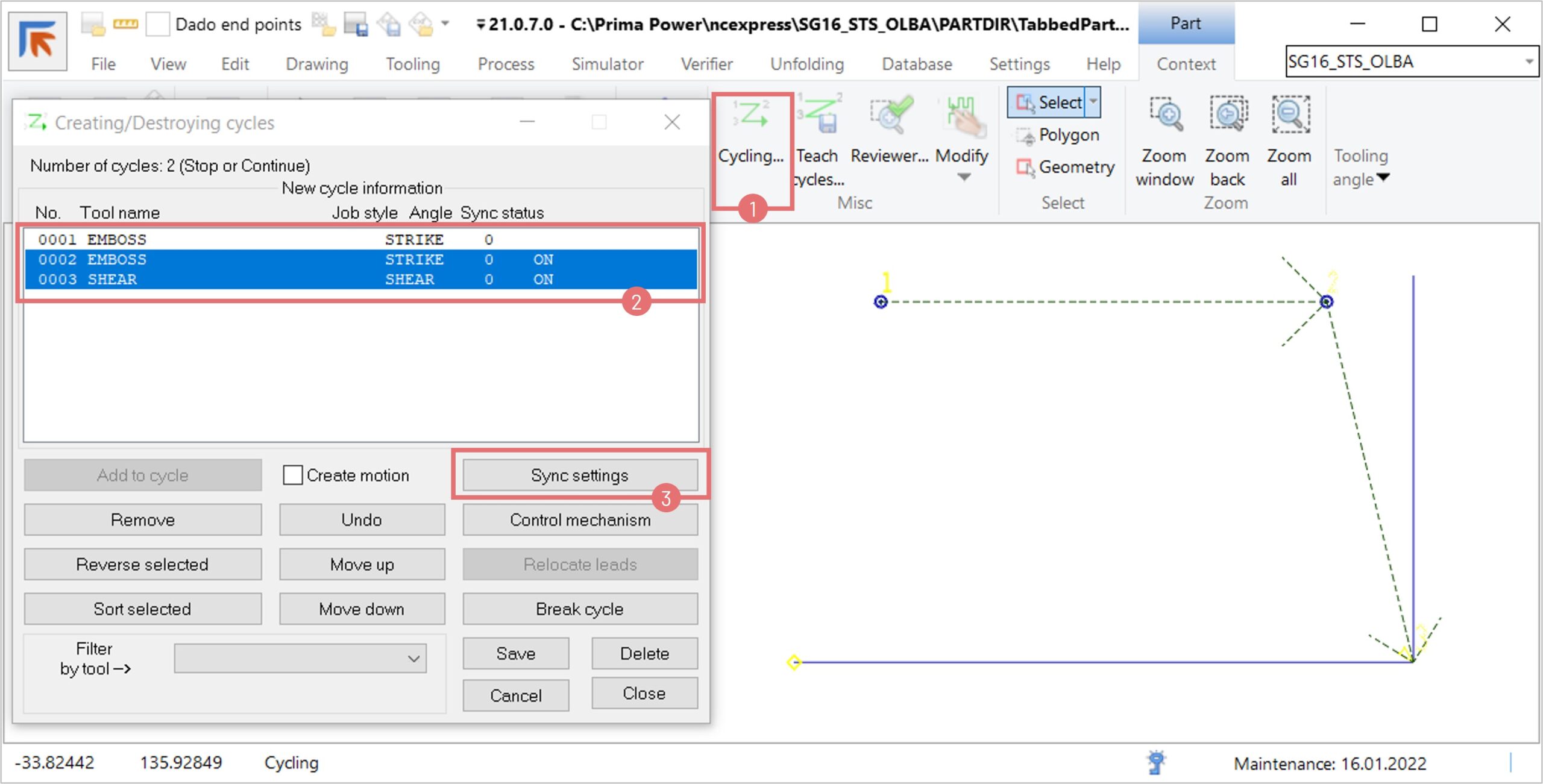
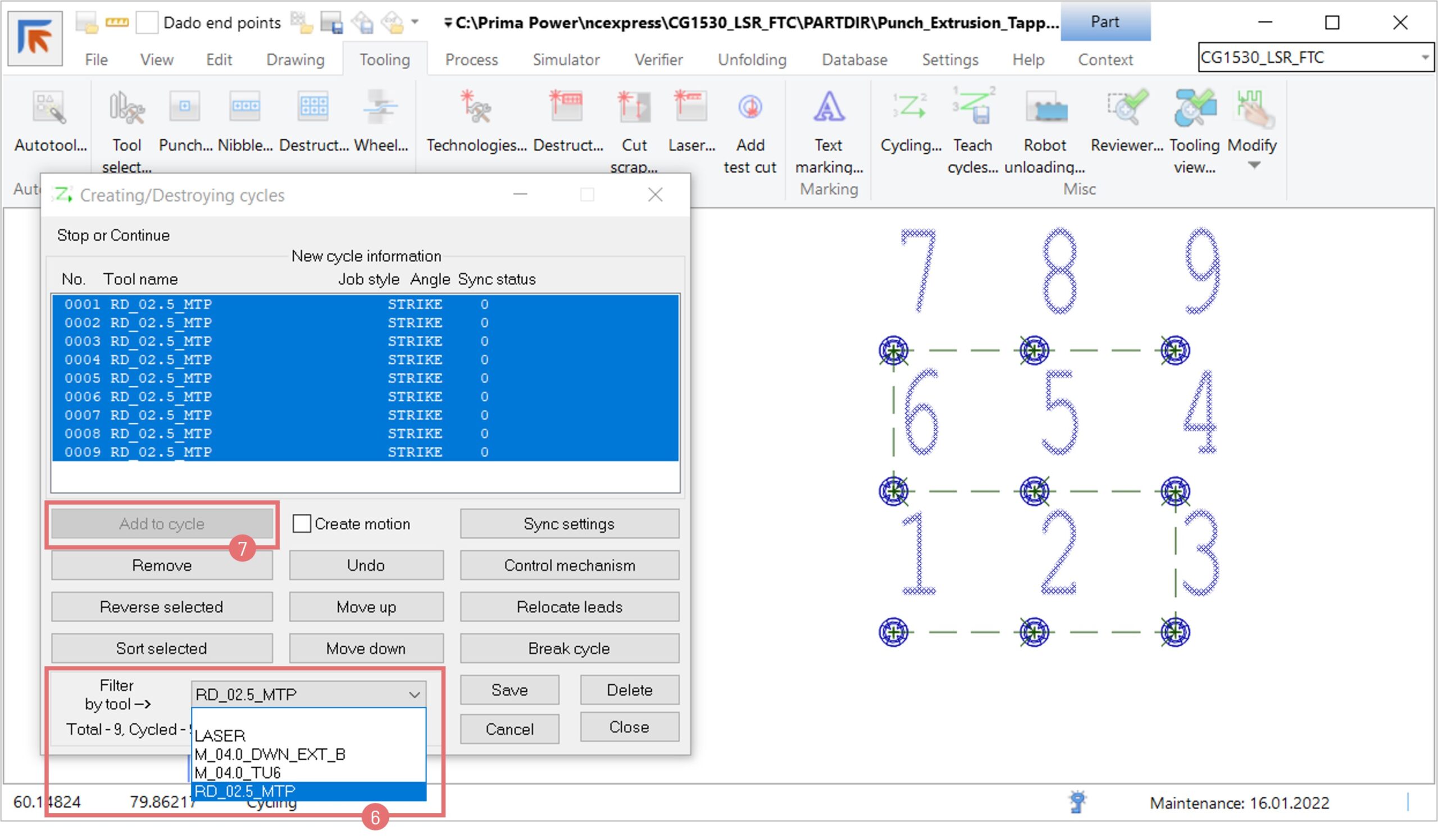
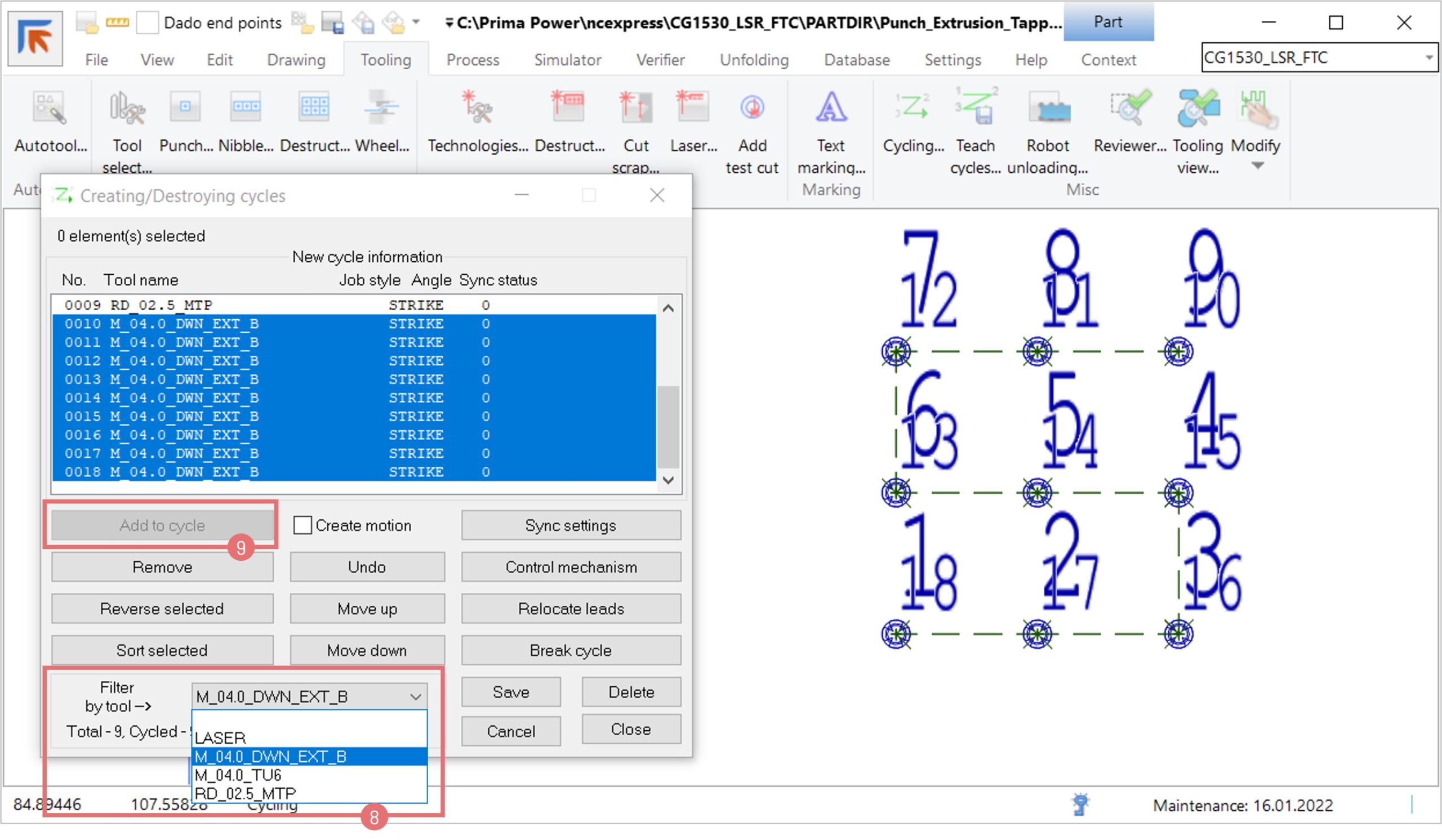
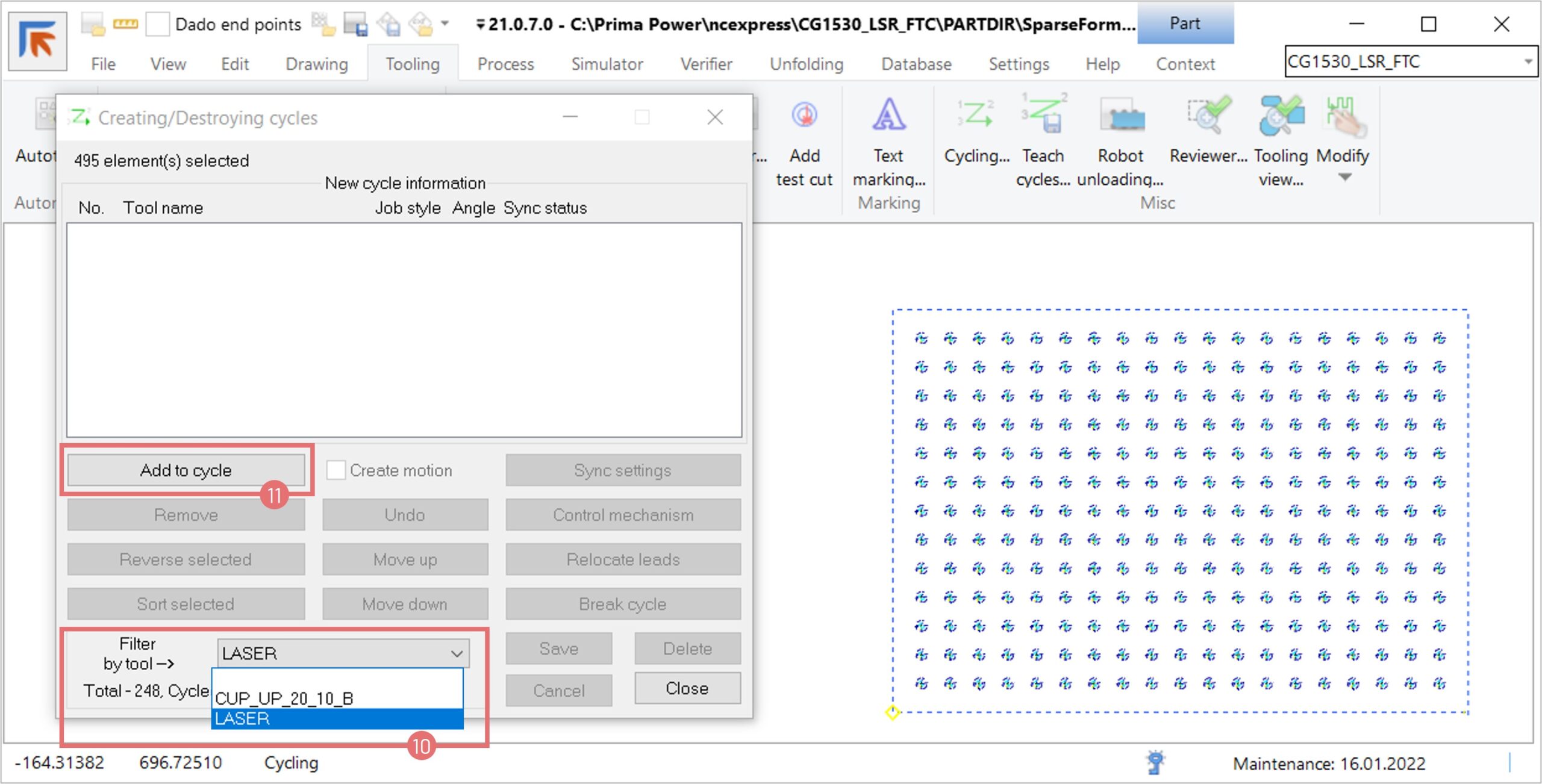
Edit Existing Taught Cycles
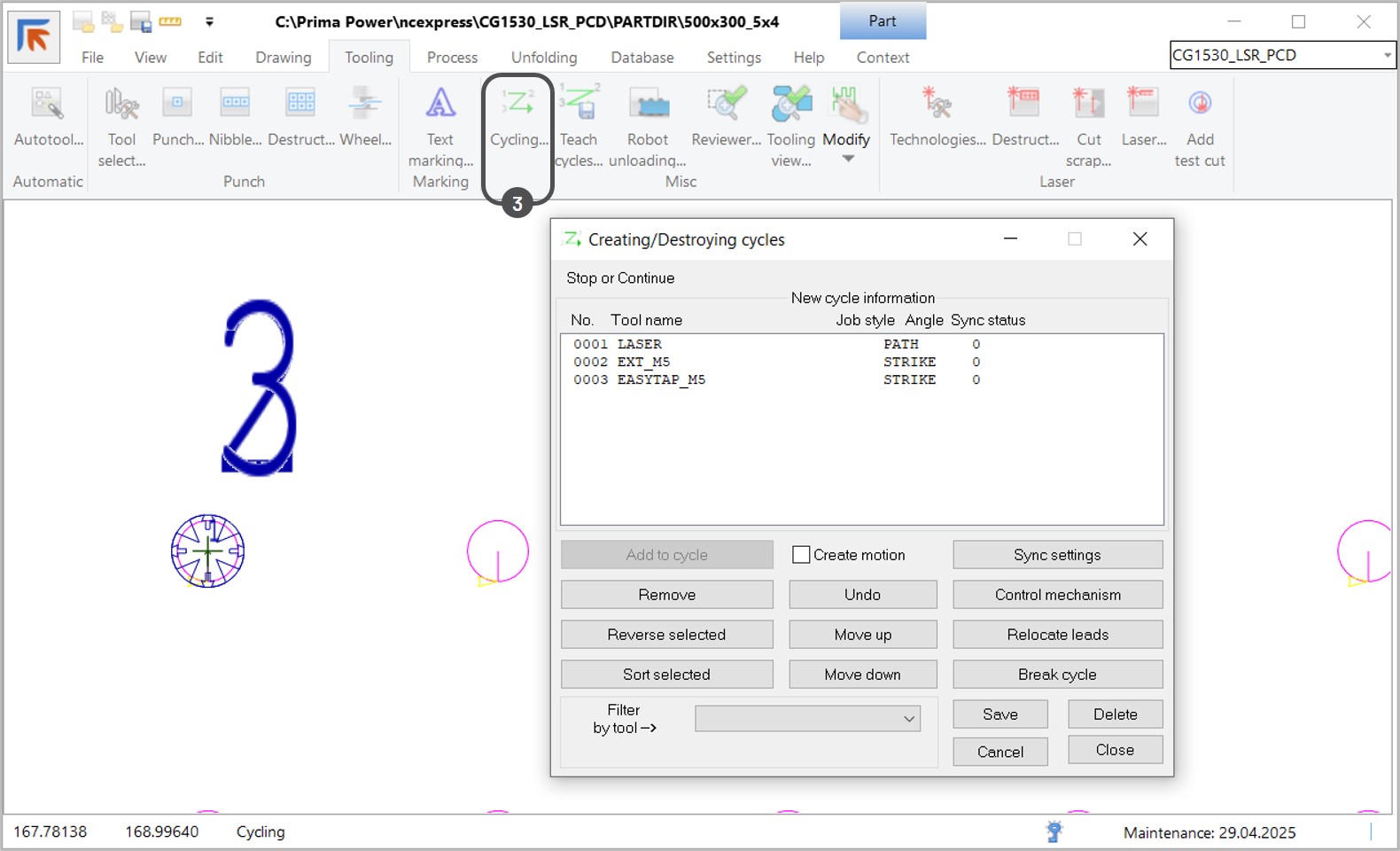
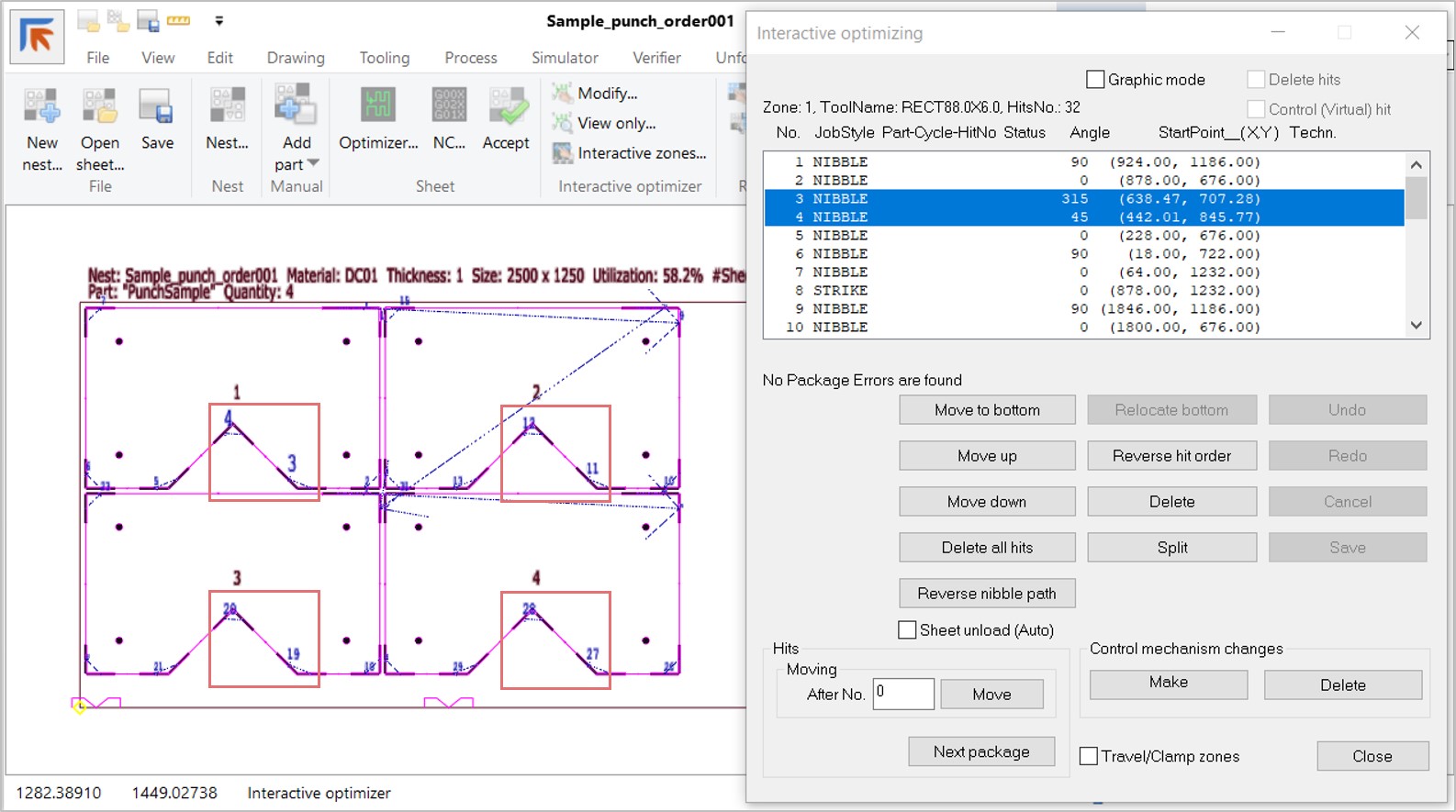
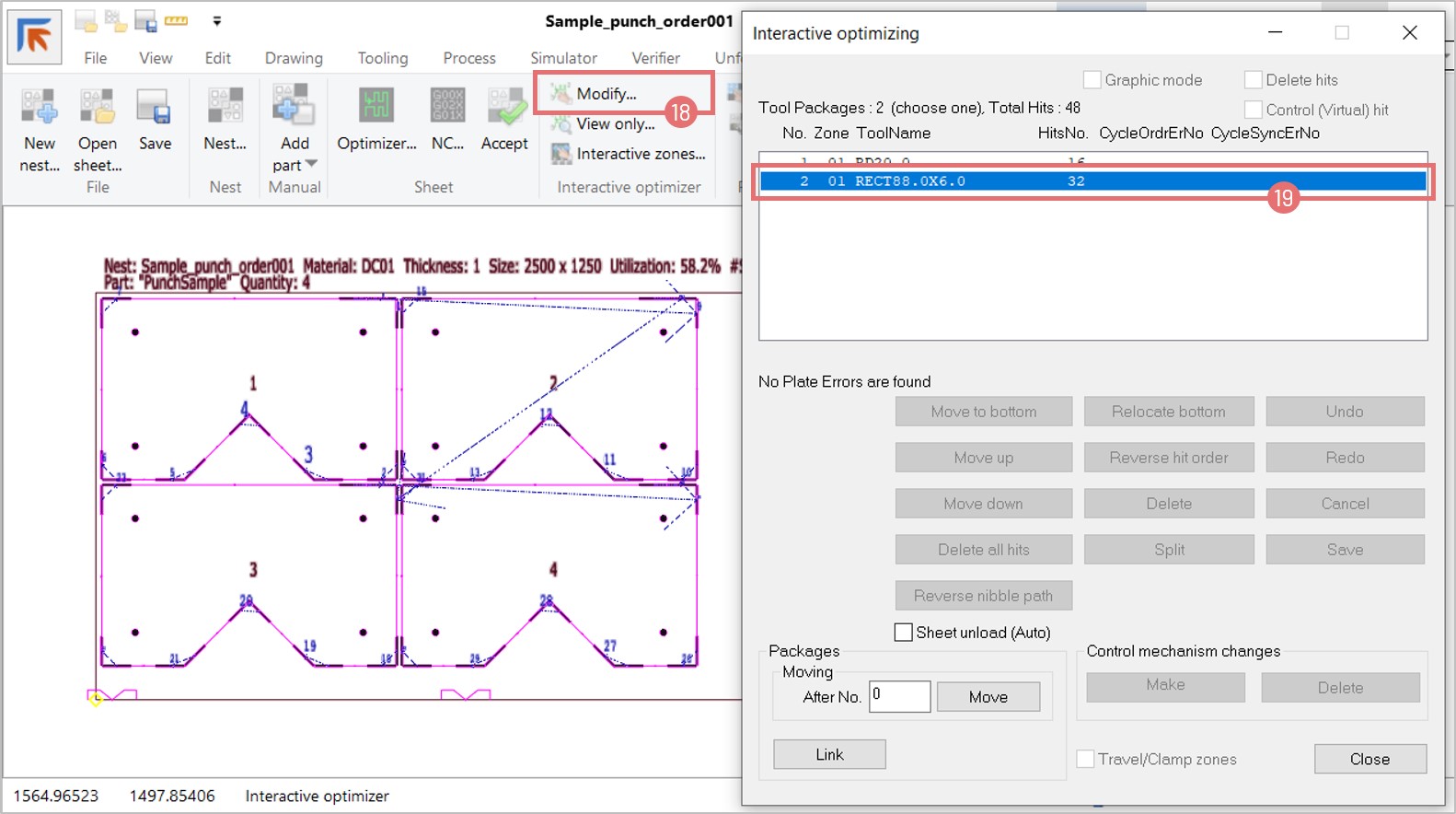
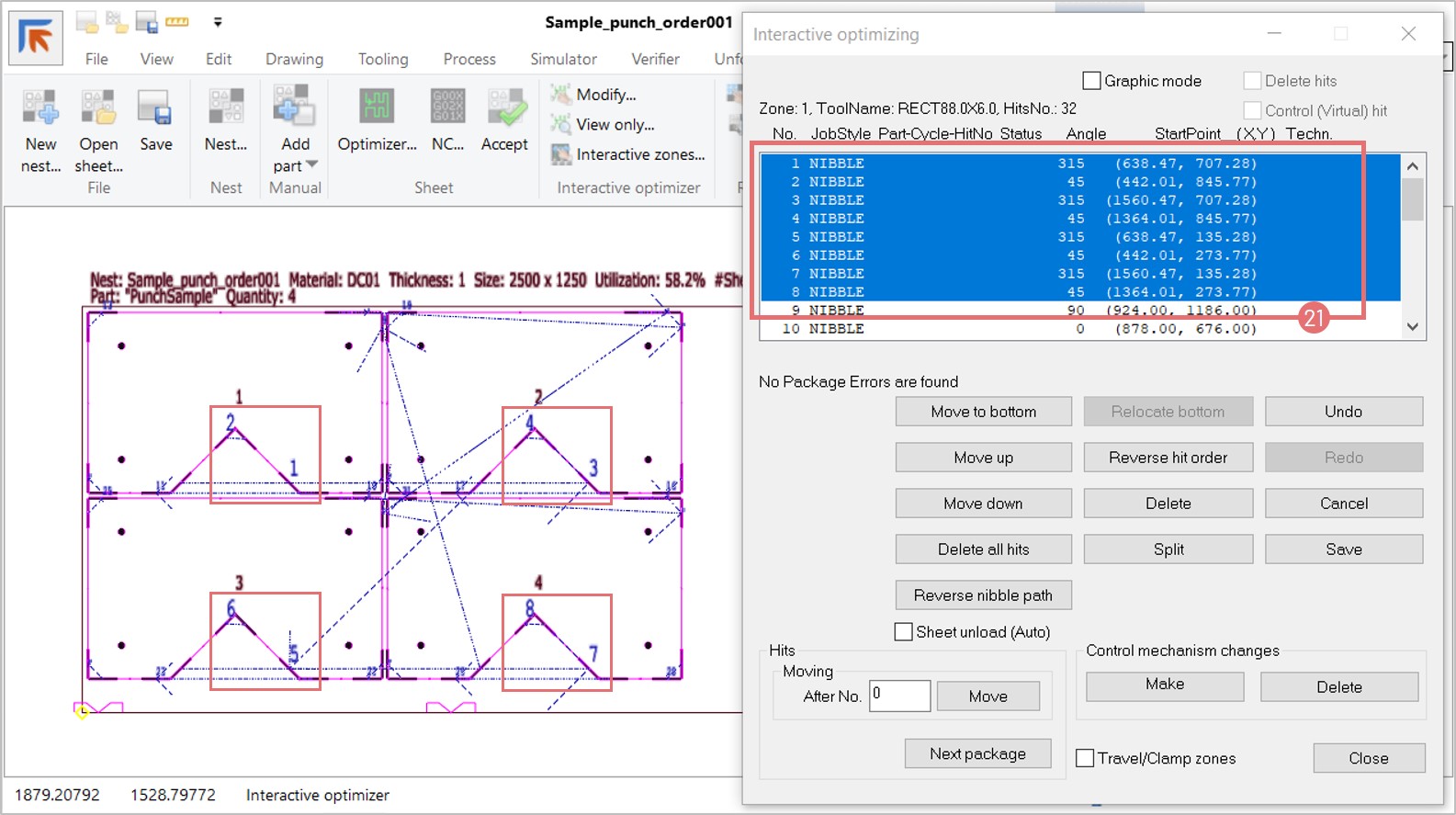
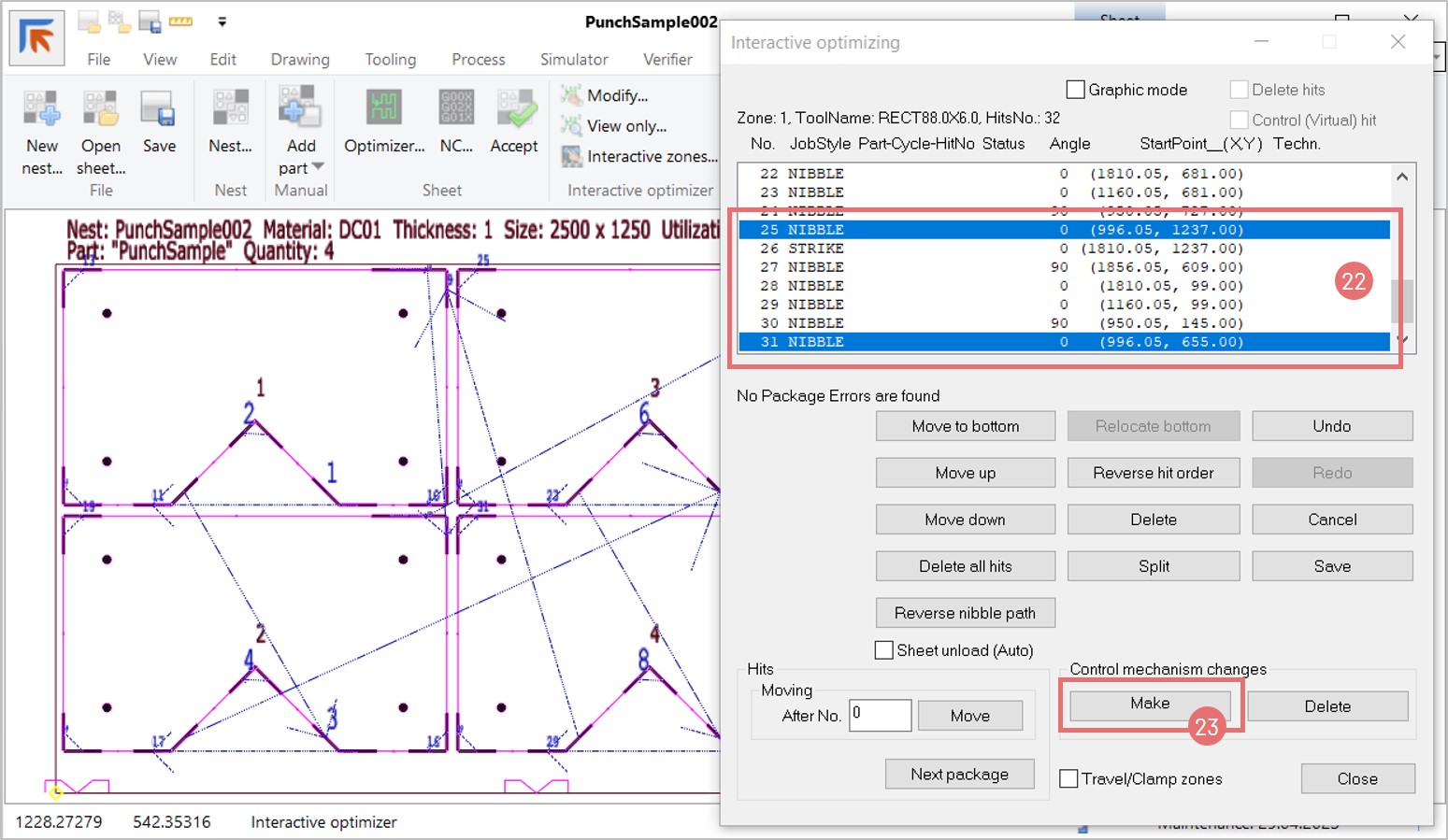
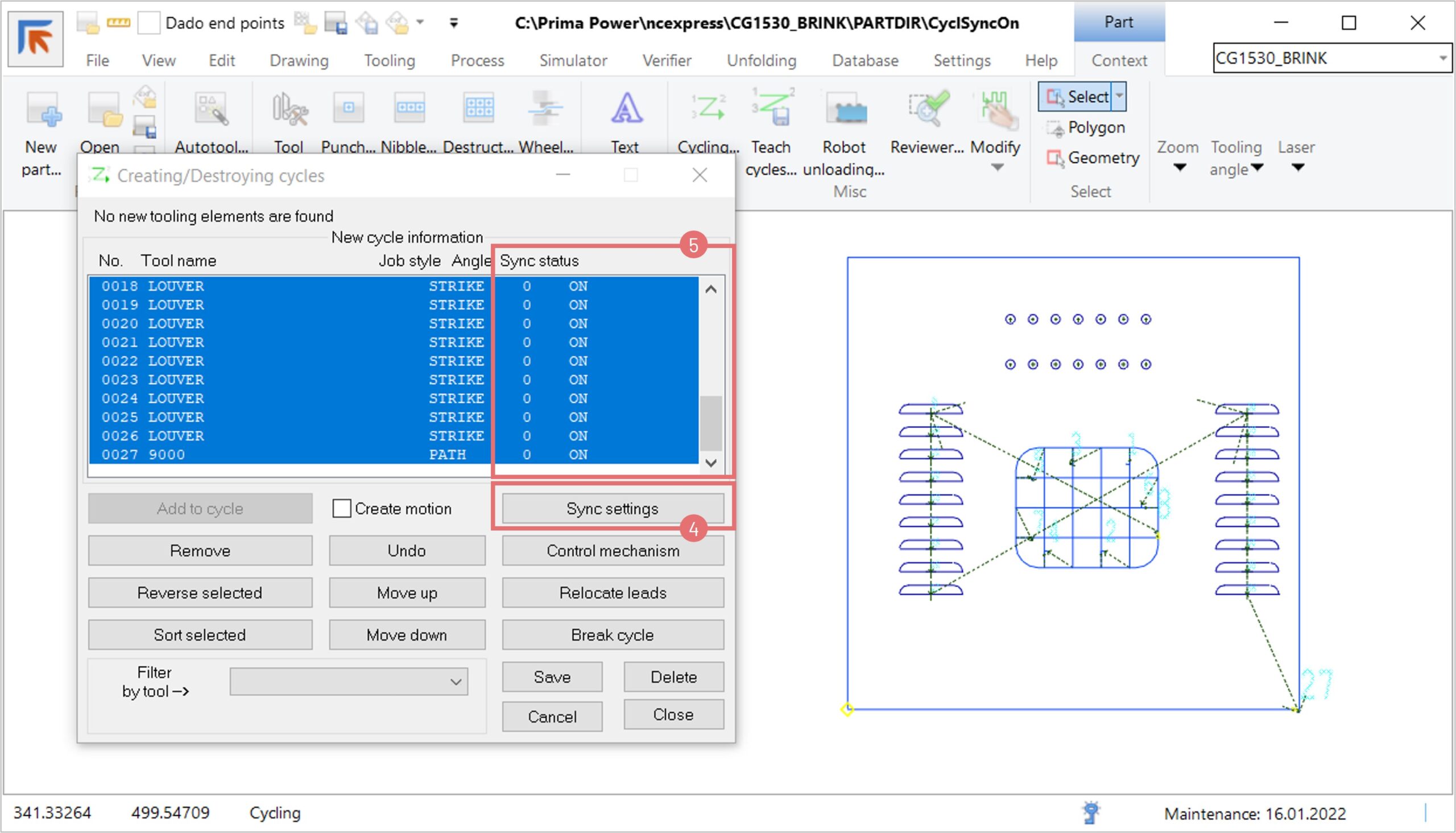
Users can now modify tooling associated with previously taught cycles instead of recreating them from scratch.
Punch-Shear
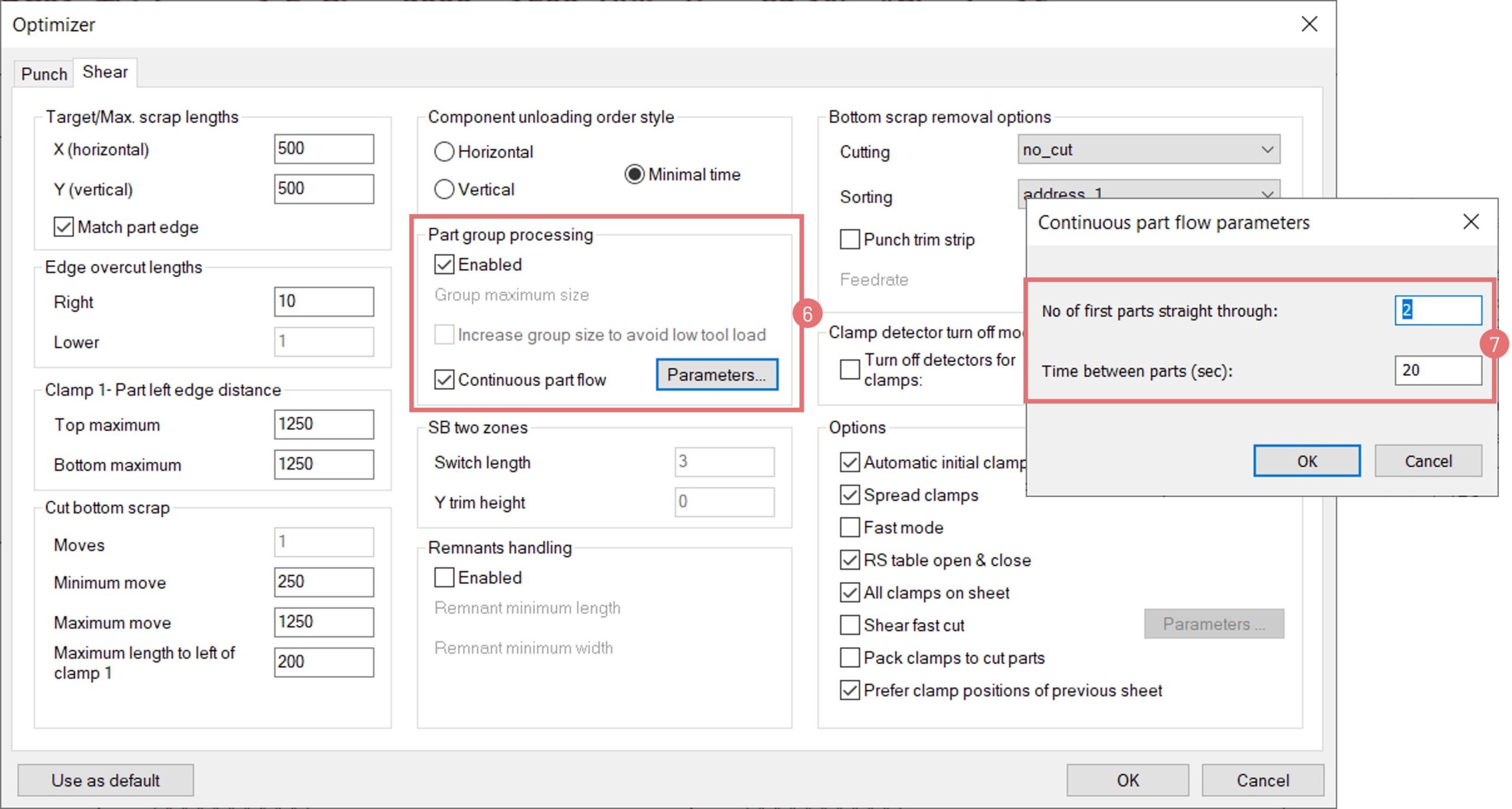
Adjustable Y Pull-Out
New parameter for SHEAR_CUT machines:
- Controls sheet release between shear cuts.
- Helps prevent thick sheets from catching on the X blade.
Usability Enhancements
3D Bend Sequence Overlay
Display bending sequence numbers directly on the 3D model.
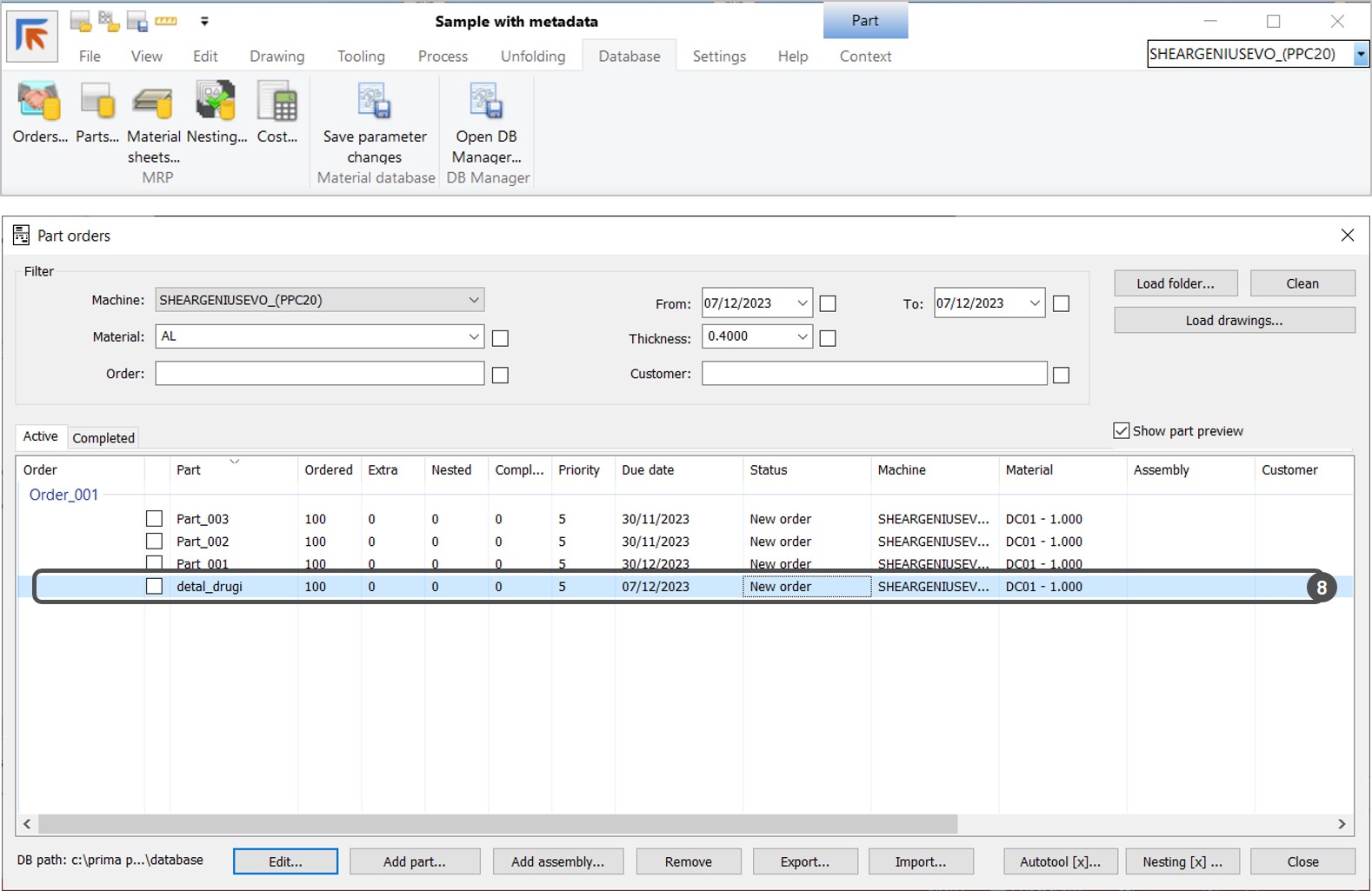
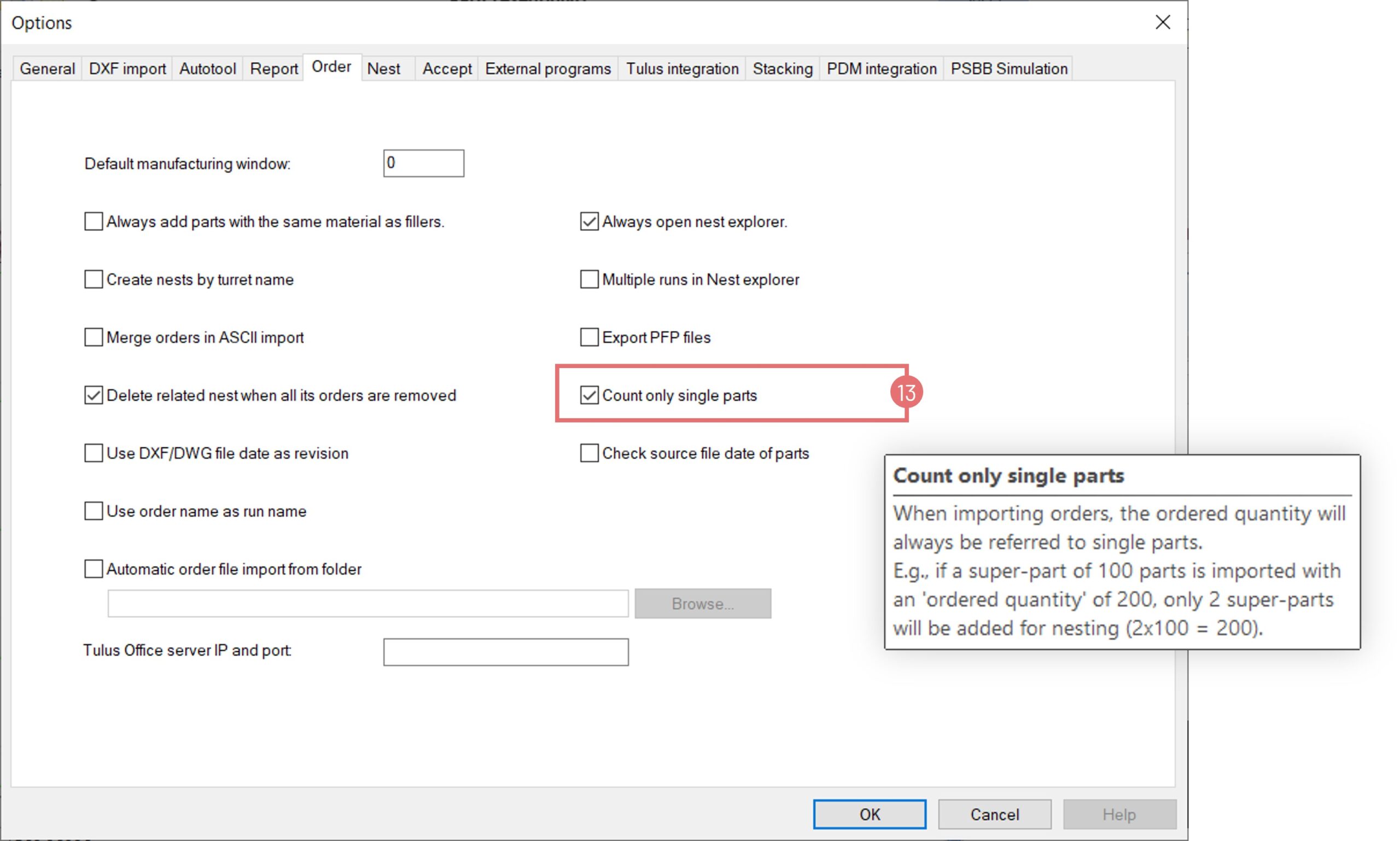
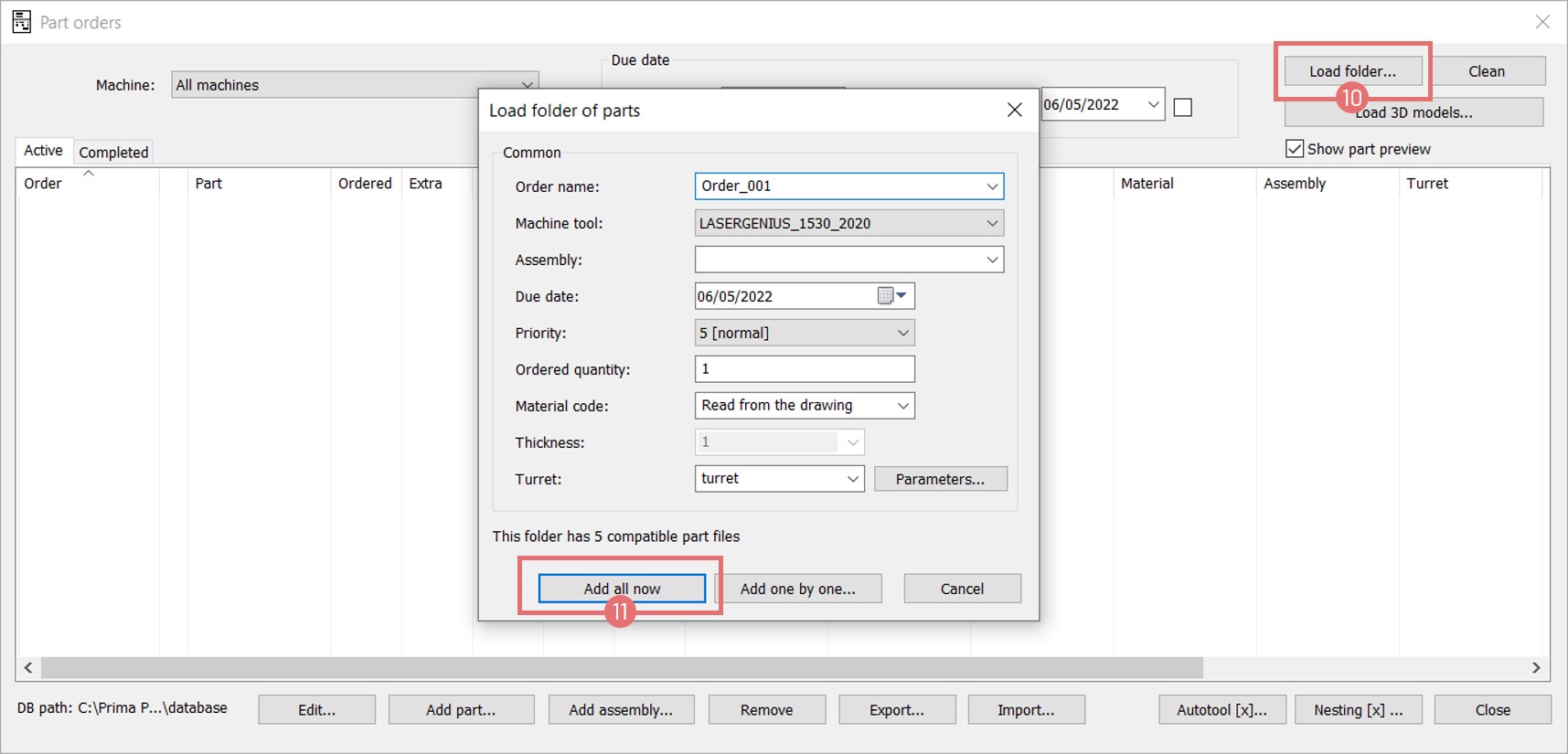
Order Database Improvements
New support for:
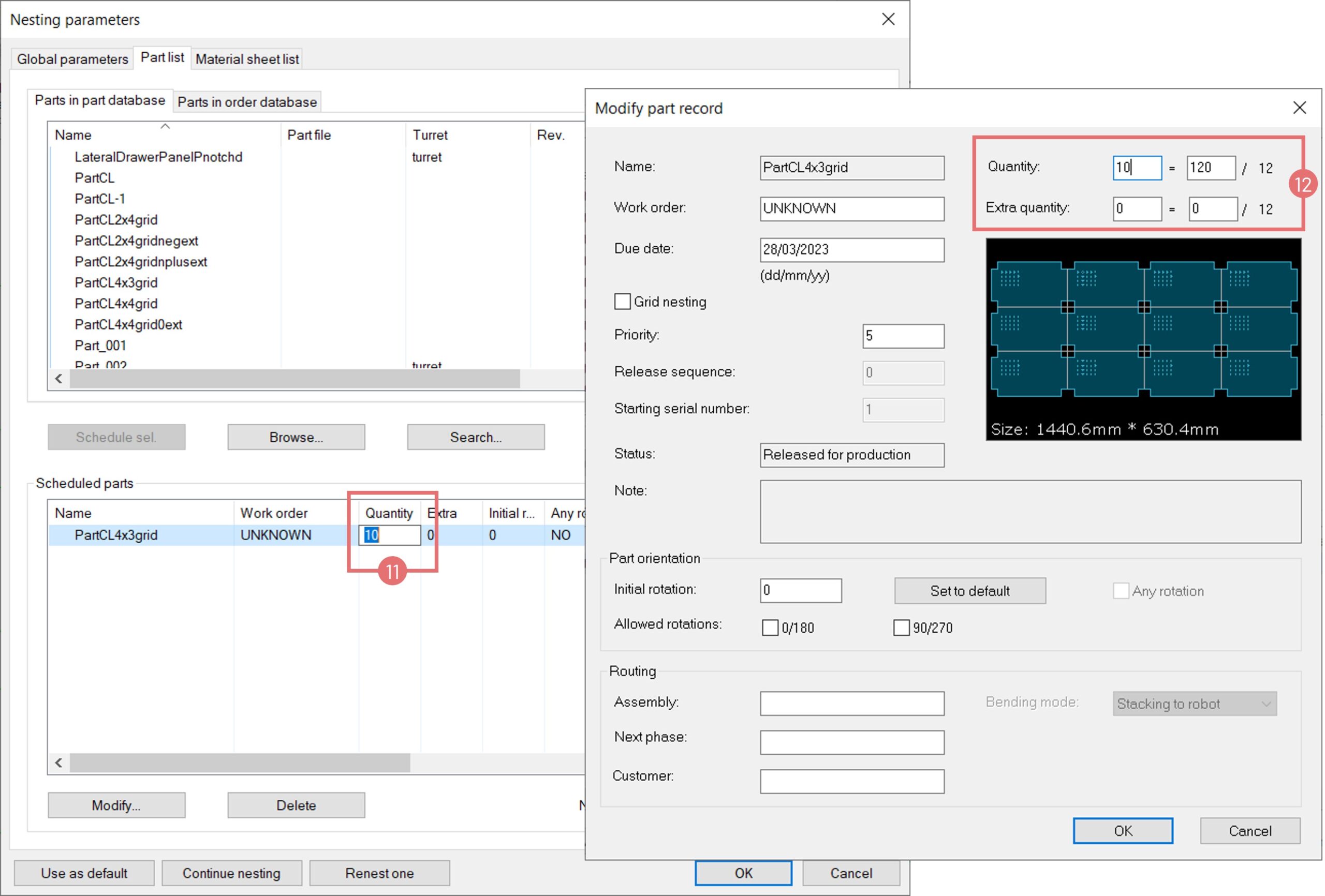
- Multipart assignment.
- Automatic multipart matching.
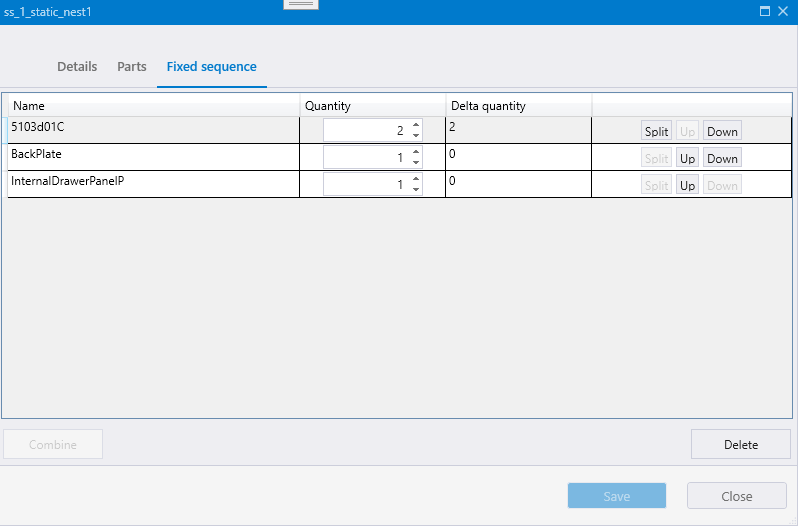
- Static nests containing ACP multiparts.
- Displaying Formings information in Orders.
Platform Support
Windows & 64-bit Transition
- Supports Windows 7 through Windows 11.
- NC Express 26.1 is available only as a 64-bit application.
- Version 25.2 was the last release offering both 32-bit and 64-bit builds.
- Integrated software using ParaNCX must also be migrated to 64-bit.